How to transfer DVD to MP4/Google drive/USB/Cloud and other digital format?
With the advancement of technology, DVD ROMs have become a thing of the past, being replaced by the more convenient and storage-friendly digital file format, MP4. However, many valuable videos and records are still stored on DVDs. So, how can you convert DVDs to MP4? This article will introduce 7 DVD to MP4 software options available online, comparing their pros and cons, and teaching you how to convert with ease!
What is DVD ROM?
DVD stands for Digital Versatile Disc, a type of optical disc storage format. It can be used to store digital data, including movies, music, photos, and software. DVDs have a larger capacity compared to CDs, allowing for the storage of more data. DVD ROM (Read Only Memory) refers to a type of DVD that can only be read, commonly used for storing entertainment media such as movies and music.
Functions of DVDs
The main function of DVDs is to store and play videos. They are commonly used for storing movies, TV shows, and other media, supporting various resolutions and video formats. DVDs also support multiple audio formats, such as Dolby Digital and DTS, and provide interactive features like menus and subtitles. Additionally, DVDs can be used to store computer data, often used for backing up media files and important documents.
Why Convert DVDs to digital format like MP4?
Since the rise of smartphones, tablets, and other devices, digital file formats have become popular and gradually replaced DVDs as the mainstream choice. MP4 is a widely supported digital file format that can be played on various devices, including computers, smartphones, and tablets. It can also be easily shared with multiple people over the internet. There are several benefits to converting DVDs to MP4:
- Convenient playback: DVDs require specific disc drives for playback, but many devices like phones, computers, and tablets no longer come with built-in disc drives. Converting to MP4 allows for convenient playback on various devices.
- Space-saving: DVDs have large storage capacity, while MP4 format can compress video and audio, reducing file size and saving storage space.
- Easy transfer: MP4 format can be easily transferred through email, cloud storage, USB, and other methods.
- Easy editing: MP4 format can be edited using various video editing software for tasks like cutting, merging, and adding subtitles, facilitating post-production work.
How to Preserve Precious Photos and Videos from DVDs?
As old DVDs become difficult to read, besides using online conversion software on your own, you can also use Capture HK's digital media digitisation service to digitise them and store and categorise them using Google Photos, making it convenient for future review!
Comparison of 7 DVD to MP4 Conversion Software
There are different conversion software available online. Let's compare their advantages and disadvantages.
1. WinX DVD Ripper Platinum
WinX DVD Ripper Platinum is designed for DVD conversion. It supports all types of DVDs, including encrypted discs. It allows for chapter selection and provides basic video editing functions. It also supports embedded and external subtitles, hardware acceleration, and multi-threaded conversion.
However, it has limited video editing functions, lacks options for fine-tuning encoding, offers only three quality presets, does not support MKV output, lacks support for multiple subtitles or audio tracks, and has low GPU utilisation, resulting in subpar conversion performance.
2. HandBrake
HandBrake supports multiple operating systems such as Windows, Mac, and Linux. It can convert encrypted and region-locked DVDs to MP4 and MKV formats. It offers various options for adjusting parameters. It also supports multiple encoding formats, allows selection of different subtitles and audio tracks, provides basic filtering functions, allows chapter editing, and supports third-party hardware encoders.
However, its user interface is relatively complex and requires a longer learning curve. It does not offer video editing functions and only provides a simplified Chinese interface, making it less convenient to use.
3. VLC
VLC is not only a multimedia player but also supports basic DVD transcoding. It supports various audio and video formats and can transcode DVDs to MP4 H.264, H.265, WMV, WebM, and other formats. It also provides some basic video editing functions such as rotation, cropping, and resizing.
However, VLC cannot decrypt protected DVDs and lacks control over parameters such as resolution, bitrate, frame rate, aspect ratio, and volume. It fails to meet the needs of users who want precise control over the quality of DVD conversion.
4. Freemake DVD Ripper
Freemake DVD Ripper offers more than 50 preset conversion formats and can convert DVDs to MP4, WMV, AVI, and other video files for easy playback on different devices. It can also convert some encrypted DVDs.
However, when converting certain protected DVDs, Freemake may encounter issues. The free version frequently displays ads, and the converted videos contain Freemake watermarks, making it less convenient to use unless you pay for the full version.
5. Movavi Video Converter
Movavi Video Converter is a conversion software developed by Movavi, a company specialising in video editing, screen recording, and photo editing software. This conversion software can convert audio and video files to over 180 formats and offers video editing functions. It supports NVIDIA, Intel, and AMD hardware acceleration for fast conversion and features their SuperSpeed technology. The user interface is also user-friendly, and it can retain multiple audio tracks and subtitles in videos.
However, it does not support encrypted DVDs and does not support H.265 or VP9 formats. The trial period is only 7 days, and payment is required for continued use after that.
6. Wondershare UniConverter
Wondershare UniConverter is a feature-rich audio and video conversion software developed by Wondershare, a company specialised in audio and photo software. It provides various functions such as video and DVD conversion, video downloading, video compression, video editing, batch conversion, video recording, DVD burning, player, and toolbox. It also supports multiple subtitles and audio tracks, and the supported encoding formats include H.264, H.265, AVI, and MPEG-4. It also supports hardware acceleration.
However, it does not support encrypted DVDs, and the trial version does not have hardware acceleration. It can only convert one-third of the video length.
7. Any Video Converter
Any Video Converter uses open-source software for encoding and decoding and supports dozens of common audio and video formats. It also provides YouTube video downloading and basic video editing functions.
However, the free version does not support DVD conversion or DVD menu creation. It has limited hardware acceleration support for graphics cards, resulting in slower conversion speed, and the interface is not very user-friendly.
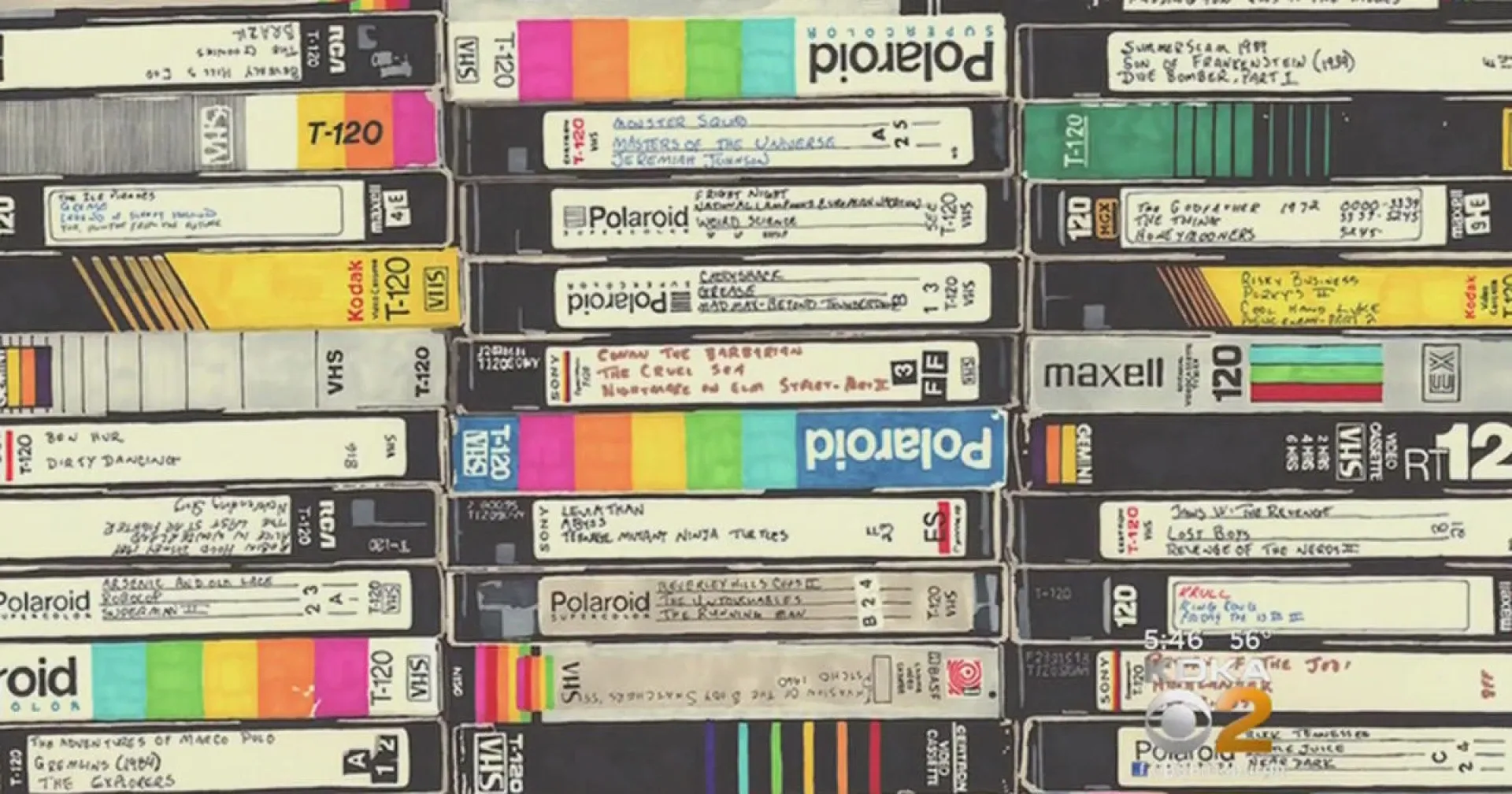
Other media besides DVDs can also be easily preserved!
Capture HK's digital media digitisation service not only converts DVD footage but also efficiently digitises various types of analogue media. For example, we can digitise each photo and videotapes to their original resolution using our exclusive digitisation technology. The digitised photos and videotapes will be stored in Google Photos, making it convenient for you to organise and manage them, ensuring better preservation and easy access!
👉 Learn more about Capture's photograph and videotape digitisation service details.
Common Questions about DVD to MP4 Conversion
1. How can I convert an encrypted DVD to MP4?
Before converting an encrypted DVD, please ensure that you own it legally. You can use conversion software that can bypass the encryption protection or rely on Capture.HK to assist you with digital conversion.
2. Can I use Windows Media Player to convert DVD to MP4?
Windows Media Player can play media files and convert CDs, but it cannot convert DVD to MP4.
3. Can I use built-in applications in Windows/Mac computers to rip DVDs to MP4?
No, there are no built-in DVD ripping programs, and most movie DVDs are protected by copyright restrictions, making casual ripping not permissible.
Loading...