I've Digitised My Photos and Videos. What Should I Do Next?
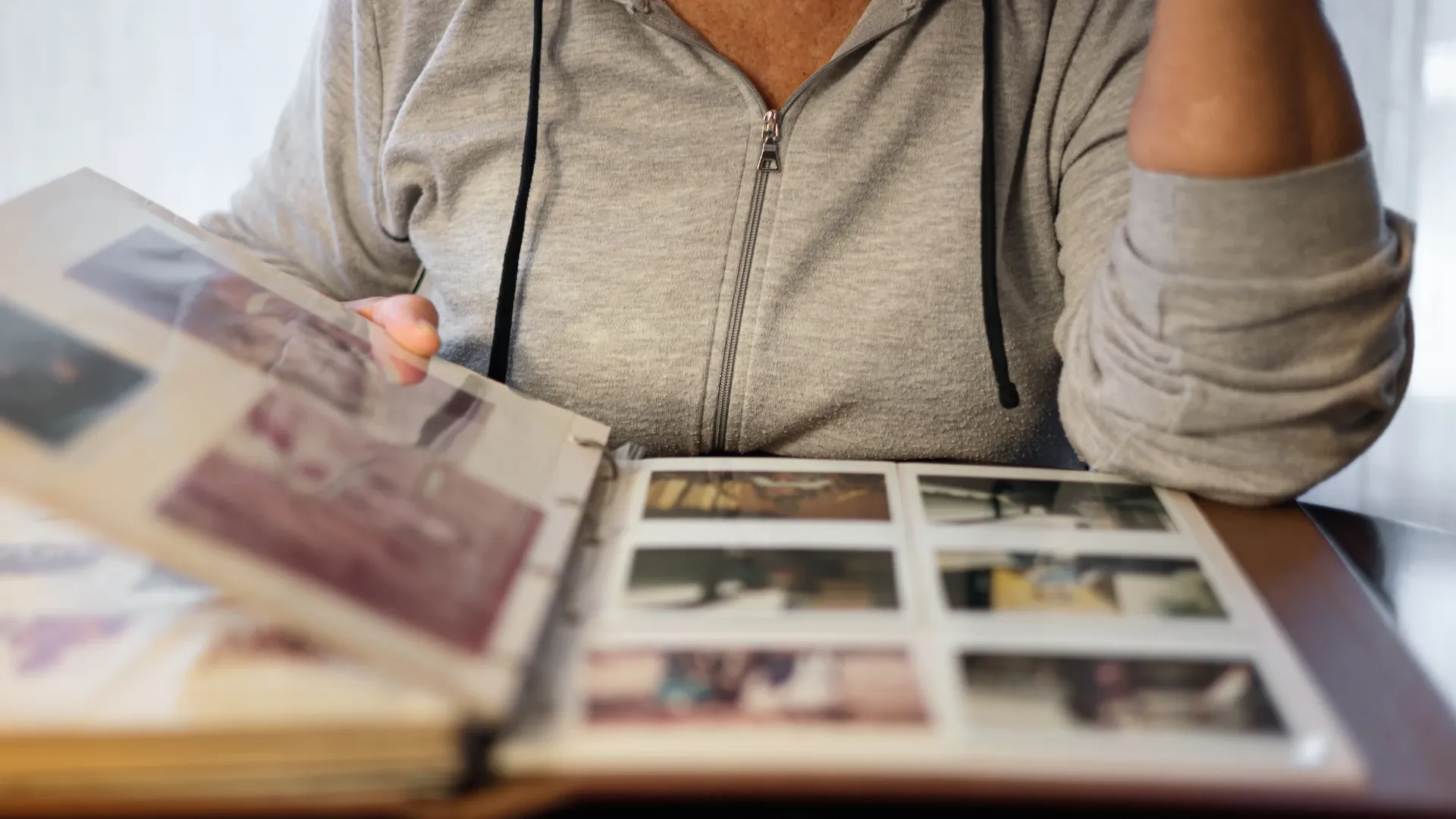
The boxes are back from the scanner, the USB is on your desk, and for the first time in years you can see your grandmother's wedding photos and the Lunar New Year videos from 1992 without digging through a cupboard. Then comes the quiet question: now what? Digital files are only useful if people look at them. Here are practical ideas for making the most of a newly digitised collection, from the first backup to the family dinner where everyone finally sees the old videos.
1. Make a second copy today
Before anything else, protect what you have. A single USB is still a single point of failure. Keep at least two copies in different places: for example, the USB at home plus a cloud library such as Google Photos, or a copy on a computer and another on an external drive kept at a relative's flat. If your family has moved to different cities, a cloud copy also means a fire, flood or lost bag in one place can't take everything.
2. Spend an evening organising
A folder called "Scans" with 2,000 files is overwhelming. A little structure makes the collection usable:
Sort by decade or event. "1980s Wedding", "1995 Japan trip", "Ah Ma's 80th birthday".
Rename the best files so they make sense to someone who wasn't there.
Add captions while the people who remember are still around. Who is the uncle on the left? Which restaurant was the banquet in? Those details disappear faster than the photos do.
Google Photos and similar apps can group faces automatically, which helps a lot when you are trying to find every picture of one person.
3. Share them with family, near and far

This is usually the most rewarding part. A shared album lets relatives in Hong Kong, Vancouver, London or Sydney browse the same photos at their own pace and add comments or their own pictures. For family members who aren't comfortable with apps, choose a handful of favourites and send them in the family WhatsApp group, or print a small set at a photo shop and hand them over at the next yum cha.
Old home videos are especially good for sharing: a two-minute clip of a grandparent laughing at a birthday party often means more to younger relatives than an entire album of posed portraits.
4. Hold a screening at the next family gathering
Lunar New Year, Mid-Autumn or a big birthday dinner is the natural moment. Most smart TVs can play photos and MP4 videos straight from a USB stick, so setting up takes minutes. A few tips:
Pick a theme. "Our parents' wedding", "the old flat in Kowloon City", "the cousins as babies". A focused 20 minutes beats three hours of everything.
Decide on the mood. A slideshow looping in the background suits a busy party. Sitting down together to watch, with the older generation narrating, works better for a smaller group.
Record the commentary. Put a phone on the table and record the stories people tell as the photos come up. Those recordings can become part of the archive.
5. Turn them into gifts
Digital files open up a lot of gift ideas that would be hard with a single fragile print:
Photo books. A book for one person, such as "Dad, 1960 to today", or one for a single occasion makes a thoughtful birthday or retirement present.
Calendars. Twelve old family photos, one for each month, are a popular gift for grandparents.
Restored enlargements. A cleaned-up, enlarged print of a faded portrait can be framed for a parent's home.
Video montages. Short highlight reels with music are easy to make with free phone apps and are perfect for weddings and milestone birthdays.
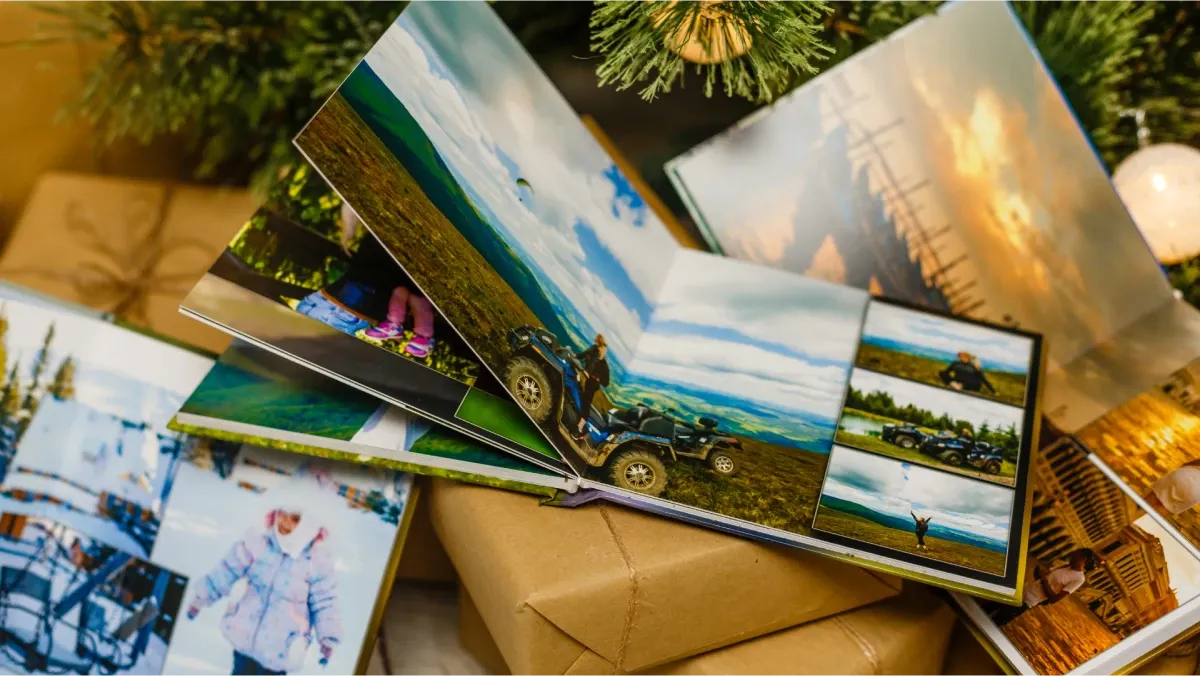
If your family likes the idea of a written history, you could also combine the photos with interviews to make a printed family story book. Even a simple self-made version, with a photo on one page and a few lines of memories on the other, becomes something people keep.
6. Put them on display, even in a small flat
Hong Kong homes rarely have a long empty wall for a gallery of frames, but you don't need one:
A digital photo frame holds hundreds of pictures in the space of one and can rotate through them all day. Some can be updated remotely, which is a lovely way for families overseas to keep grandparents' frames fresh.
A narrow picture ledge above a sofa or desk lets you swap prints in and out without new nails each time.
Screensavers and TV ambient modes can show family photos when the screen is idle.
7. Look after the originals
Digitising doesn't mean you have to throw anything away. If you keep the originals, store them well:
Keep albums, tapes and film off the floor and away from windows and outside walls, where typhoon rain and condensation can reach them.
Fight humidity with a dehumidifier, a dry cabinet (防潮箱) or air-tight boxes with silica gel. Mould is the most common damage on stored media in Hong Kong.
Move prints out of old self-adhesive "magnetic" albums, whose glue and plastic can discolour photos over time, into acid-free albums or archival sleeves.
If space is tight, it is fine to keep only the originals that matter most to you and let the digital copies carry the rest.
Need help with the next step?
If you digitised with Capture HK, we can also help with what comes after: a Google Photos upload so the whole family can browse, The Frame digital photo frame for a parent's living room, or The Vault, an engraved aluminium keepsake case for your USB. Still have boxes to go? Start with a free quote.