What Are the Types and Purposes of Slides? We Teach you How to Make Slides Online!
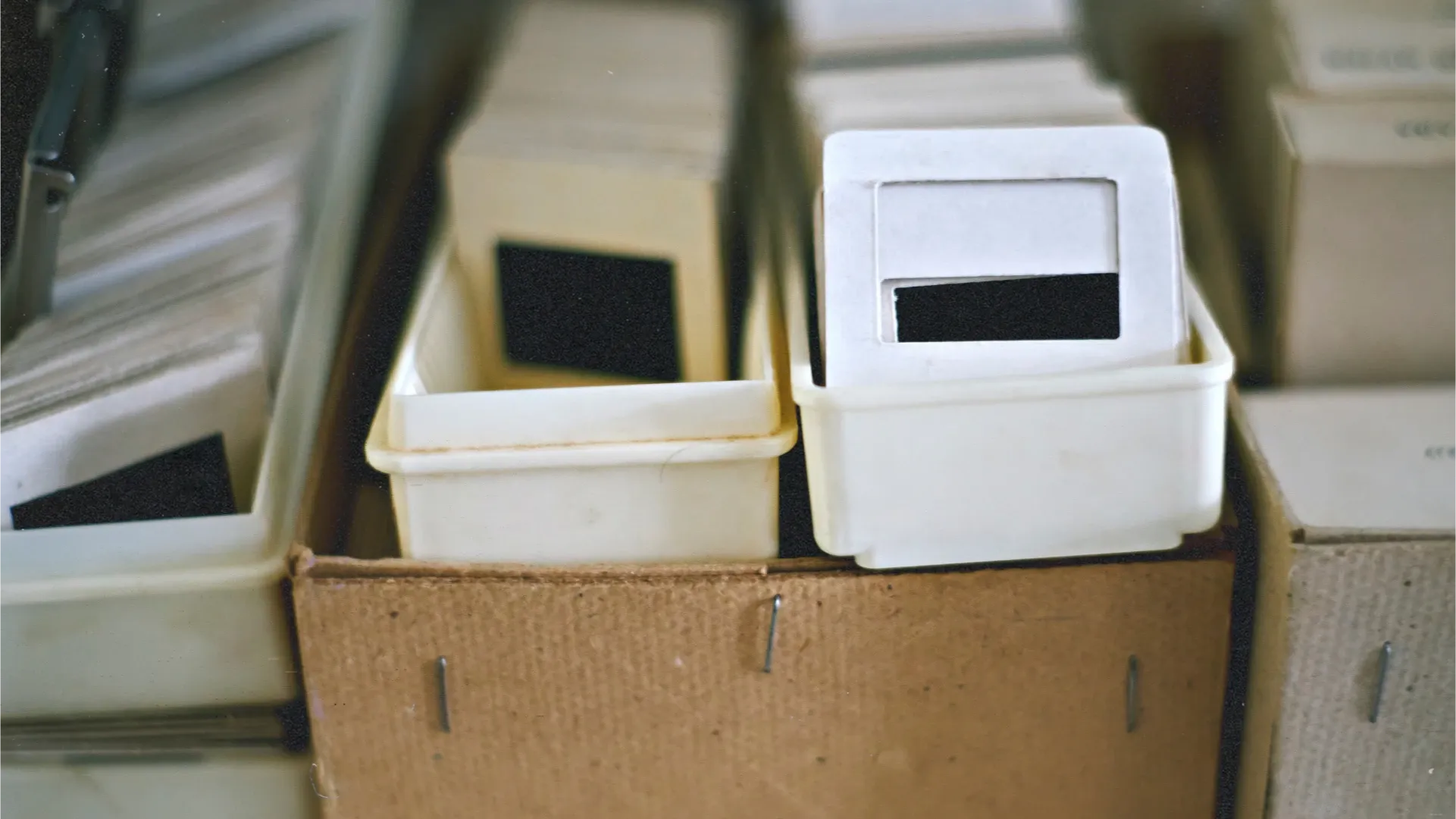
Slides are for displaying photos or for assisting in a presentation, which we often come across. However, do you know what the predecessor of modern PowerPoint presentations - old slides - are and what their uses were? In addition to being categorised into different types, modern PowerPoint presentations can actually serve multiple purposes. Capture.HK will explain these concepts and knowledge to you one by one, and introduce you to methods for creating online presentations!
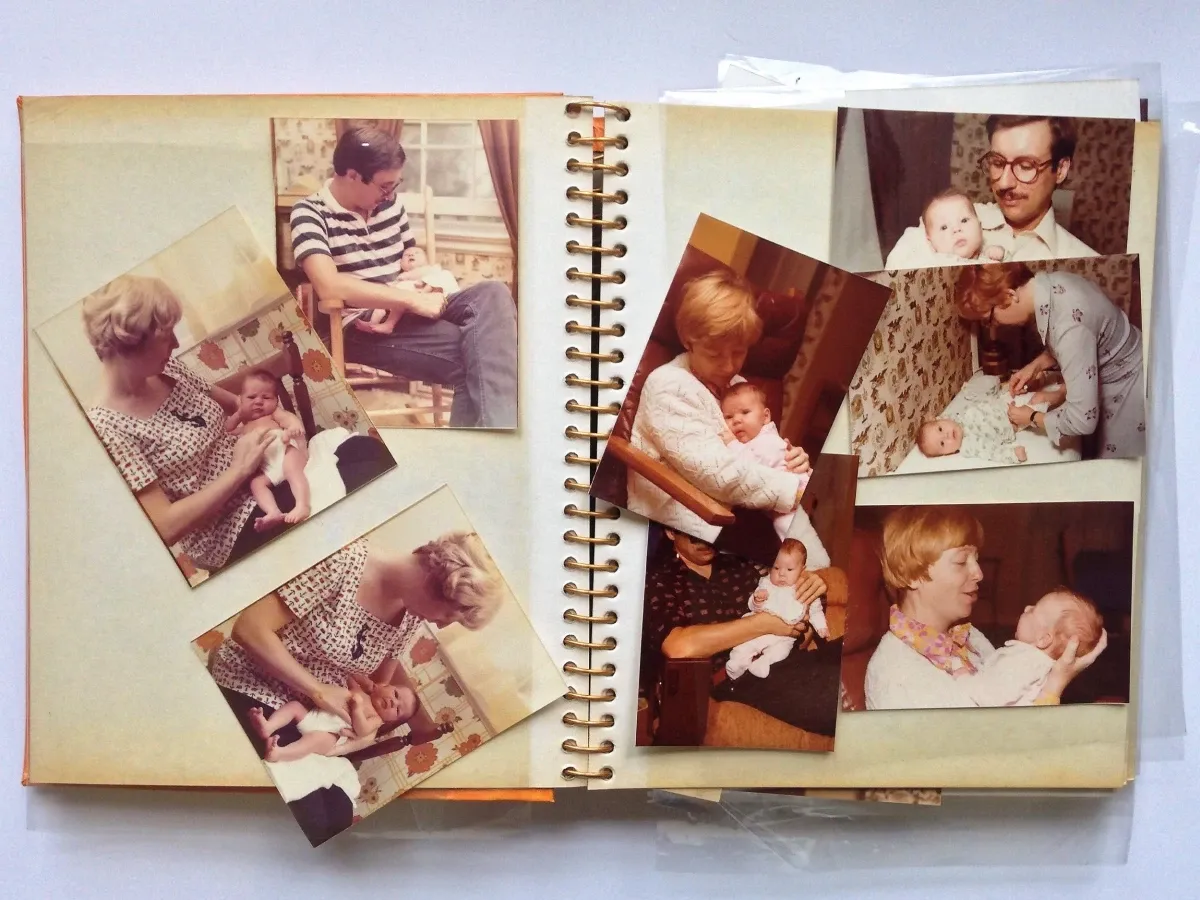
What is slide?
A slide, also known as positive slides, originally referred to a series of photographic slides or filmstrips. With the advancement of technology, the term now often refers to electronic slide presentations used for lectures or displaying digital photographs, as well as online slide.
Types of slides
There are three types of slides: photo slides, electronic slides, and online slides.
Photo slides
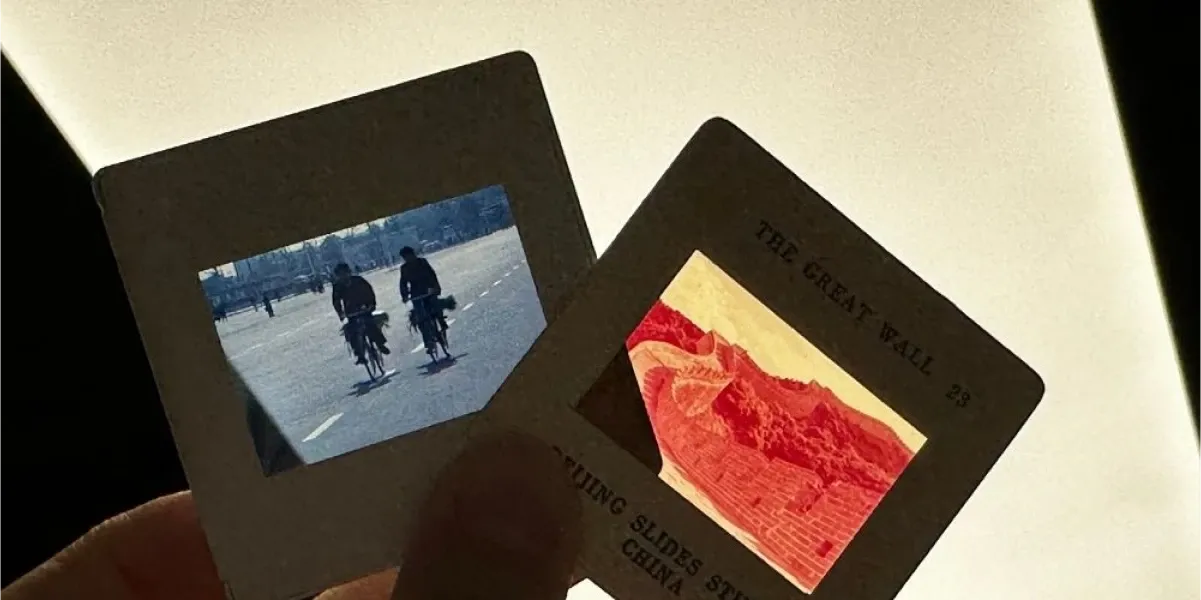
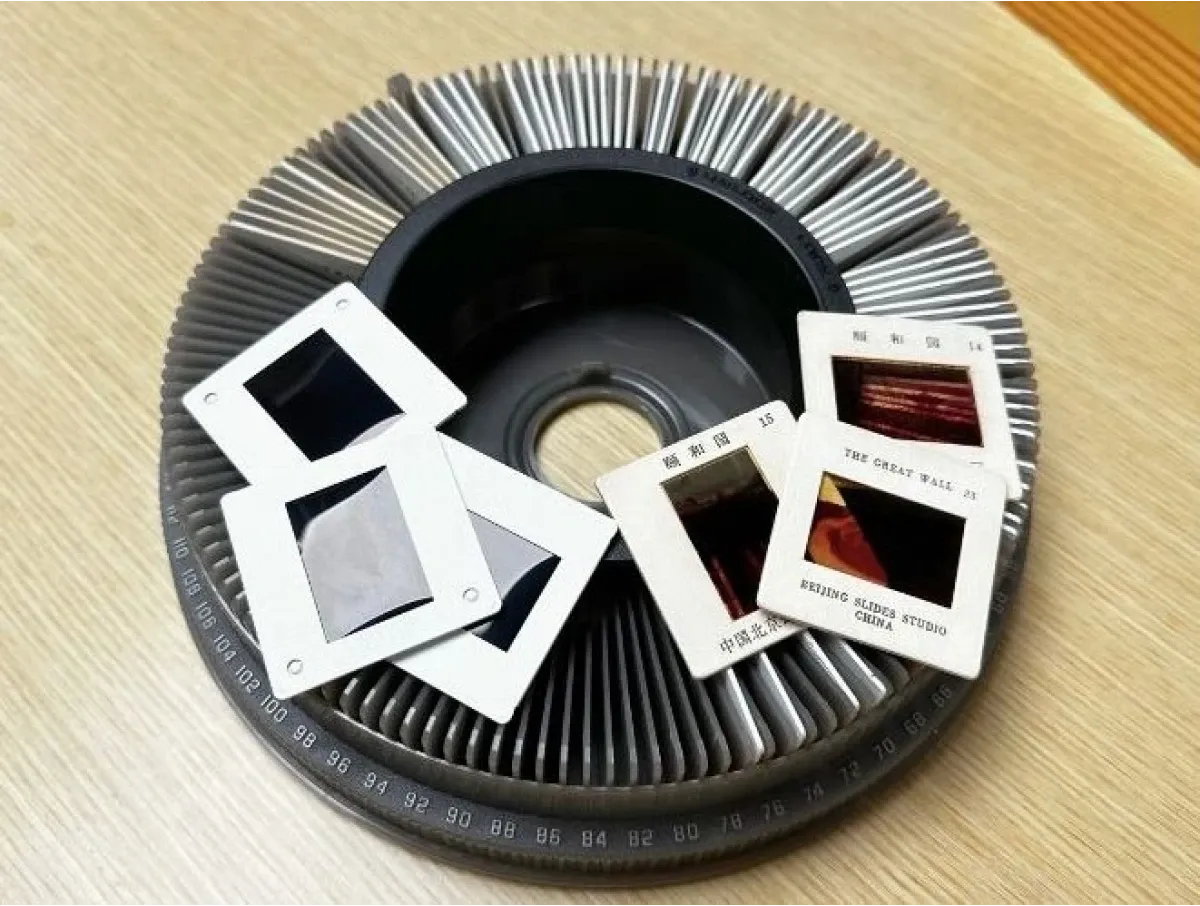
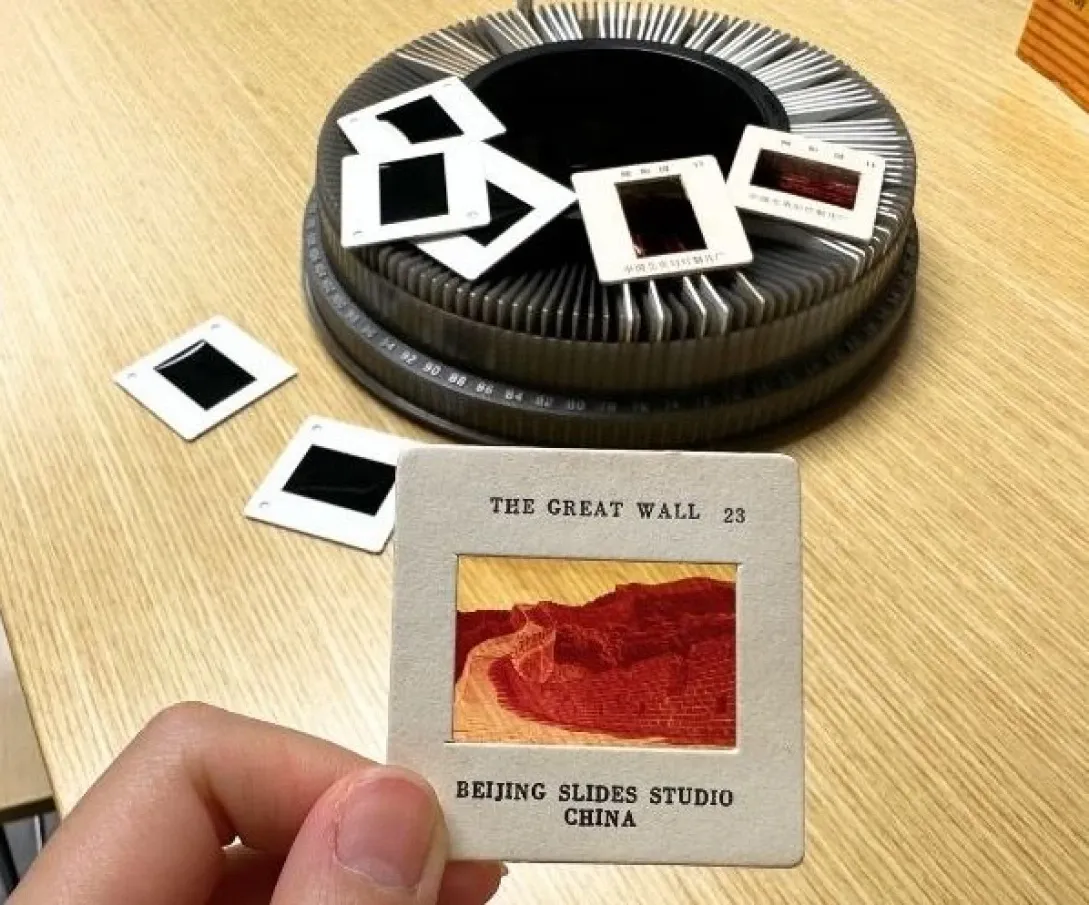
Physical slides can be projected using a projector to display images from the transparent positive film, which is often referred to as a slide. If the slide contains photographs, it is called a photo slide. Additionally, a roll of slides can be referred to as a strip slide.
Electronic slides
With the advancement of technology, electronic slides have emerged. Electronic slides are composed of elements such as text and images, and can be enhanced with special effects to become playable files. Electronic slides are usually presented by speakers during presentations to assist in explaining their viewpoints and help the audience understand them.
Common software for creating electronic slides include Microsoft Office's PowerPoint, iWork's Keynote, Google's Slides, and OpenOffice's Impress.
Online slideshows
The internet has made it possible to read electronic presentations online, and users no longer need to install software to edit them. At the same time, electronic presentations do not need to be stored on offline storage devices, as long as the device can access the internet, the files can be accessed. This is not only convenient, but it also eliminates the need to worry about storage devices being infected with computer viruses when used on other computers.
Currently, many cloud service providers offer online slides services, including Microsoft, iWork and Google, among others.
Old Slide vs. Film
Many people may think that slides and films are the same thing, but in fact there are differences between them:
| Slide | Film | |
| Colour | Positives, which has colours that are similar to the original object. | Negatives, the colours are opposite to the real object. |
| Filming steps | More complex, requires careful exposure control | Relatively simpler |
| Image quality | Equally capable of producing detailed images. | |
The usage of old slide
Despite the continuous advancement of technology and the convenience and simplicity of taking photos, old slides still have certain uses, such as for recalling holiday records or unique postcards.
Old slides can be placed into a light box for magnified viewing with a magnifying glass, allowing one to appreciate the tiny details within. Furthermore, old slides can be stored for a long time, and even after several decades, they can still be revisited without any issues. They make for a great choice to document holidays.
In addition, in the past when travelling was less common and printing technology was poorer, some people would take slides of various scenic locations and sell them as postcards. The images on these slides were much clearer than the blurry images found on postcards at that time. Although the printing technology for postcards has significantly improved nowadays, using slides as unique postcards is still a good choice.
How to capture and view old slides?
Slide Camera
Slides need to be captured using film, and a regular film camera can be used as a slide camera.
Slide Viewer
A slide viewer mainly consists of two parts. Firstly, a slide projector/box/viewer, all of which have similar functions. Simply insert the slide into the device and pay attention to the location of the light source to view the image. As for a magnifying glass, it is used to carefully examine the details of the image, and different magnification levels can be used if needed.
The use of online slideshow
The uses of online slides are quite extensive and can be applied in many situations. Here are some common uses:
- Holiday Memories: Converting holiday photos into an online slideshow allows you to store them online and revisit them anytime.
- Wedding Videos: At weddings, videos are often played. By converting the captured photos into an online slideshow, they can be played as a video, making it very convenient.
- Special Commemorative Videos: On special occasions, you may want to create a commemorative video. A faster and more time-efficient method is to create an online slideshow with the content and play it as a video.
- Video Presentations: One of the most common uses of online slideshows is for video presentations. You can integrate the content that needs to be presented into an online slideshow, set appropriate effects, and play it during the presentation to create a video presentation.
How to create online slideshow?
Creating an online slideshow is very easy. All you need to do is prepare relevant materials and have a suitable device, such as a computer, smartphone or tablet, and you can get started. There are many programs available online that can be used to create online slideshows, with similar steps. Here, we will use the free program "Adobe Express" as an example to introduce the process of creating an online slideshow:
- Launch the application: Launch the program on your device and start creating your online slideshow.
- Add materials to the slideshow: Add your prepared photos to the slideshow, and you can also upload videos, text or graphics to enhance the features of the online slideshow.
- Show your creativity: For example, when it comes to text, you can choose different styles that match the theme of your slideshow.
- Add themes and music: Some programs offer "theme" options. When you select different themes for your online slideshow, the program will automatically edit the appearance and style accordingly. Additionally, you can choose the built-in music or upload your own music as the soundtrack for your online slideshow, making it more interesting for you or your audience.
- Save and publish: After completing the editing, you can save the online slideshow in the format you need and share it online with your family and friends.

Turn Your Memories into a Slideshow!
Many people have old, vintage photos at home. By digitising them, you can use them to create an online slideshow. What's more, digitised old photos are easy to store and share with family and friends, making it a win-win situation. At Capture, we provide professional digitisation services, transforming your photos into high-resolution JPEG files. Acceptable photo formats range from 2" x 2" to 8" x 12". Curious about how Capture can help you? Click here to learn more!
References:
- Slides - Baidu
- Search Line: Slides hold memories of old Hong Kong, loved by enthusiasts of vintage images - on.cc
- 9 Best Slideshow Maker Software Recommended [Updated February 2023] - movavi
- Create beautiful slideshows with simple slideshow creation tools. - Adobe
- 10 recommended user-friendly slideshow creation software/apps that can easily turn your photos into videos! (Updated June 2024) - CyberLink
Loading...