How Do Projectors Work? DLP, LCD, LCOS, Laser and LED Explained
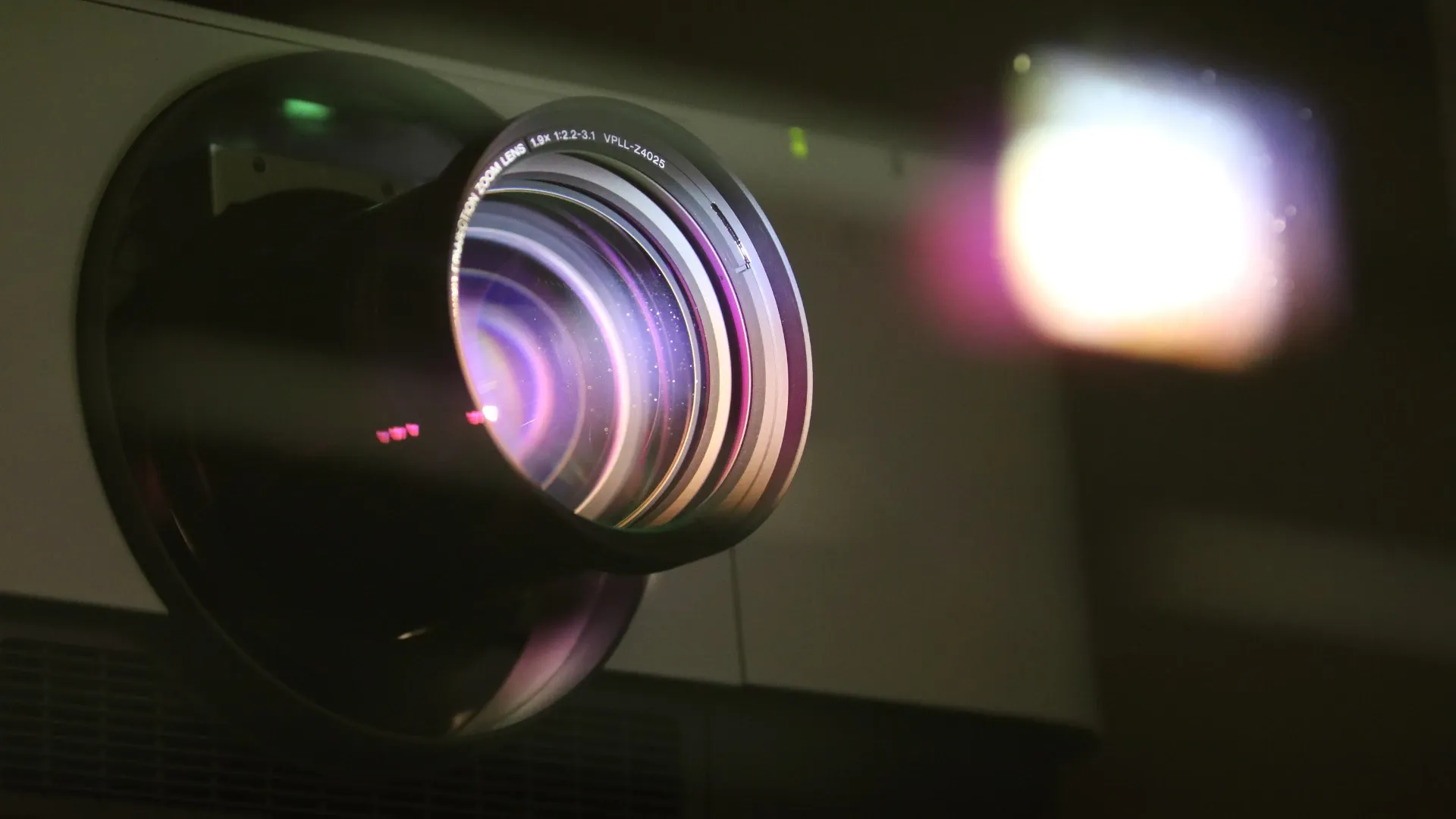
A projector can turn a bare living-room wall into a screen far larger than any TV that would fit through a Hong Kong lift door. That is a big part of their appeal for film nights, football, and showing the family's old photos and home videos at a reunion. But the spec sheets are full of acronyms: DLP, 3LCD, LCOS, laser, LED, throw ratio. This guide explains in plain terms how a projector makes a picture, how the main types differ, and what to look for if you are buying one for a small flat.
The basic idea
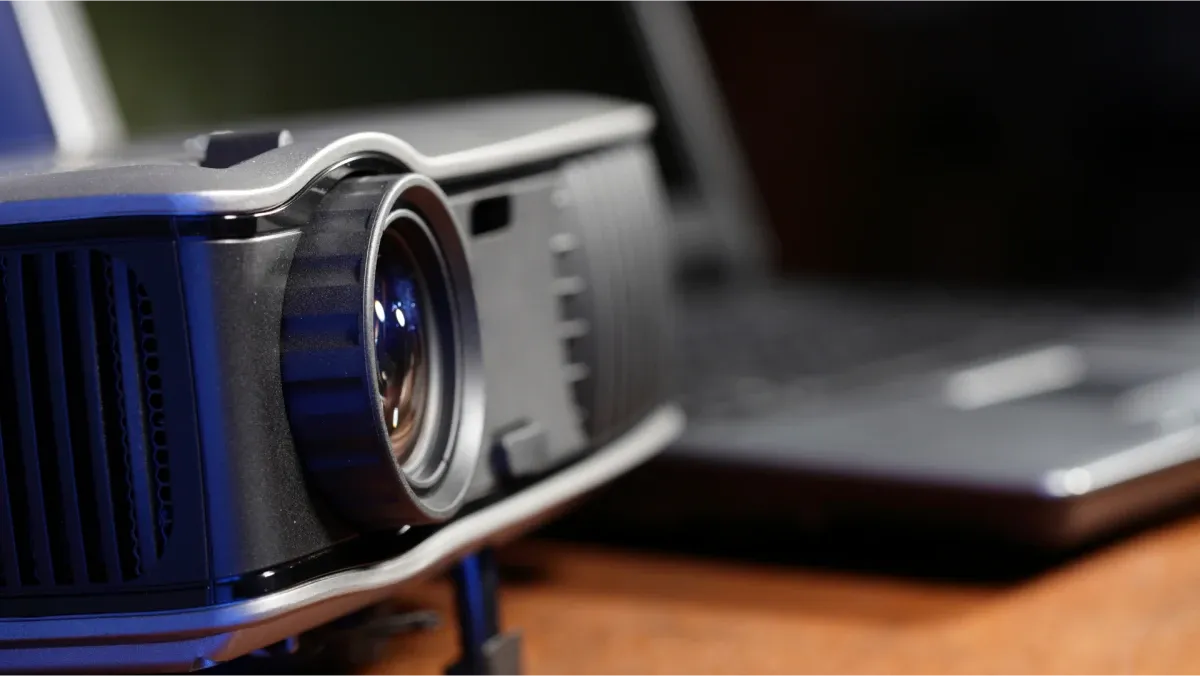
Every projector does three jobs:
Make light. A lamp, LEDs or a laser produce a strong beam.
Shape the picture. An imaging device inside the projector decides, pixel by pixel, how much red, green and blue light gets through.
Throw it. A lens magnifies the small image and focuses it on a screen or wall.
The differences between projector types come down to the second step, the imaging device, and to the light source that feeds it.
Imaging technologies
DLP (Digital Light Processing)
Developed by Texas Instruments, DLP uses a chip covered in microscopic mirrors, one for each pixel. Each mirror tilts thousands of times a second, either towards the lens (bright) or away from it (dark). Most home DLP projectors use a single chip and a spinning colour wheel that flashes red, green and blue in quick succession; your eye blends them into full colour.
Good for: sharp pictures, compact bodies, good value. Watch for: a few viewers notice brief flashes of colour, the "rainbow effect", on single-chip models.
LCD (often sold as 3LCD)
Here, special mirrors called dichroic mirrors split white light into red, green and blue beams. Each beam passes through its own small liquid-crystal panel, which acts like a grid of tiny shutters. A prism then recombines the three colours into one image.
Good for: bright, saturated colour with no rainbow effect. Watch for: blacks are often less deep than on the best DLP or LCOS models, and dust inside the light path can show up on screen over time.
LCOS (Liquid Crystal on Silicon)
LCOS is a hybrid: liquid crystals sit on a reflective silicon chip, so light bounces off rather than passing through. Like LCD, it usually uses three chips, one per colour. Some brands use their own names for their versions of it.
Good for: excellent contrast and smooth, film-like images, which is why it appears in many premium home-cinema projectors. Watch for: price and size.
CRT
The oldest electronic design uses three cathode-ray tubes, one each for red, green and blue, aimed through lenses so their images overlap. CRT projectors were heavy, needed careful alignment and are rarely used today, though some enthusiasts still prize their image quality.
Light sources
"LED projector" and "laser projector" describe the light, not the imaging chip. Any of the technologies above can be paired with different sources.
Lamp. Traditional home projectors use a high-pressure mercury lamp. Bright and cheap to start, but the lamp dims with use and needs replacing every few thousand hours.
LED. Long-lasting, instant on and off, and cool running, which suits small and portable projectors. Usually less bright than lamps or lasers.
Laser. Very long life, stable brightness and strong colour. Common in newer mid-range and premium models, and in ultra-short-throw projectors that sit just below the wall.
Portable and mini projectors
Pocket-sized "pico" or mini projectors run on batteries or USB power and connect to a phone. They are fun for camping trips, children's bedrooms and quick slideshows, but most are only comfortable in a dark room on a modest screen size.
Slide and film projectors
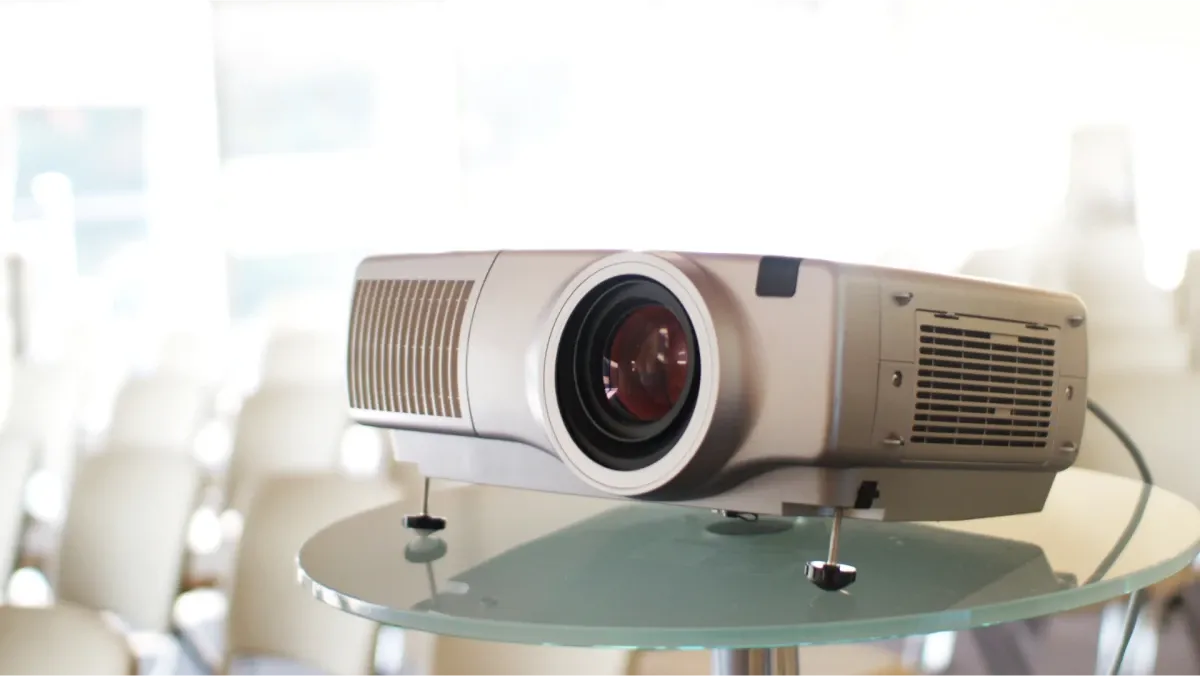
Before digital projectors, families projected memories directly: a bulb shone through a 35mm slide in a carousel, or through a moving reel of 8mm or Super 8 film. The light passes through the original itself, so every screening exposes it to heat and wear. Old machines also need bulbs and belts that are getting hard to find. If your slides and reels matter, watch a digital copy instead.
Choosing a projector for a Hong Kong flat
Throw distance. Check how far from the wall the projector must sit to give the picture size you want. In a small living room, a short-throw or ultra-short-throw model avoids a projector in the middle of the room.
Brightness. Measured in lumens. The more daylight and lamp light in the room, the brighter the projector needs to be. Blackout curtains help a lot.
Resolution. Full HD is fine for most home videos and presentations; 4K is worth it for a large screen and modern films.
Screen or wall. A smooth, white or light grey wall works. A proper screen improves contrast and colour.
Connections. Look for HDMI and USB, and decide whether you want built-in streaming apps and speakers or will add your own.
Fan noise. In a compact flat you sit close to the projector, so check its rated noise level.
Looking after it
Leave space around the vents so the fan can breathe, and let a lamp projector cool before moving it.
Clean the lens with a soft lens cloth or blower, never a paper tissue.
Clean or check dust filters regularly, as the manual recommends.
In Hong Kong's humidity, store it somewhere dry, ideally in a room with a dehumidifier, and avoid moving it straight from a cold air-conditioned room into a warm, damp one, as condensation can form on the optics.
If the picture becomes dim or blotchy, check the lamp hours and focus settings before assuming a fault.
Get your memories ready for the big screen
A projector is only as good as what you feed it. Capture HK turns photos, slides, negatives, videotapes and cine film into JPG and MP4 files that play from a USB stick or Google Photos straight to your projector. See our slides and negatives service, film digitisation and video digitisation, or get a free quote.
Loading...