How to Use AI Technology to Restore Video Quality / Upscale Video Resolution to 4K? (With Software Recommendations)

As 4K and higher-resolution videos become mainstream, many users hope to enhance the quality of older videos to make visuals clearer and more detailed. In recent years, breakthroughs in artificial intelligence (AI) have revolutionised video restoration and upscaling. This article explores whether AI tools can truly enhance video quality, recommends excellent free and paid software, and explains how to use AI technology to upscale and restore videos to 4K resolution.
Can AI Tools Enhance Video Quality?
AI video enhancement technology primarily works through deep learning models that analyse and reconstruct each frame of the video. These models fill in missing details, reduce noise and blur, and optimise colour and exposure. Trained on large datasets of both high- and low-quality videos, these AI models can accurately predict and restore missing elements, achieving effects such as super-resolution reconstruction, denoising, frame interpolation, and colour correction.
For example, Aiarty Video Enhancer uses advanced AI models to generate more detail, reduce noise, eliminate blur, and comprehensively enhance video quality—capable of restoring even low-resolution videos to 4K ultra HD. These AI tools not only improve the viewing experience but also extend the life of old videos, breathing new life into cherished memories.
What Software Can Repair / Enhance Video Quality?
Recommended Free Software
Aiarty Video Enhancer
Recently released a limited-time full version for free. It supports strong denoising and super-resolution upscaling. Easy to use and suitable for content creators and video enthusiasts.HitPaw Video Enhancer
Offers online AI upscaling features, capable of boosting video resolution to 4K and enhancing facial details with facial recognition technology. While it has paid plans, a free trial is available.- TopMediai
A free AI video restoration tool that is intuitive to use and suitable for quickly repairing blurry videos online.
Recommended Paid Software
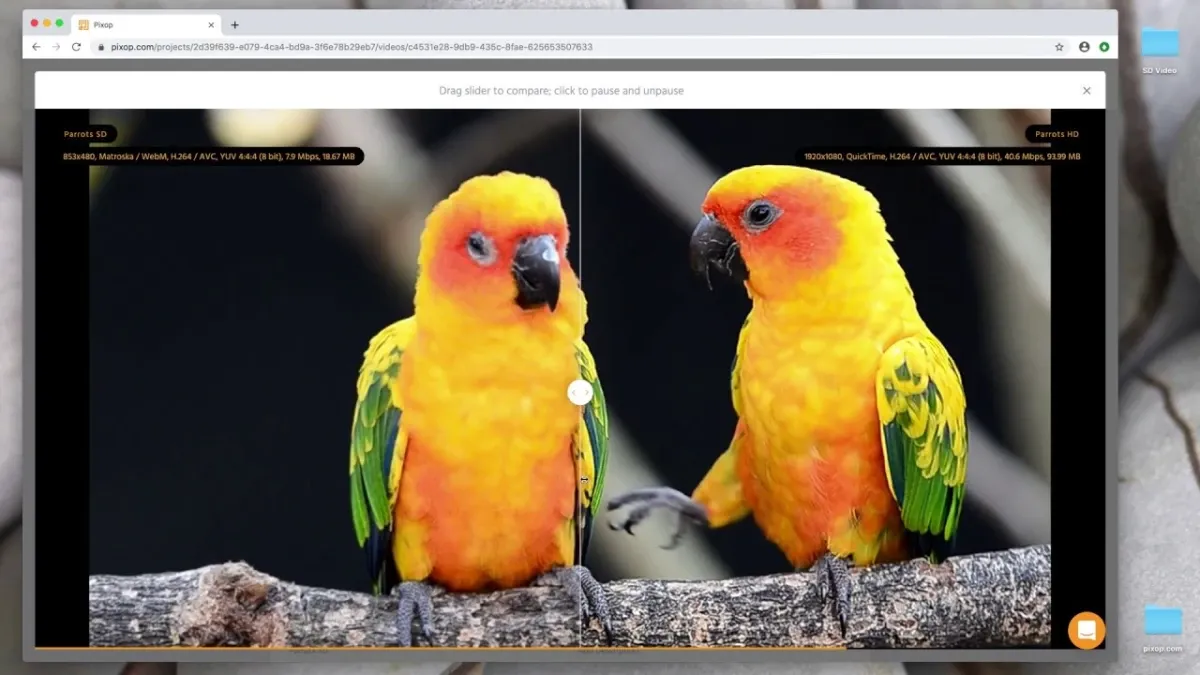
Pixop
A professional video upscaling platform that supports up to 8K resolution. It offers deep restoration features and effectively removes compression artifacts—ideal for video editors and professionals.iMyFone UltraRepair
Supports multiple platforms and can restore blurry videos with one click. Efficient batch processing and compatible with various video formats.4DDiG Video Repair
Utilises AI enhancement algorithms to upscale videos from 1080p or 720p to 4K or even 8K. Repairs pixelation, blur, and damaged segments; supports multiple formats.- CyberLink PowerDirector
Includes AI-assisted video repair tools that offer denoising, colour correction, and video stabilisation. Suitable for both beginners and professionals.
How to Use AI Technology to Increase Video Resolution?
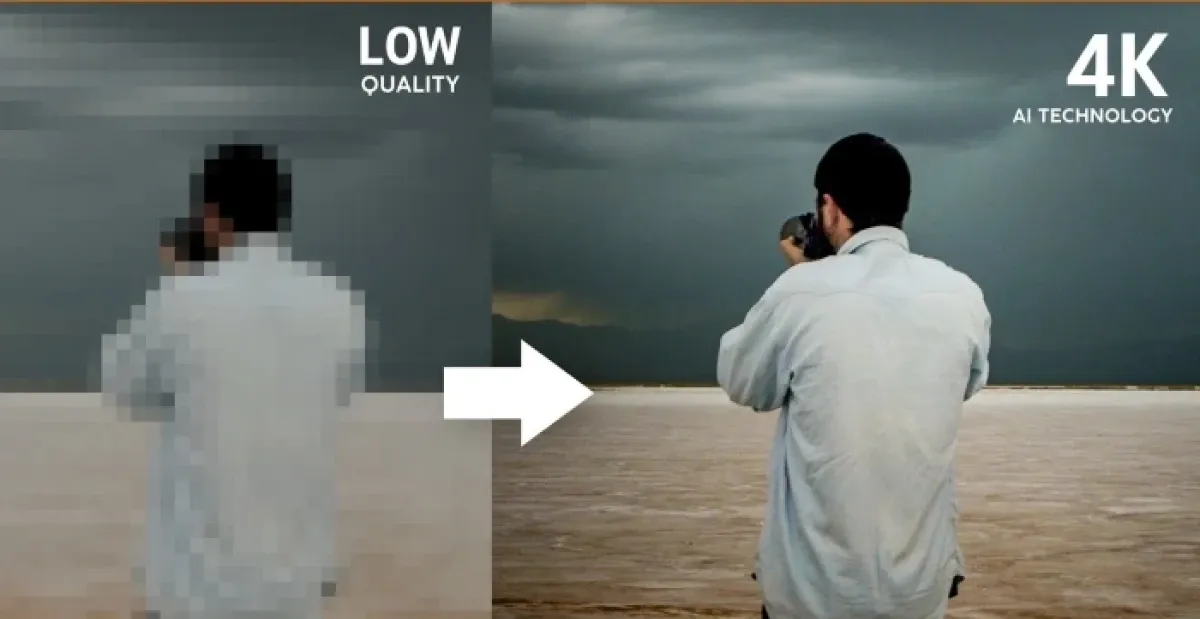
The core of AI video resolution enhancement is super-resolution reconstruction, where neural network models enhance pixel detail in each frame of low-resolution videos. The process typically includes:
- Importing the Video: Load the low-resolution video into the AI software.
- Selecting the Upscaling Model: Choose the appropriate AI model based on the video type (e.g., daily footage, low-light, animation).
- Running the Upscaling Process: The AI analyses frame details, fills in missing pixels, removes noise and blur.
- Exporting the Enhanced Video: A new 4K or higher-resolution video file is generated.
Tools like Pixop and Aiarty Video Enhancer support automatic selection of optimal upscaling models, improving detail while maintaining natural quality.
How to Use AI to Repair 4K Videos?
Even 4K videos can suffer from quality degradation due to camera limitations, compression, or aging—leading to issues like noise, blur, or instability. AI-based 4K video restoration typically includes:
- Noise Reduction: AI detects and removes luminance and chroma noise, enhancing image clarity.
- Stabilisation: Repairs jitter and motion blur, resulting in smoother footage.
- Colour Correction: Fixes colour casts, under- or overexposure, and restores natural colours.
- Frame Interpolation: Increases fluidity by inserting frames, reducing stuttering.
Software such as iMyFone UltraRepair and 4DDiG Video Repair offer these advanced repair features to significantly improve the visual quality of 4K videos.
Preserve Your Precious Memories with Capture’s Photo Album Digitisation Service
Do you have a box full of old photographs, worried that they may fade or get damaged over time? Now, you can preserve these treasured memories by digitising them with Capture.HK’s professional photo album digitisation service. Our service allows you to convert your old photos into high-quality digital files, ensuring they are safely stored and easily shareable.
At Capture.HK, we use high-resolution scanning technology to restore your photos with sharp details and vibrant colours, maintaining their original quality. We also offer various file formats, making it easy for you to access and share them across different devices. Most importantly, we handle your photos with utmost care, ensuring they are safely processed and preserved.
The Frame Digital Photo Frame
Want to relive your digital memories every day? Capture’s The Frame digital photo frame is the perfect solution! Designed to showcase your most cherished moments, The Frame allows you to display a lifetime of memories in one elegant frame.
With its sleek design and high-resolution display, The Frame offers an effortless way to organise and enjoy your favourite photos. Simply digitise your photo collection, upload them to The Frame, and enjoy your memories anytime, anywhere.
Whether placed in the living room, bedroom, or office, The Frame adds a touch of warmth and personality to your space. More than just a decorative item, it’s a meaningful gift that brings your treasured moments to life.
Get The Frame today and enjoy your memories every day!
References:
- The Most Powerful AI Video Quality Enhancement Software – Aiarty Video Enhancer Full Version License for Free – newmobilelife
- Best Free AI Video Upscaling Tool of 2025: Enhance Video Quality to 4K – filmora
- 7 Best Video Quality Restoration Software/Apps Recommended – Improve Video Quality in 3 Easy Steps! (2025) – cyberlink
- Ultimate Guide to Video Quality Restoration 2025 – imyfone
- AI Video Quality Enhancement Tutorial: Transform Your Video to HD in Just 3 Steps – topmediai
Extended Readings:
Loading...