[Google Face Search] How to Efficiently Manage Your Photos? All the Practical Tips
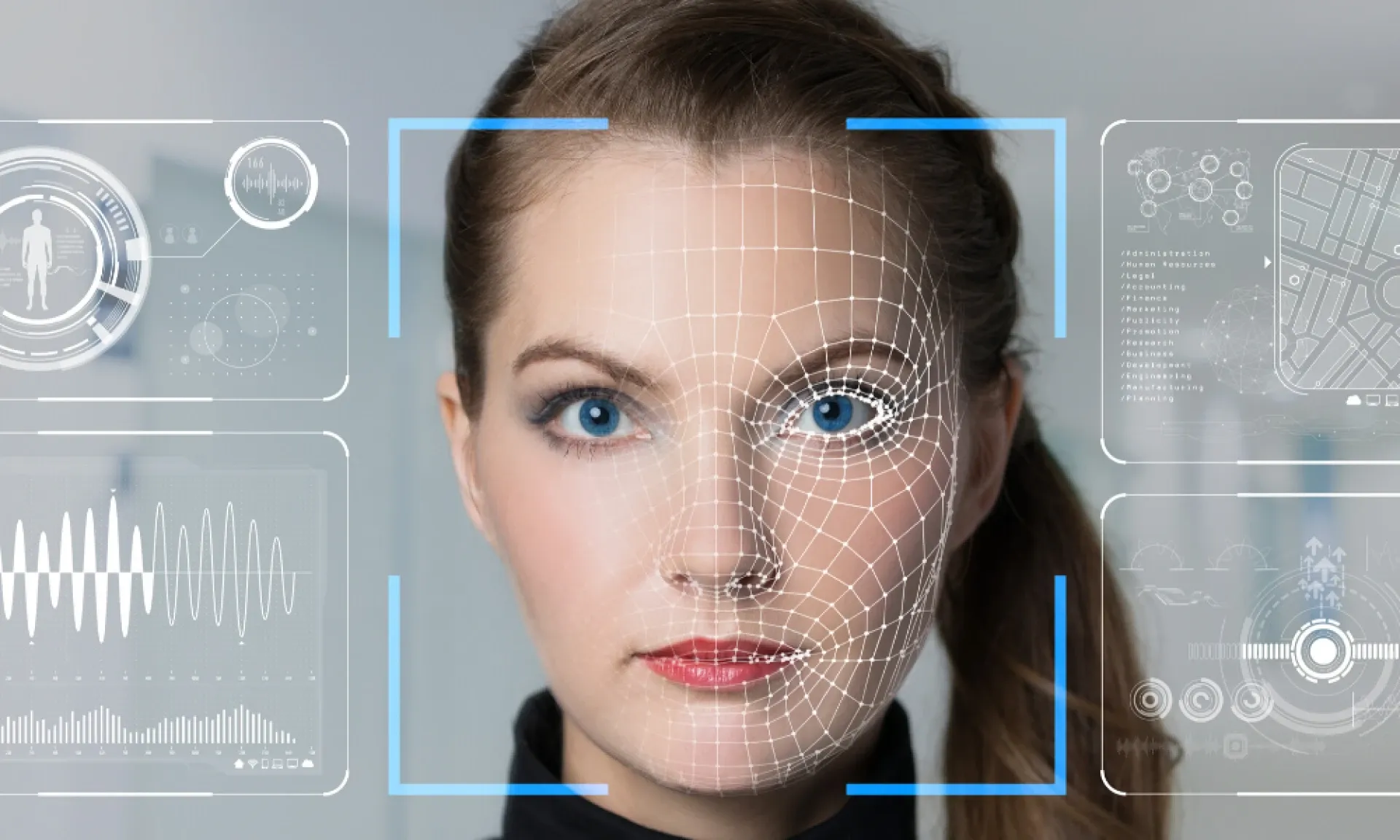
With Google’s face search feature, you can organise vast photo libraries more intelligently and efficiently—automatically group people’s photos, quickly find specific individuals, manually fine-tune groupings and share memories with ease. Capture shares configuration and adjustment tips to help you get the most out of Google Photos, making photo organisation and search smoother than ever.
What Is Google’s Face Search Feature?

Google Face Search is a built-in Google Photos AI tool that recognises faces in your images and automatically groups similar faces together. This lets you quickly locate and manage all the photos of a particular person. Simply search for someone’s name to see every photo Google Photos has identified as that person—no manual sorting required.
How to Enable and Configure Google Face Search
In Google Photos Settings, turn on “Face Grouping.” The system will then analyse faces in your library and organise them into groups. You can do this on both desktop and mobile apps. Once enabled, you can label each group with names or keywords for even more flexible searching later. Note that this feature may not be available in all regions
Improving Accuracy and Fine-Tuning Face Recognition
Even with advanced AI, Google’s face recognition can make mistakes—splitting one person into multiple groups or merging different people together. Improve accuracy by:
- Merging duplicate face groups: Assign the same name to each group, then confirm the prompt to merge them.
- Removing misidentified photos: Manually delete any image that doesn’t belong in a given group.
- Editing face tags: Use the manual edit feature to adjust which person appears in each photo.
These tweaks not only speed up your searches but also help Google’s AI learn and become more accurate over time.
Practical Scenarios and Sharing with Face Search
Google Face Search isn’t just for browsing—it integrates with shared albums so you can automatically share photos of specific people with friends or family. For example, parents can auto-share their child’s photos with grandparents, or spouses can share couple photos without repeated manual uploads. This fosters connection and makes sharing effortless.
Preserve Your Precious Memories with Capture’s Photo Album Digitisation Service
Do you have a box full of old photographs, worried that they may fade or get damaged over time? Now, you can preserve these treasured memories by digitising them with Capture.HK’s professional photo album digitisation service. Our service allows you to convert your old photos into high-quality digital files, ensuring they are safely stored and easily shareable.
At Capture.HK, we use high-resolution scanning technology to restore your photos with sharp details and vibrant colours, maintaining their original quality. We also offer various file formats, making it easy for you to access and share them across different devices. Most importantly, we handle your photos with utmost care, ensuring they are safely processed and preserved.
The Frame Digital Photo Frame
Want to relive your digital memories every day? Capture’s The Frame digital photo frame is the perfect solution! Designed to showcase your most cherished moments, The Frame allows you to display a lifetime of memories in one elegant frame.
With its sleek design and high-resolution display, The Frame offers an effortless way to organise and enjoy your favourite photos. Simply digitise your photo collection, upload them to The Frame, and enjoy your memories anytime, anywhere.
Whether placed in the living room, bedroom, or office, The Frame adds a touch of warmth and personality to your space. More than just a decorative item, it’s a meaningful gift that brings your treasured moments to life.
Get The Frame today and enjoy your memories every day!
Purchase Now
References:
- Label your face group - support.google
- Set up & manage your face groups - support.google
- Tutorial: Organise Old Photos with Google Photos—Scanning, Time & Location, and Face Recognition – darencademy
- Google Photos Automatic People & Pet Sorting: How to Enable Family and Cat/Dog Face Recognition – playpcesor
- Google Photos Adds Manual Face Tagging – hket
- Google Photos May Soon Launch “Photo Grouping” Feature! How to Organise and Delete Similar Photos to Save Space Revealed – storm
- Google Safety
- Training Google Photos Face Recognition: 7 Quick Tips to Find Friends and Family – playpcesor