How to Use Google Photos Desktop Version to Easily Manage Your Photos
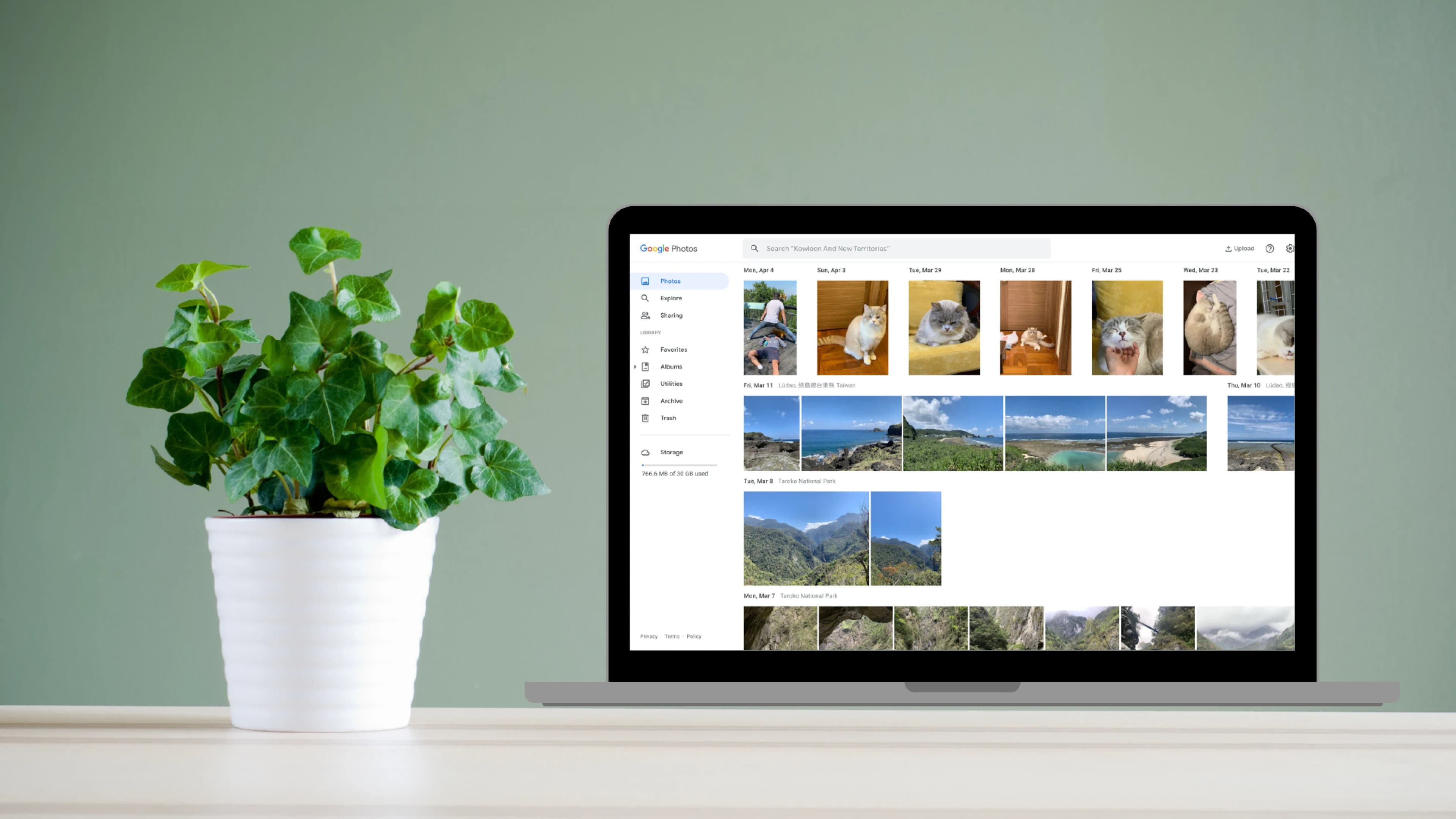
Both the Google Photos desktop version and the mobile version are photo management applications developed by Google. They provide the same features but have different user interfaces. The desktop version is more suitable for larger screens and mouse navigation, while the mobile version is designed for touchscreen devices. Regardless of which version you use, these features can help you effortlessly manage and share all your photos. The following guide will teach you how to use the Google Photos desktop version.
The Popularity of Google Photos
Google Photos is a free photo management service provided by Google, allowing you to easily upload, store, edit, and share photos. Google Photos offers 15GB of free cloud storage, allowing you to securely store all your photos and videos. According to data, Google Photos has become the preferred tool for managing photos, with approximately 2 billion users and 40 trillion photos stored to date.
Why You Need Google Photos
Easy Management
Google Photos' artificial intelligence system automatically categorises each photo. You can easily manage your photos by searching for people, pets, places, or objects using relevant names. The image search feature can also search for themed photos such as food or colours, making photo management easy and ensuring you never lose a photo.
Automatic Backup
Google Photos provides convenient "Backup and Sync" functionality that automatically uploads photos from your phone or camera to your Google Photos account, ensuring you never forget to back up. The automatically uploaded photos are also sorted by date, allowing you to browse them like a diary, making it extremely convenient.
How to Use Google Photos Desktop Version
How to Use Google Photos Desktop Version
- Open your browser and go to the Google Photos website.
- Sign in to your account.
- You can choose to create a new album in Google Photos or add photos and videos to existing albums. Creating a new album can help you better organise your files.
- To share an album, click the "Share" button in the upper right corner of the album and enter the email address or Google account of the person you want to share with.
How to Upload Photos to Google Photos Desktop Version
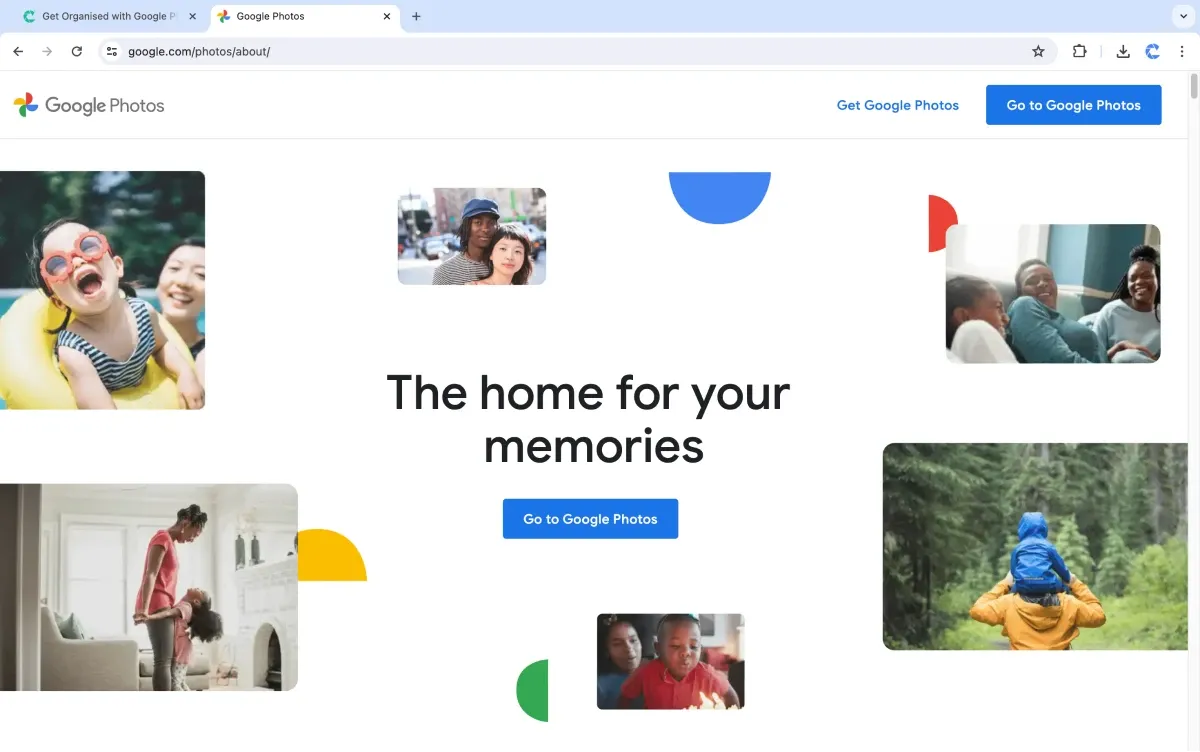
If you don't have any photos or videos yet, start by uploading your files.
- Click the "Import" button in the upper right corner, then choose the photos or videos you want to upload. You can also directly drag and drop photos or videos onto the webpage to start the upload.
- When you select the files to upload, the system will display an upload progress bar. Wait for the upload to complete.
- If you want to create a new album, click the "Create album" button after uploading and enter the album name and description.
Key Features of Google Photos on Desktop
1. Photo Sharing
You can use Google Photos to share photos and videos with your family and friends. When you share photos, Google Photos keeps them in high definition without compromising their quality through compression.
2. Photo Search
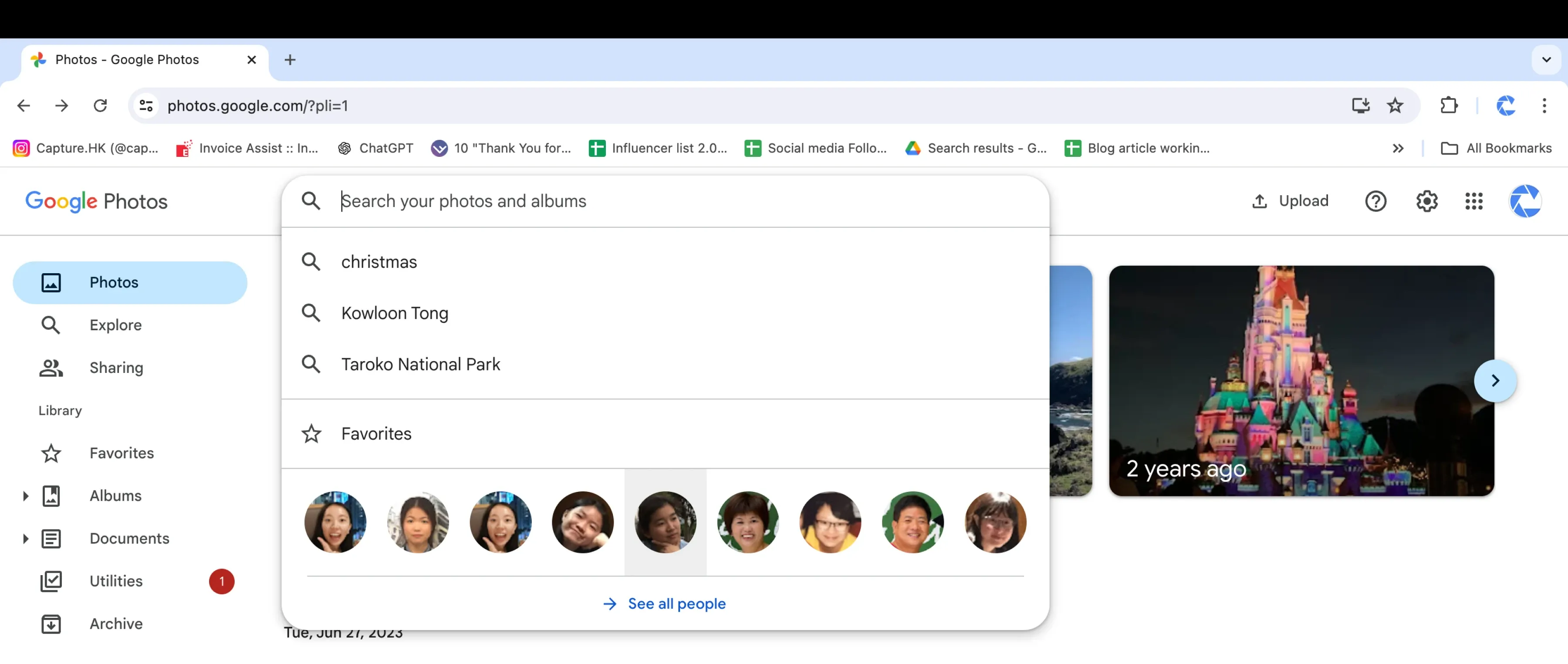
Google Photos uses artificial intelligence technology to automatically recognise the content of photos. This allows you to quickly search your photos using keywords. Simply enter the desired search terms, such as birthdays, selfies, or sky, in the search box at the top of the screen to find the photos you're looking for.
3. Album Creation
With Google Photos, you can create albums and categorise your photos, making it easier and more organised to find specific photos.
4. Photo Editing
Google Photos provides basic photo editing tools such as cropping, rotating, and adjusting colours and contrast. This allows you to quickly edit your photos without the need for other editing tools.
5. Memory Collection
You can use Google Photos to create and play memories, allowing you to better appreciate your photos. Google Photos automatically generates memories based on your best photos, recorded trips, and special moments, such as "Memories from a Year Ago" or "Monday Highlights".
Differences Between Google Photos on Desktop and Mobile
1. Platform
- Google Photos Mobile: An application designed for smartphones and tablets, optimised for touchscreens.
- Google Photos Desktop: A web-based tool designed for computers, more suitable for use with a mouse and keyboard.
2. Functionality
While Google Photos on desktop and mobile offer the same photo management features, they have different user interfaces.
Google Photos Mobile:
- Supports automatic backup, automatically backing up photos and videos when connected to Wi-Fi
- Supports gestures for browsing photos
Google Photos Desktop:
- Requires manual uploading of photos
- Allows control using a mouse
3. Display Mode
- Google Photos Mobile: Typically uses a vertical display mode.
- Google Photos Desktop: Typically uses horizontal scrolling to provide a larger display space and supports full-screen mode for better viewing experience.
4. Image Quality
- Google Photos Mobile: Adjusts the image quality based on the screen resolution of the mobile device.
- Google Photos Desktop: Can display higher-resolution photos, suitable for tasks such as photo editing.
5. Upload Method
- Google Photos Mobile: Allows direct uploading of photos taken with the mobile device to cloud storage.
- Google Photos Desktop: Requires uploading photos from a camera or other device to the computer before uploading them to Google Photos.
6. Sharing Method
- Google Photos Mobile: Offers various sharing options such as sharing on social media apps, via messaging, or using links.
- Google Photos Desktop: Limited sharing options but supports sharing through email attachments or embedding in webpages.
Google Photos on both mobile and desktop versions provide many similar features, such as uploading, storing, managing, and sharing photos and videos. However, there are some differences in platform, functionality, display mode, image quality, upload method, and sharing method. Regardless of the version, both can help you easily manage your photos.
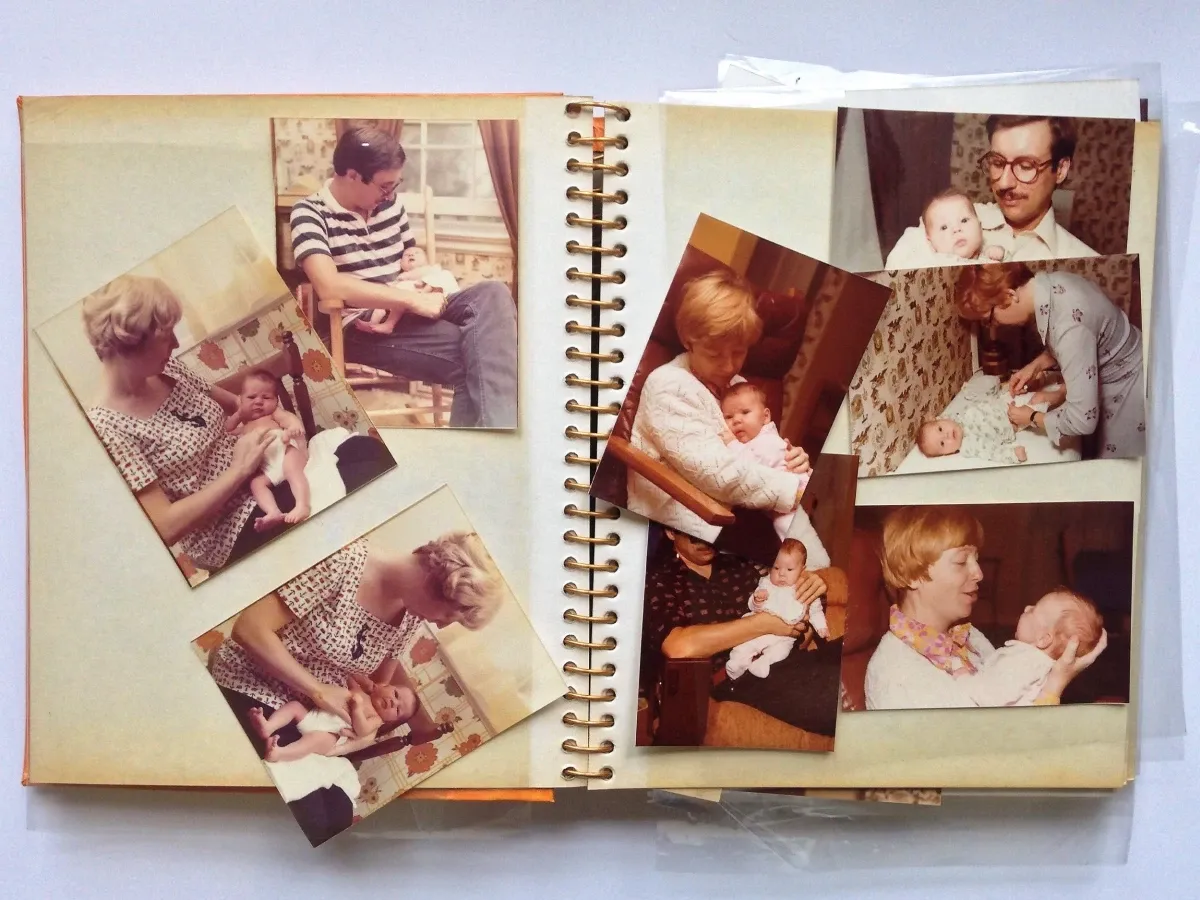
Digitise Your Old Media Now for Easy Management on Google Photos Cloud!
Google Photos on desktop and mobile offer the same features but provide different user experiences. The desktop version is more suitable for managing and editing a large number of photos, while the mobile version is ideal for sharing. Regardless of which version you use, it is recommended to digitise your old photos and videos for easy access and sharing.
Capture's photo album digitisation service supports uploading digitised photos and videos to USB or Google Photos, making it more convenient for customers to organise, search, and share their memories.
Loading...