Photo transfer between iPhone and Android phones: Why can’t Bluetooth be used, and what are the alternatives?
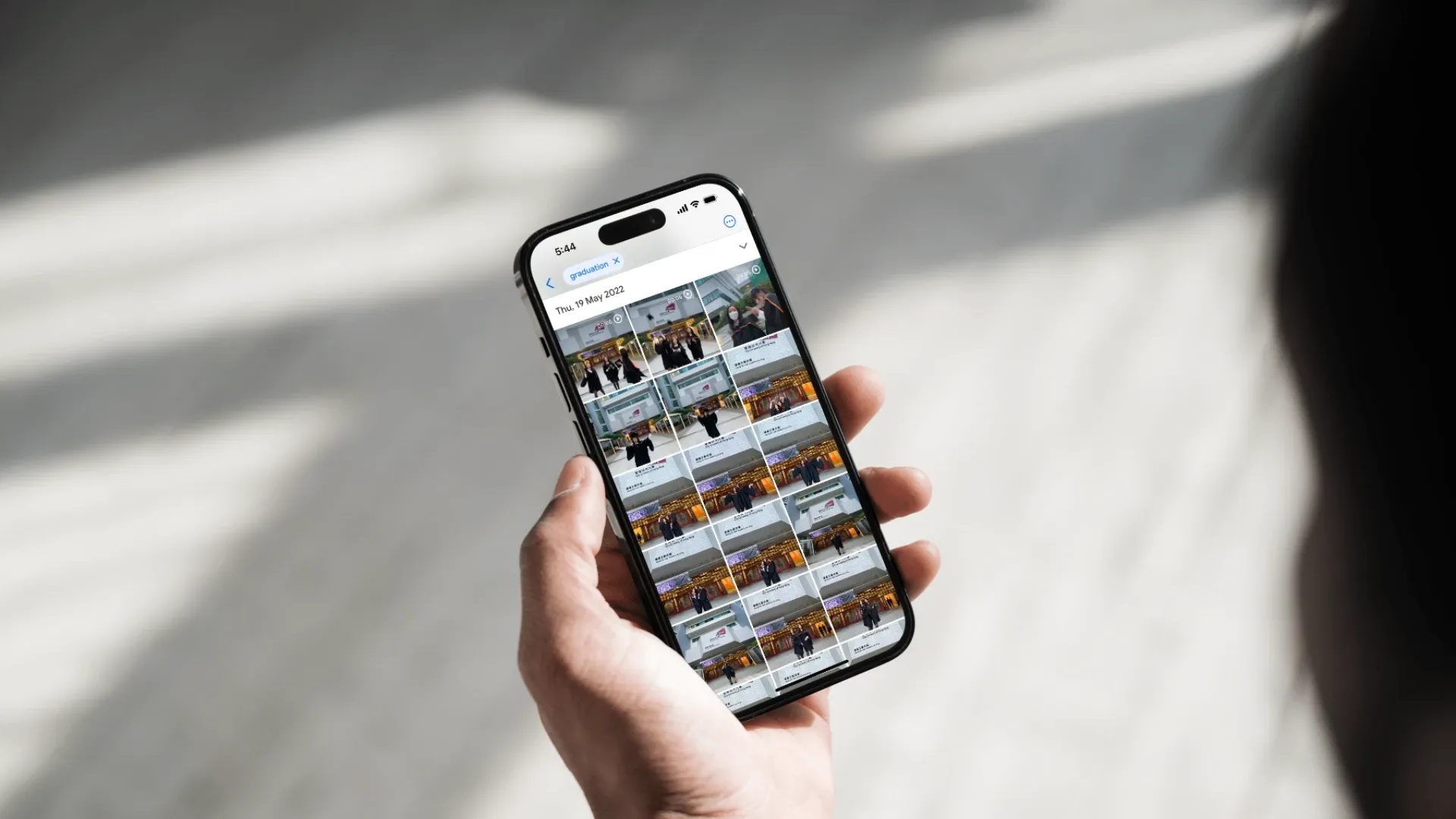
Transferring photos from iPhone to Android can be difficult, but there are various methods you can use, including transfer tools, apps, built-in brand procedures, and Google Drive and Google Photos. These methods can help you easily transfer your iPhone data to an Android phone.
How to Transfer Photos and Data between iPhone and Android?
The iOS system of an iPhone and the Android system of an Android phone are generally not compatible with each other. They cannot use AirDrop or Bluetooth to transfer photos or other files to each other. People may use apps like WhatsApp to transfer files, but the image quality may be compressed and it can be difficult to transfer large non-media files such as photos. In such cases, an application for transferring data between iPhone and Android is needed.
Transfer Tool "DoTrans" for Transferring Files from iPhone to Android
What is DoTrans?
DoTrans is a cross-platform mobile data transfer tool that can be downloaded and used online only on Windows computers. It requires payment to support Android and iOS platforms. It can easily connect phones with Android and iOS systems at the same time and has practical functions for transferring and backing up data from iPhone to Android.
How to Use DoTrans to Transfer Data from iPhone to Android?
1. Installing DoTrans
Download the application directly from the FonePaw website. If you are using it with an iPhone, iTunes must be installed on the computer first to gain access to the iPhone system.
2. Connecting the Computer Application to the Phone
Connect the iOS/Android device to the computer. The phone also needs to "trust" this computer and enter the password you set. On the computer, you can see contacts, messages, photos, videos, and music. Confirm that the phone is successfully connected: you can see that both phones are connected at the same time.
3. Exporting Data to Achieve iPhone to Android Transfer
You can select "Photos" from the sidebar to see all the photos in the phone. It is easy to transfer, delete, and preview photos across platforms.

‘Switch To Android’ app - Easily transfer data from iPhone to Android
What is the ‘Switch To Android’ app?
For those who are used to using an iPhone, the idea of switching to an Android phone may seem daunting due to the difficulty of transferring data from iOS to Android. However, Google has released the "Switch To Android" app for iOS, which makes it easy to move your iPhone data to your Android device in just a few simple steps.
How do you use the app?
- Install and enable the ‘Switch To Android’ app on your iPhone.
- Select photos, videos, contacts, and calendar events. Google's "Switch To Android" app can quickly and securely transfer your most important data to your new Android device.
- The app will also guide you through other important steps for setting up your device, such as turning off iMessage to ensure you receive SMS messages.
- During the backup process, you will be asked if you want to transfer your iCloud files to Google Drive or Google Photos. The app will request a series of permissions so that your iPhone data can be moved to your Android device.
Using Different Android Apps to Transfer Files from iPhone to Android
Each Android manufacturer typically provides its own data transfer app, such as Samsung's Smart Switch Mobile, Huawei's Phone Clone, Xiaomi's Mi Mover, and Sony's Xperia Transfer. They are similar applications that make it easy for you to transfer your old phone data to your new phone. This article will mainly introduce how to use Samsung's Smart Switch Mobile app.
- In ‘Settings’ -> ‘Backup,’ select ‘Transfer data from old device.’
- The ‘Smart Switch App’ will then launch automatically.
- Install the app, click ‘Continue,’ allow permissions, and then click ‘Receive Data.’
- Select ‘iPhone.’
- Follow the on-screen instructions to use the ‘USB-C to Lightning cable’ for the transfer.
- You can transfer contacts, calendars, memos, SMS, photos, and videos by clicking ‘Transfer.’
- Then log in to your Google account.
- Choose the app you want to download, and the data transfer will begin.
Generally, 20GB of data takes about an hour to transfer.
Using the ‘Google Drive’ mobile app to transfer photos and other data from iPhone to Android
What is ‘Google Drive’?
Google Drive is a cloud storage service that allows you to sync and store various types of files online, including Google Docs, Google Maps, and Google Photos. In addition to photo and video files, you can also store documents, audio files, and more on Google Drive. If you want to use this service to transfer data from your iPhone to your Android phone, you can follow the instructions below.
How to transfer data from iPhone to Android using Google Drive?
Install Google Drive
Install Google Drive on your iPhone and sign in with your Google account. If you don't have a Google account, you can register with your phone number.
Select the photos you want to transfer and upload them to Google Drive
Click on the selection button in the top right corner, then choose the photos you want to transfer to your Android device. Once done, click on the icon with the "upload" symbol in the bottom left corner, find and select the Google Drive app in the window, and click on the upload button in the top right corner. Wait for the photos to upload to the cloud.
Log in to Google Drive on your Android phone and download data.
Download and log in to Google Drive on your Android device. You can download the necessary data onto your new Android phone.
Use the "Google Photos" app to transfer photos and videos from iPhone to Android
iPhone iCloud Photos Transfer to Google Photos
Google Photos is a platform for sharing and storing photos and videos, available on Android, iOS, and web versions. It also supports storing photos in their original quality and allows sharing with family and friends anytime, anywhere. With AI recognition, it's very convenient to search for photos. You can easily transfer copies of your iCloud photos and videos to Google Photos with just one click.
H3: How to operate?
- Go to privacy.apple.com and log in with your Apple ID.
- Select ‘Request a copy of your data.’
- Log in with your Google account to start the transfer.
Follow the on-screen instructions to easily transfer photos and videos from iPhone to Android.
Share Photos Easily for iPhone and Android users
Click "Share" and select the sharing object. The creator of the album can directly share the Google Photos album with contacts who have a Google account. You can also search for sharing objects using email addresses or phone numbers, and create sharing links to share the album with others.
For more information on the sharing features of Google Photos, please prefer to our blog article : How to use Shared Albums? Google Photos VS Apple Photos Features and Tutorial
What to Pay Attention to When Transferring Photos from iPhone to Android?
- Privacy and Security
Photos and videos involve your personal privacy, so be careful when handling them. Use some third-party software with protection, such as apps available on the Google Store or security-focused programs like Google Drive.
- Transmission Speed
Transmission speed is essential, as people in the city always want a phone on hand and don't want to be unable to send and receive messages all day. Therefore, high-speed transmission is crucial.
- Effectiveness and Success
Will the transmission succeed on the first attempt? Will some photos be missed? Therefore, it's also important to use guaranteed applications or brand-built-in iPhone to Android conversion apps.
Explore Google Photos Now and Digitise Your Precious Photos!
Capture collaborates with Google Photos, allowing you to view your digitised photos and videos anytime and anywhere, whether using an iPhone or Android phone. We can store our digitised photos, videos, and more in Google Photos and edit content in the app, making it very convenient.
Learn more about Capture HK's photo album digitisation and photograph digitisation services now!
References:
- Transfer Data Across Platforms Efficiently - FonePaw DoTrans
- Tutorial on transferring photos between iPhone and Android - ITHELP
- Switching from iOS to Android has never been this easy - Android
- 3 tips for transferring data from iOS to Android when switching platforms: transfer to Android, use Google One, transfer via cable - COOL3C
- Painless data transfer tutorial - Switching from iPhone to Android - CSL Facebook
- Transfer iCloud photos and videos to Google Photos - Google Help
Loading...