AI Drawing Tutorial 2026: Complete Guide to the 10 Most Popular Commands
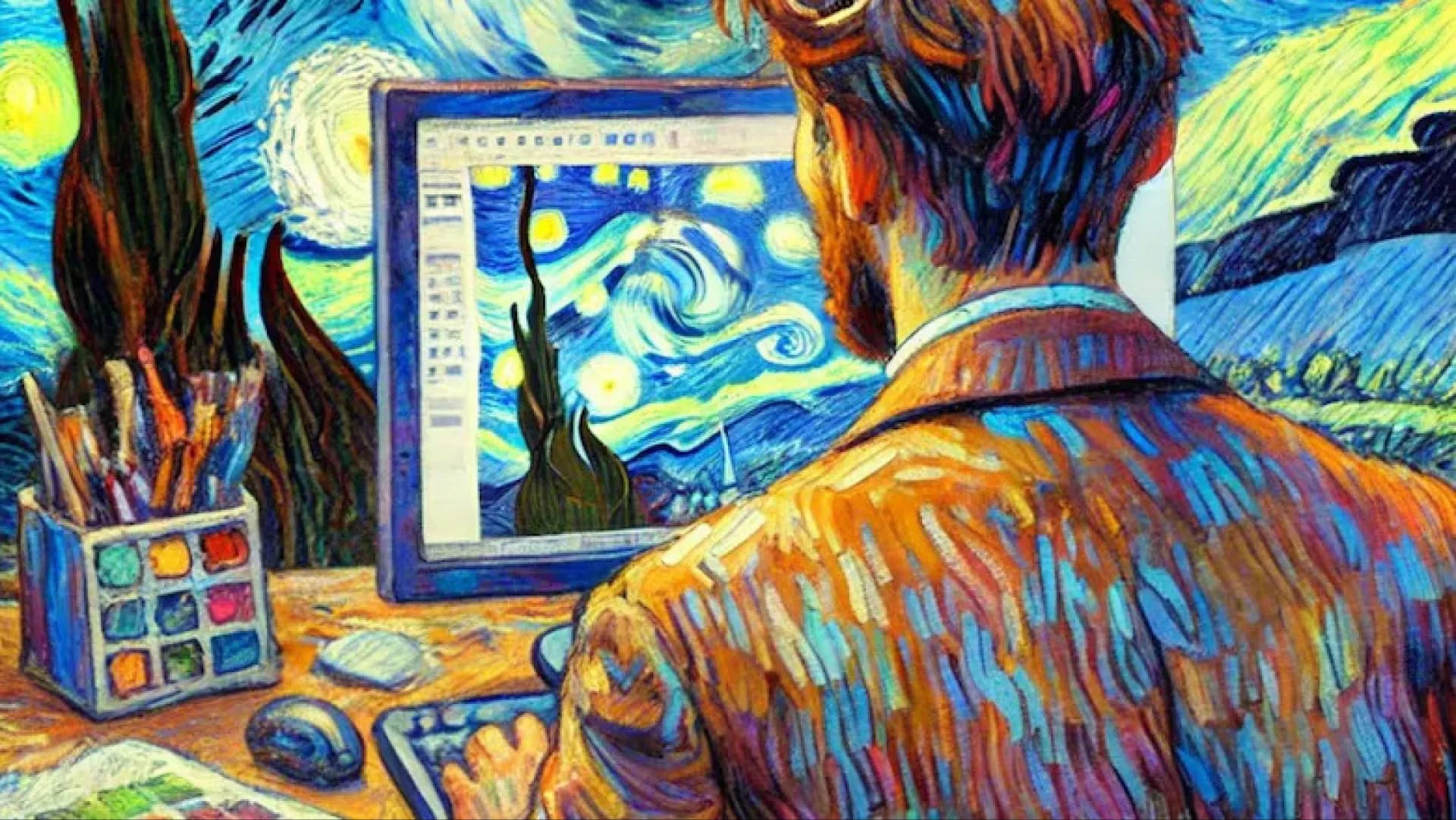
In 2025, AI drawing technology has become fully integrated into creative workflows. Tools like Midjourney allow users to generate professional-grade art from text prompts through precise commands. With the release of the V7 model, commands such as parameter adjustments and style references emphasise greater personalisation and efficiency, with the market expected to grow by over 50%. These commands not only lower the entry barrier but also support multilingual prompts and real-time editing, making them suitable for artists, designers, and beginners alike. This tutorial focuses on the 10 most popular commands, providing usage instructions, examples, and tips to help you master future creative trends—from basic generation to advanced style control—unlocking unlimited imagination.
/imagine
/imagine is the core command of Midjourney, used to generate images from text prompts. In 2025, it integrates the V7 model, enhancing its ability to interpret complex descriptions such as subtle lighting and multi-element compositions.
- Usage: Enter in Discord /imagine prompt: [description], e.g., /imagine prompt: futuristic cityscape, neon lights, realistic style. This generates four variations.
Tip: Add details such as an artist’s style (e.g., in the style of Van Gogh) to refine the output. Ideal for beginners to quickly test ideas, with a generation time of about 30 seconds.
--ar
--ar (aspect ratio) adjusts the image ratio. In 2025, it supports more custom formats such as 9:16 vertical mode, perfect for social media or posters. The default is 1:1.
- Usage: Append to the prompt, e.g., futuristic city --ar 16:9 to create a widescreen effect.
- Example: For movie posters, use --ar 2:3 to simulate a vertical format.
Tip: Combine with --v 7 to optimise high aspect ratio rendering and avoid distortion. Ideal for phone wallpapers or ad design.
--v
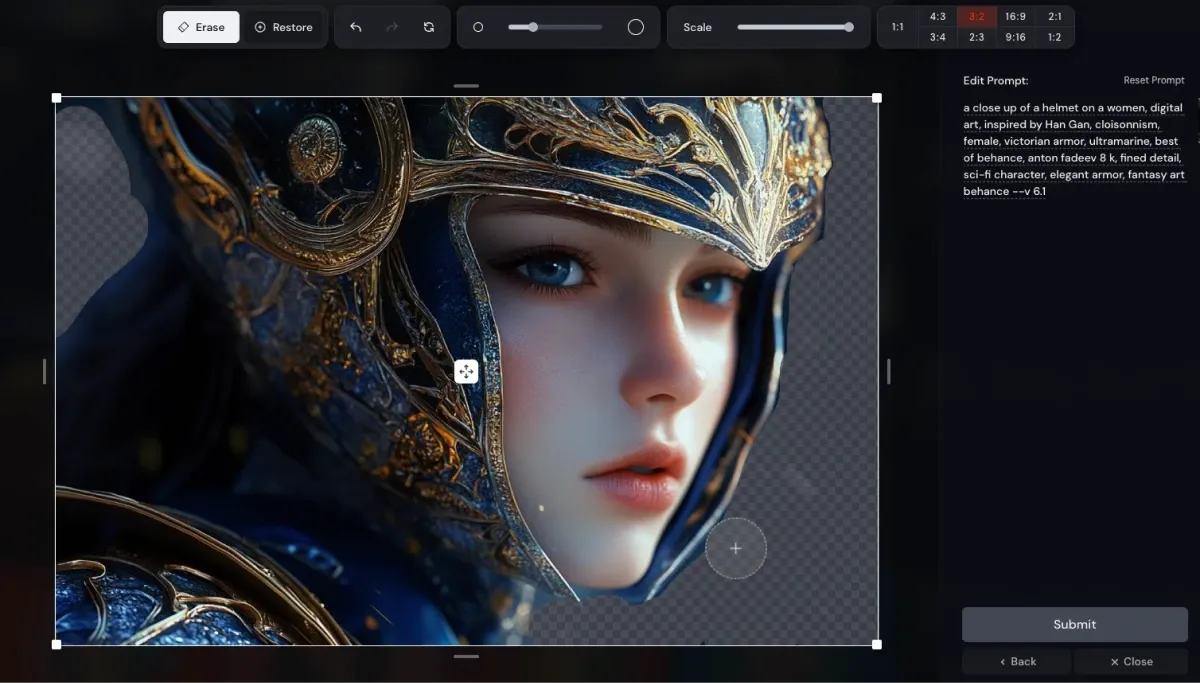
--v specifies the Midjourney model version. In 2025, V7 is the most popular choice, improving text accuracy and detail rendering.
- Usage: forest spirit --v 7.
- Example: When generating realistic characters, use --v 7 to ensure lifelike skin textures.
Tip: Beginners can start with V6, then move to V7 for advanced work. Best for professional creations requiring higher-quality output.
--q
--q (quality) controls image quality and generation time. In 2025, --q 2 enables high-quality mode.
- Usage: mountain landscape --q 2 increases detail but takes longer.
- Example: For print materials, --q 2 produces high-resolution textures.
Tip: The default --q 1 is suitable for quick iterations. Higher values like --q 5 are available only in Pro plans. Ideal for commercial designs requiring fine detail.
--chaos
--chaos (short form --c) increases variation in outputs. In 2025, the range is 0–100. Higher values produce more unexpected results.
- Usage: abstract art --c 50.
- Example: For creative exploration, --c 100 generates diverse variations.
Tip: Lower values like --c 10 maintain consistency, suitable for series work. Popular during brainstorming stages.
--stylize
--stylize (--s) adjusts the level of artistic stylisation. In 2025, the default is 100, with a range of 0–1000. Higher values emphasise style.
- Usage: landscape --s 750.
- Example: For impressionist art, --s 1000 enhances brushstroke effects.
Tip: Lower values like --s 0 lean toward realism, suitable for photographic simulations. Commonly used for experimenting with artistic styles.
--no
--no is used for negative prompts, excluding elements. In 2025, it supports multiple exclusions such as --no trees, clouds.
- Usage: cityscape --no people.
- Example: To generate an empty landscape, exclude crowds.
Tip: Combine with positive prompts for refinement and improved accuracy. Useful for controlling unwanted details.
--seed
--seed specifies a random seed, ensuring consistent outputs in 2025.
- Usage: flowers --seed 12345.
- Example: To reproduce the same image, use the same seed.
Tip: Retrieve seeds from previous generations for iteration. Popular for series creation.
--sref
--sref (style reference) references image styles. In 2025, it supports multi-image blending.
- Usage: portrait [imageURL] --sref.
- Example: To mimic a specific artist, reference their artwork.
Tip: Adjust --sw (style weight) to control intensity. Ideal for maintaining consistent style across a series.
--cref
--cref (character reference) maintains character consistency, widely used in 2025 for storyboards.
- Usage: hero [imageURL] --cref.
- Example: When generating a character from multiple angles, it preserves appearance.
Tip: Combine with --cw (character weight) to fine-tune consistency. Perfect for comics or game design.
Preserve Your Precious Memories with Capture’s Photo Album Digitisation Service
Do you have a box full of old photographs, worried that they may fade or get damaged over time? Now, you can preserve these treasured memories by digitising them with Capture.HK’s professional photo album digitisation service. Our service allows you to convert your old photos into high-quality digital files, ensuring they are safely stored and easily shareable.
At Capture.HK, we use high-resolution scanning technology to restore your photos with sharp details and vibrant colours, maintaining their original quality. We also offer various file formats, making it easy for you to access and share them across different devices. Most importantly, we handle your photos with utmost care, ensuring they are safely processed and preserved.
The Frame Digital Photo Frame
Want to relive your digital memories every day? Capture’s The Frame digital photo frame is the perfect solution! Designed to showcase your most cherished moments, The Frame allows you to display a lifetime of memories in one elegant frame.
With its sleek design and high-resolution display, The Frame offers an effortless way to organise and enjoy your favourite photos. Simply digitise your photo collection, upload them to The Frame, and enjoy your memories anytime, anywhere.
Whether placed in the living room, bedroom, or office, The Frame adds a touch of warmth and personality to your space. More than just a decorative item, it’s a meaningful gift that brings your treasured moments to life.
Get The Frame today and enjoy your memories every day!
References:
- 15 Midjourney Parameters – A List with Examples And Tips - aichronicler
- How to Master Midjourney Prompts (Best Prompts in 2025) - superside
- Parameter List - midjourney
- 5 MidJourney Parameters that can Change Your Images Dramatically - medium
- These 8 Midjourney Commands Upped My AI Image Creation Game - howtogeek
- Midjourney Commands List: Everything to Know (+ Parameters) - yourdreamai
- How to Use Midjourney to Create AI Art in 2025 (Detailed Tutorial) - elegantthemes
- AI Images with Consistent Style in Midjourney - christytuckerlearning
- Make Sure Your Midjourney AI Image Prompts Have This Parameter - forbes
- 2025 Updated Midjourney Prompts Cheat Sheet – Commands, Parameters, Tips, More - aiartyk