AI Photo Organisation Guide: From Manual Sorting to Smart Categorisation! Save Tons of Time! (With Software/App Recommendations)
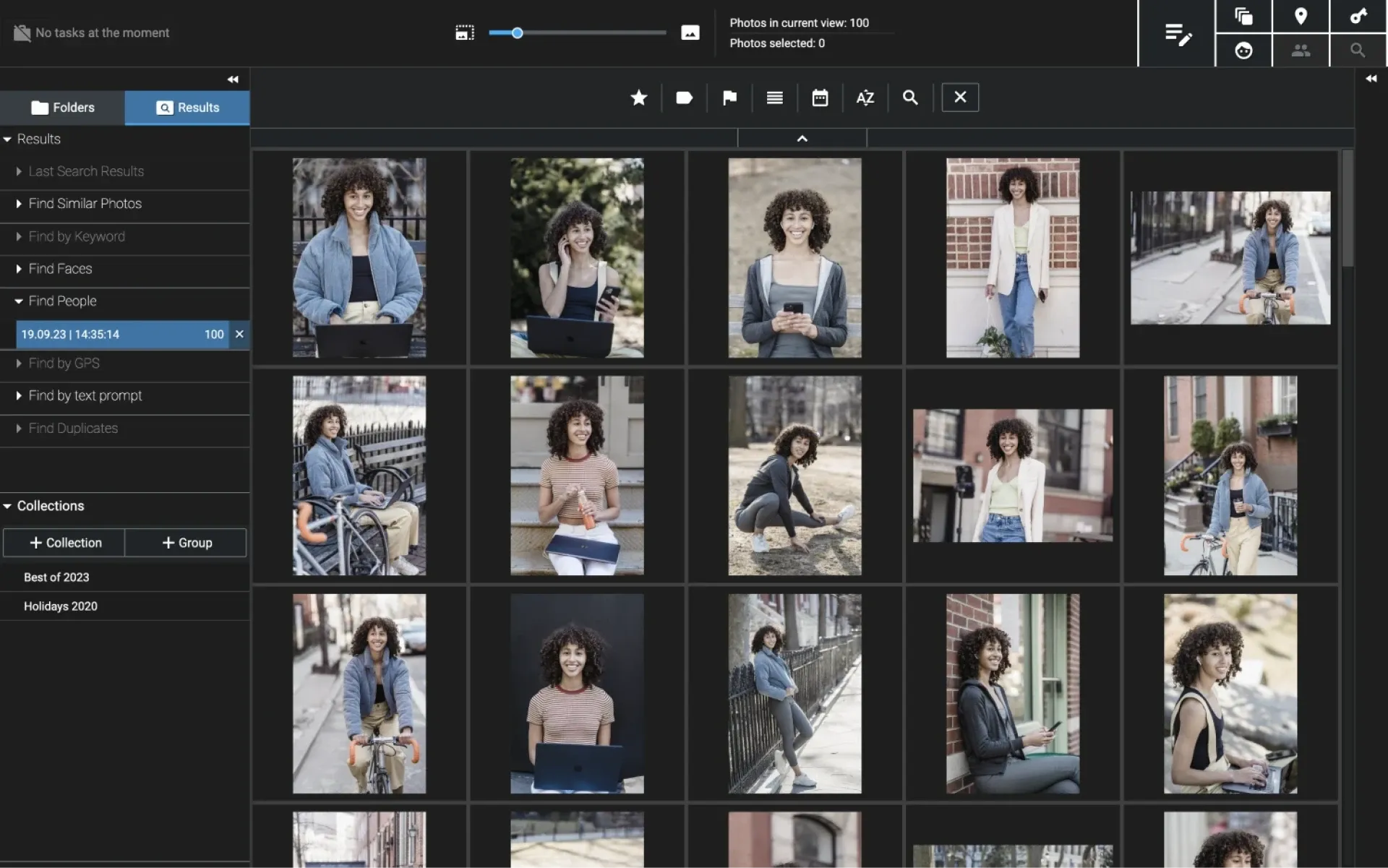
With the widespread use of smartphones and digital cameras, the number of photos we take each day has grown exponentially. From family gatherings to travel scenes, these photos hold precious memories. However, the sheer volume and messy storage often make them difficult to manage. Organising photos not only saves storage space but also allows you to quickly find what you need and improves overall efficiency.
In the past, manual photo organisation was time-consuming and tedious. The rise of artificial intelligence (AI) has completely transformed this process, making photo sorting fast, accurate, and automatic. This article will explore the importance of photo organisation, traditional manual methods, and recommend current tools, software, and apps that can help you manage your digital memories with ease.
Why Should You Organise Your Photos?
Organising photos is essential for both personal and professional users. Key benefits include:
- Saving Storage Space: Unsorted photos often include duplicates or low-quality images, taking up valuable storage on your phone or computer. Organising helps delete redundant files and free up space.
- Finding Photos Quickly: Unorganised photos are like a messy filing cabinet—you may have to sift through thousands of images to find the right one. Sorted photos categorised by date, location, or subject make searching much more efficient.
- Boosting Productivity: For photographers or content creators, organised photos allow for quicker selection of the best shots, speeding up post-production or sharing.
- Preserving Precious Memories: Organising and backing up your photos to the cloud or external drives protects them from being lost due to device failure or misplacement.
- Easier Sharing and Presentation: Organised photos are easier to use for albums, slideshows, or social media content, enhancing their visual impact.
How Did People Organise Photos Before AI?
Before AI became mainstream, photo organisation relied heavily on manual effort—slow and inefficient. Common methods included:
- Manual Categorisation and Naming: Users had to check each photo and drag it into folders named by date, event, or topic (e.g., placing vacation photos in a "2023 Japan Trip" folder).
- Deleting Duplicates: Comparing photos one by one to find and delete duplicates or similar images, which was time-consuming and required attention to detail.
- Metadata Editing: Using software like Adobe Lightroom to manually add tags (e.g., "family" or "landscape") or edit metadata such as date and location.
- Backup and Storage: Copying organised photos to external hard drives or burning them to discs to ensure data safety—though manual backups risk missing files.
- Photo Filtering: Manually checking photo quality and deleting blurry, overexposed, or unusable images—a subjective and time-consuming task.
These methods required a high level of technical skill and were extremely time-consuming when managing thousands of photos. AI technology has solved many of these problems, making photo management smarter and more efficient.
What Tools / Software / Apps Can Help with Photo Organisation?

There are many AI-powered photo organisation tools on the market—both free and paid—that cater to various needs. Below are detailed recommendations:
Free Tools / Apps
- Google Photos
- Features: A free cloud-based photo management tool that automatically categorises photos by date, location, and people. Supports face recognition and object detection (e.g., "beach" or "pets"). Users can search by keywords to quickly find photos.
- Pros: Unlimited storage (compressed quality), cross-platform sync, user-friendly interface.
- Limitations: Compressed photo quality in the free version; high-resolution storage requires a paid Google One subscription.
- Platforms: Web, iOS, Android.
- Microsoft Photos
- Features: A free app built into Windows 10/11 that automatically sorts by date and location. AI can recognise people and scenes. Includes basic editing tools.
- Pros: No need to download extra software, ideal for Windows users, integrates with OneDrive.
- Limitations: More basic features; AI recognition not as accurate as Google Photos.
- Platforms: Windows, Web (via OneDrive).
- PhotoPrism
- Features: Open-source AI photo management tool supporting local or cloud deployment. Automatically categorises by person, location, and topic. Supports keyword search.
- Pros: Free and privacy-focused; ideal for tech-savvy users running their own servers.
- Limitations: Requires technical knowledge to set up; cloud deployment may incur costs.
- Platforms: Web, Linux, Windows, Mac.
Paid Tools / Apps
- Adobe Lightroom
- Features: A professional-grade photo management and editing tool. AI features (like Adobe Sensei) support automatic tagging, face recognition, and smart categorisation. Offers advanced editing capabilities.
- Pros: Powerful and professional; ideal for photographers and advanced users. Supports cloud sync and batch processing.
- Pricing: From $9.99/month (includes 1TB cloud storage; see official site for details).
- Platforms: Windows, Mac, iOS, Android.
- Apple Photos (Advanced Features)
- Features: Built into macOS and iOS. AI supports face recognition, scene classification, and memory generation. Seamlessly integrates with iCloud for backup.
- Pros: Deep integration with the Apple ecosystem; auto-creates albums and videos.
- Pricing: Basic features are free; iCloud storage subscription starts from $0.99/month.
- Platforms: macOS, iOS.
- Mylio Photos
- Features: A privacy-focused photo management tool that supports both offline and cloud categorisation. AI can automatically identify people, places, and events. Supports cross-device syncing.
- Pros: No need to upload to third-party cloud services; ideal for families who prioritise data privacy.
- Pricing: Free version supports up to 25,000 photos; premium plans start at $9.99/month.
- Platforms: Windows, Mac, iOS, Android.
Preserve Your Precious Memories with Capture’s Photo Album Digitisation Service
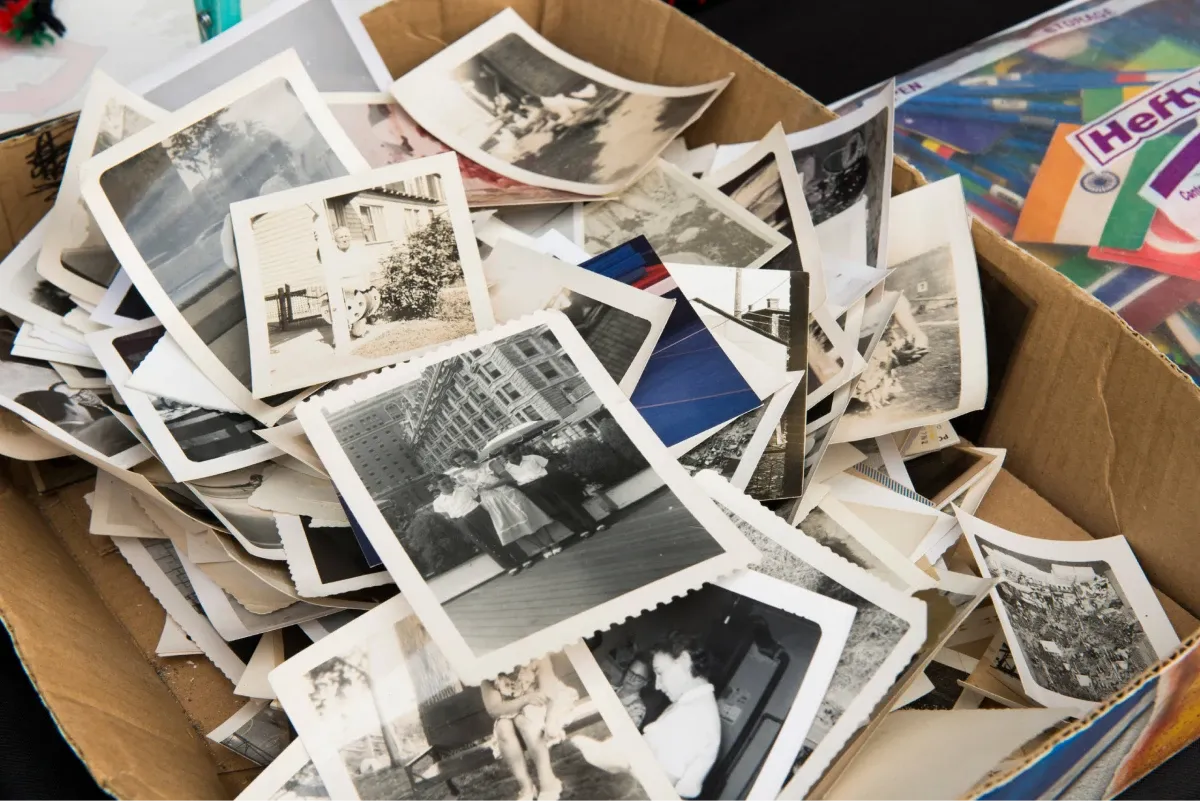
Do you have a box full of old photographs, worried that they may fade or get damaged over time? Now, you can preserve these treasured memories by digitising them with Capture.HK’s professional photo album digitisation service. Our service allows you to convert your old photos into high-quality digital files, ensuring they are safely stored and easily shareable.
At Capture.HK, we use high-resolution scanning technology to restore your photos with sharp details and vibrant colours, maintaining their original quality. We also offer various file formats, making it easy for you to access and share them across different devices. Most importantly, we handle your photos with utmost care, ensuring they are safely processed and preserved.
The Frame Digital Photo Frame
Want to relive your digital memories every day? Capture’s The Frame digital photo frame is the perfect solution! Designed to showcase your most cherished moments, The Frame allows you to display a lifetime of memories in one elegant frame.
With its sleek design and high-resolution display, The Frame offers an effortless way to organise and enjoy your favourite photos. Simply digitise your photo collection, upload them to The Frame, and enjoy your memories anytime, anywhere.
Whether placed in the living room, bedroom, or office, The Frame adds a touch of warmth and personality to your space. More than just a decorative item, it’s a meaningful gift that brings your treasured moments to life.
Get The Frame today and enjoy your memories every day!
References:
- Google Photos
- Microsoft
- PhotoPrism
- Adobe
- Mylio
- The best photo organising software in 2025 - digitalcameraworld