AI Video Editing: Core Technologies, Tool Comparison, and Applications
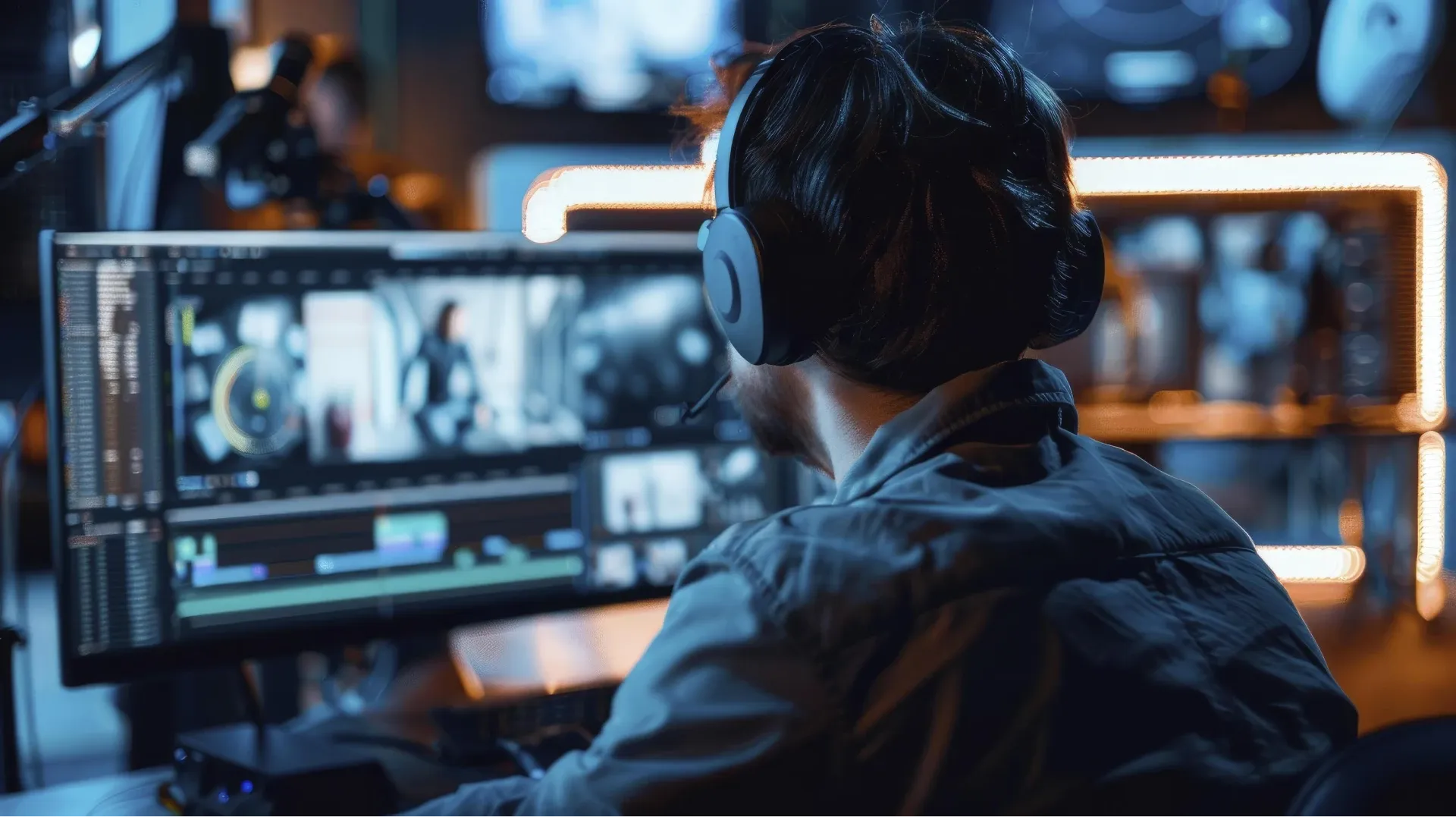
Machine learning and deep learning are driving innovation in AI video editing, enabling automated shot analysis and intelligent music scoring to help creators improve efficiency and quality. This article explores AI video editing technologies, advantages, limitations, and tools, offering insights into this new, high-efficiency editing solution.
Development Background of AI Video Editing
In recent years, AI technology has made rapid progress in the field of image processing, gradually replacing the traditionally time-consuming editing process with automated tools. From early simple scene recognition to today’s multimodal editing that integrates semantic understanding and audio analysis, AI can not only identify key shots in footage but also automatically arrange layouts and transitions based on emotional curves, ushering post-production into a new era.
Core Technology Framework
AI video editing mainly relies on the following key technologies:
- Image Recognition and Shot Segmentation
Using Convolutional Neural Networks (CNN) or Vision Transformers to automatically detect scenes and capture dynamic subjects. - Semantic Analysis and Subtitle Generation
Natural Language Processing (NLP) models convert speech to text, annotate emotions or keywords, and enable text-driven editing strategies. - Audio Analysis and Intelligent Music Scoring
By combining rhythm detection with emotion classification models, AI can automatically select background music and sound effects that match the visual intensity. - Automatic Colour Grading
Deep learning algorithms adjust tone, contrast, and saturation based on style templates to ensure visual consistency across the video.
Comparison of Major AI Video Editing Tools
| Tool Name | Core Features | Advantages | Target Users |
| Adobe Premiere Pro + Sensei | Auto sequence reframing, intelligent subtitles, automatic colour grading | Integrated with Adobe ecosystem, rich plugins | Professional film and TV production |
| Descript | Text-based editing, audio-to-text, AI voice synthesis | Low learning curve, ideal for podcasts and short videos | Beginners and small to medium teams |
| Runway ML | Multimodal editing, visual effects, background removal | Cloud-based, real-time collaboration | Video creators and designers |
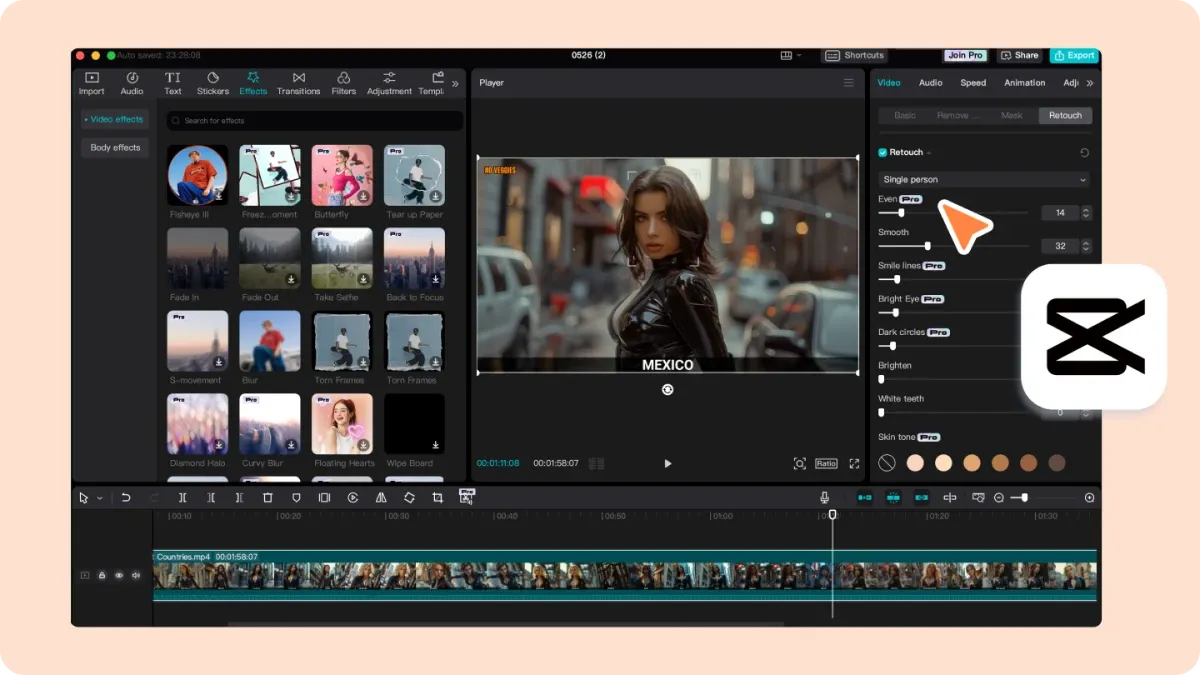
| CapCut AI | Smart shot segmentation, AI music scoring, one-click background removal | Compatible with mobile and PC, ideal for social media content | Social media content creators |
| Vimeo Create | Template-based editing, brand identity, automatic subtitles | Integrated with Vimeo platform, easy sharing and embedding | Marketing and brand promotion |
Practical Application Scenarios
- News Highlights
Media organizations use AI to automatically extract key moments from live broadcasts or interviews, quickly producing short videos and shortening news turnaround time. - Social Media Marketing
Brand marketing teams use AI editing tools to automatically trim long videos based on topic tags, creating short-form content suitable for TikTok, Instagram, and other platforms. - Education and Training
Online course platforms use automatic subtitles and key point tagging to quickly produce searchable instructional videos, improving learners’ search efficiency.
Advantages and Challenges
Advantages:
- Efficiency Boost: Traditional editing can take hours or even days, while AI tools can produce a first draft in minutes.
- Lower Entry Barrier: Non-professional users can generate professional-quality short videos simply by inputting a script or keywords.
- Data-Driven Creation: AI can recommend shot lengths and pacing based on audience behaviour data, improving viewer engagement.
Challenges:
- Creative Limitations: Automation struggles to fully replace human control over narrative tension and emotional detail.
- Style Consistency: When source materials vary greatly in style, AI colour grading and effects may be inaccurate.
- Privacy and Copyright: The use of voice, music, and other materials requires careful handling of licensing and privacy issues.
Future Outlook
In the future, AI video editing will place greater emphasis on human-AI collaboration:
- Interactive Editing Suggestions: Tools will proactively offer multiple editing options for users to quickly choose or fine-tune.
- Immersive Editing Experience: Integration with Virtual Reality (VR) and Augmented Reality (AR) will allow users to preview camera movements in a 3D space.
- Cross-Media Content Integration: AI will automatically generate multilingual subtitles and voiceovers, and adjust video specifications for different platforms.
Preserve Your Precious Memories with Capture’s Photo Album Digitisation Service
Do you have a box full of old photographs, worried that they may fade or get damaged over time? Now, you can preserve these treasured memories by digitising them with Capture.HK’s professional photo album digitisation service. Our service allows you to convert your old photos into high-quality digital files, ensuring they are safely stored and easily shareable.
At Capture.HK, we use high-resolution scanning technology to restore your photos with sharp details and vibrant colours, maintaining their original quality. We also offer various file formats, making it easy for you to access and share them across different devices. Most importantly, we handle your photos with utmost care, ensuring they are safely processed and preserved.
The Frame Digital Photo Frame
Want to relive your digital memories every day? Capture’s The Frame digital photo frame is the perfect solution! Designed to showcase your most cherished moments, The Frame allows you to display a lifetime of memories in one elegant frame.
With its sleek design and high-resolution display, The Frame offers an effortless way to organise and enjoy your favourite photos. Simply digitise your photo collection, upload them to The Frame, and enjoy your memories anytime, anywhere.
Whether placed in the living room, bedroom, or office, The Frame adds a touch of warmth and personality to your space. More than just a decorative item, it’s a meaningful gift that brings your treasured moments to life.
Get The Frame today and enjoy your memories every day!
References:
- Adobe Sensei Official Website - Adobe
- Descript Features Overview - descript
- Runway ML Product Page - runwayml
- CapCut AI Introduction - capcut
- Vimeo Create Overview - vimeo
Extended Readings:
Loading...