AI Video-to-Text Tools: Summary, Analysis & Key Takeaways at a Glance
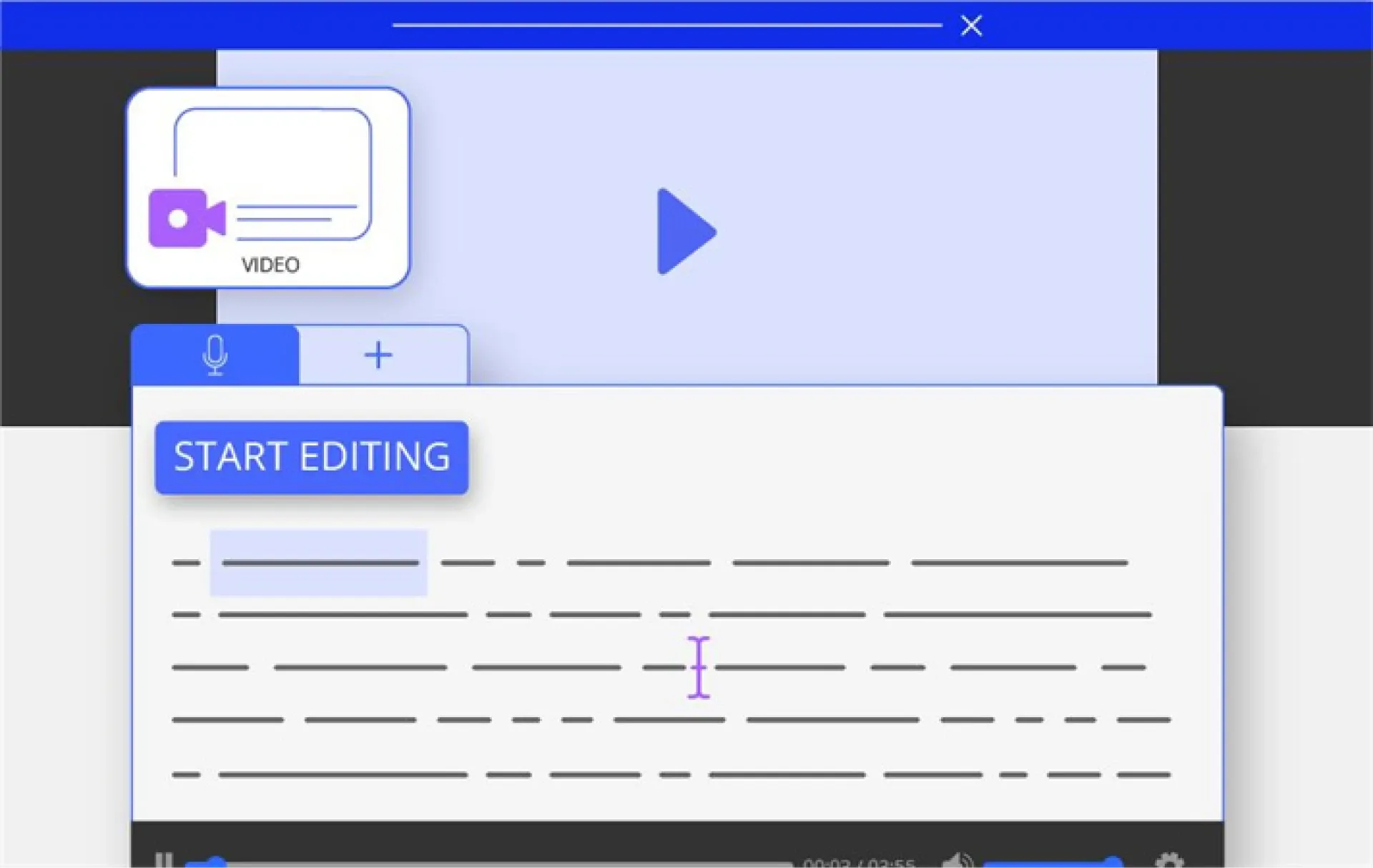
With the explosive growth of digital content—especially long videos on platforms like YouTube and Bilibili—there's an increasing need to quickly grasp the key points of videos. Whether you're a student organising lecture notes, a professional extracting meeting highlights, or a content creator repurposing video into articles or social media posts, video summarisation tools have become essential. Traditional manual summarisation methods are time-consuming and inefficient, but advancements in AI have transformed the process, making it faster, more accurate, and more efficient. This article explores the benefits of video summarisation, traditional methods, how AI is applied, and provides recommendations for free and paid AI video summarisation tools to help you choose the right solution for your needs.u
5 Key Benefits of Summarising Video Content
Summarising video content greatly improves information processing efficiency. Here are five core advantages:
- Time-saving: Long videos (like lectures or meetings) can last for hours. AI tools can extract key points in seconds, allowing users to grasp the gist without watching the entire video.
- Improved learning efficiency: Students and researchers can quickly consolidate key insights from classes or seminars and focus on core concepts, reducing repeated watching and note-taking time.
- Content repurposing: Content creators can transform video summaries into blog posts, social media content, or eBooks to expand their reach.
- Cross-language understanding: Many AI tools support multilingual summarisation and subtitle translation, helping users understand foreign language videos and overcome language barriers.
- Faster decision-making: Professionals can quickly extract key points from meetings or industry reports, speeding up decision-making and improving productivity.
With AI-powered tools, the effectiveness of video summarisation is even more pronounced, making them powerful assistants in today’s information-driven world.
How Was Video Summarisation Done Before AI?
Before AI became widespread, analysing and summarising video content relied mainly on manual methods, which were tedious and time-consuming:
- Manual viewing and note-taking: Users had to watch full videos and take notes manually. For longer content, this could take hours and often required multiple replays to ensure nothing was missed.
- Manual transcription: Professionals would manually transcribe audio into text before extracting key information, requiring significant time and effort.
- Timestamp logging: To aid navigation, organisers recorded timestamps for key moments—an inefficient, repetitive process.
- Content segmentation: Videos were manually broken down into topic-based segments, with summaries or outlines written for each—especially difficult for longer videos.
- Collaboration and proofreading: In team settings, notes and transcripts had to be reviewed and aligned for accuracy, increasing communication overhead.
These methods were technically demanding and prone to human error or subjective bias, making them unsuitable for large-scale video processing.
How AI Analyses and Summarises Video Content
AI uses Natural Language Processing (NLP), speech recognition, and machine learning algorithms to greatly improve the efficiency of video analysis and summarisation:
- Automatic speech-to-text: AI tools can transcribe video audio into text with over 98% accuracy (e.g., Notta), saving time compared to manual transcription.
- Key content extraction: Using NLP, AI identifies main topics, concepts, and keywords from transcripts to generate structured summaries.
- Multilingual support: AI tools can generate summaries and subtitles in multiple languages. For example, NoteGPT supports over 60 languages—ideal for global users.
- Contextual understanding & Q&A: Advanced tools like Mindgrasp understand context and allow users to ask questions about the video, providing precise answers.
- Multi-format outputs: AI can convert summaries into articles, presentations, mind maps, or social media posts, meeting various usage needs.
AI excels in speed and accuracy, capable of handling long or multiple videos at once, making it ideal for education, research, and business applications.
What AI Video Summarisation Tools Are Available?
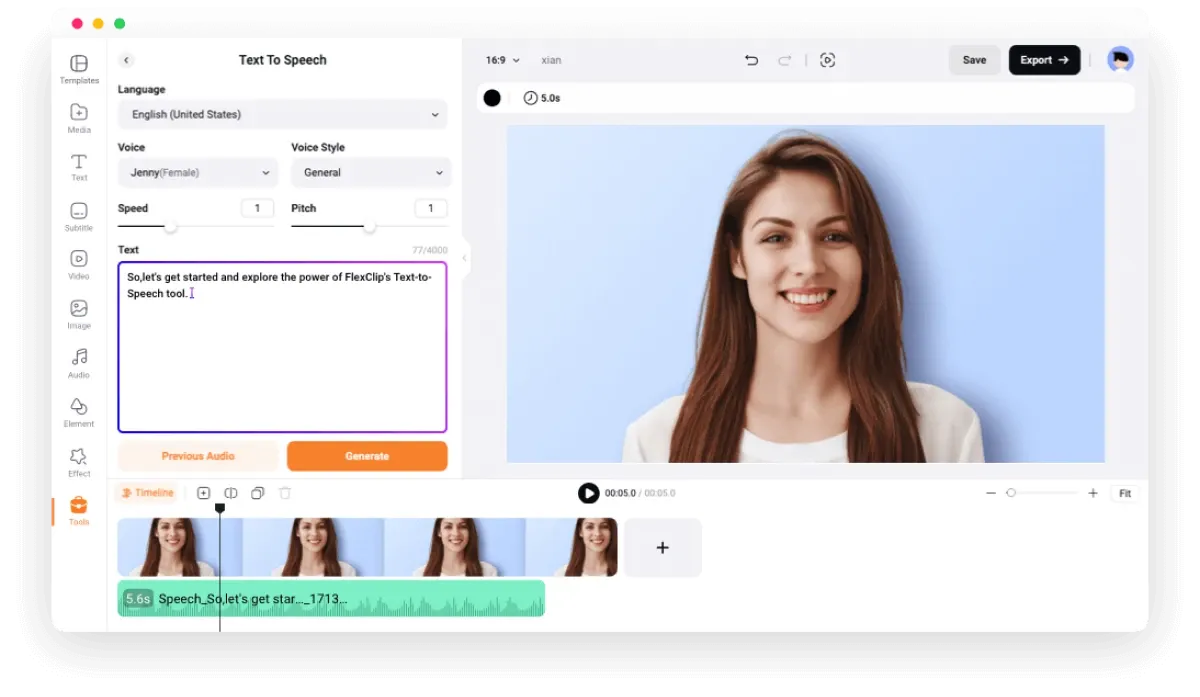
There are many AI video summarisation tools on the market, both free and paid, to meet different user needs. Below are some detailed recommendations:
Free Tools
- NoteGPT
- Features: Free online tool that summarises videos from platforms like YouTube and Bilibili. Supports batch processing of up to 20 videos with no length limit. Customisable summary length and style.
- Pros: No registration needed; supports over 60 languages; high-quality output; great for students and researchers.
- Cons: Basic features only; advanced options like bilingual subtitles require payment.
- Platforms: Web, iOS, Android.
- Summarise.tech
- Features: Designed for long videos (e.g., lectures or government meetings); generates concise text summaries for YouTube videos.
- Pros: Easy to use; great for quickly extracting key points from public videos.
- Cons: Limited platform support; free version has basic features only.
- Platform: Web.
- ScreenApp
- Features: Supports platforms like YouTube and Instagram; offers high-accuracy speech-to-text and summaries. Free version allows up to five 10-minute videos per month.
- Pros: Supports 30 languages; good for short video processing.
- Cons: Free version has video length restrictions; advanced features are paid.
- Platforms: Web, iOS, Android.
Paid Tools
- Notta
- Features: A feature-rich AI video summarisation tool that supports meeting recordings from Zoom, Google Meet, etc. Offers transcription accuracy of up to 98.86%.
- Pros: Real-time speech-to-text, auto-generated notes and summaries; ideal for professionals and teams.
- Pricing: 7-day free trial; paid plans available on the official website.
- Platforms: Web, iOS, Android.
- Eightify
- Features: Browser extension specifically for summarising YouTube videos; generates summaries and transcripts with one click; mobile supported.
- Pros: High accuracy; handles long videos (3–8 hours); allows summary sharing.
- Pricing: Paid service; see official site for details.
- Platforms: Web, iOS, Android.
- Insight Video IA
- Features: Converts video content into eBooks, articles, or social media posts; supports multilingual translation and content editing.
- Pros: Ideal for content creators; outputs in multiple formats for content reuse.
- Pricing: Free trial available; paid plans listed on the official site.
- Platform: Web.
Preserve Your Precious Memories with Capture’s Photo Album Digitisation Service
Do you have a box full of old photographs, worried that they may fade or get damaged over time? Now, you can preserve these treasured memories by digitising them with Capture.HK’s professional photo album digitisation service. Our service allows you to convert your old photos into high-quality digital files, ensuring they are safely stored and easily shareable.
At Capture.HK, we use high-resolution scanning technology to restore your photos with sharp details and vibrant colours, maintaining their original quality. We also offer various file formats, making it easy for you to access and share them across different devices. Most importantly, we handle your photos with utmost care, ensuring they are safely processed and preserved.
The Frame Digital Photo Frame
Want to relive your digital memories every day? Capture’s The Frame digital photo frame is the perfect solution! Designed to showcase your most cherished moments, The Frame allows you to display a lifetime of memories in one elegant frame.
With its sleek design and high-resolution display, The Frame offers an effortless way to organise and enjoy your favourite photos. Simply digitise your photo collection, upload them to The Frame, and enjoy your memories anytime, anywhere.
Whether placed in the living room, bedroom, or office, The Frame adds a touch of warmth and personality to your space. More than just a decorative item, it’s a meaningful gift that brings your treasured moments to life.
Get The Frame today and enjoy your memories every day!
References:
- NoteGPT
- ScreenApp
- notta.ai
- Eightify
- AI-powered video summaries - summarize.tech
Extended Readings:
Loading...