BNO Photo: What Are the Requirements? Can You Take It Yourself? A Complete Guide to Size and Specifications
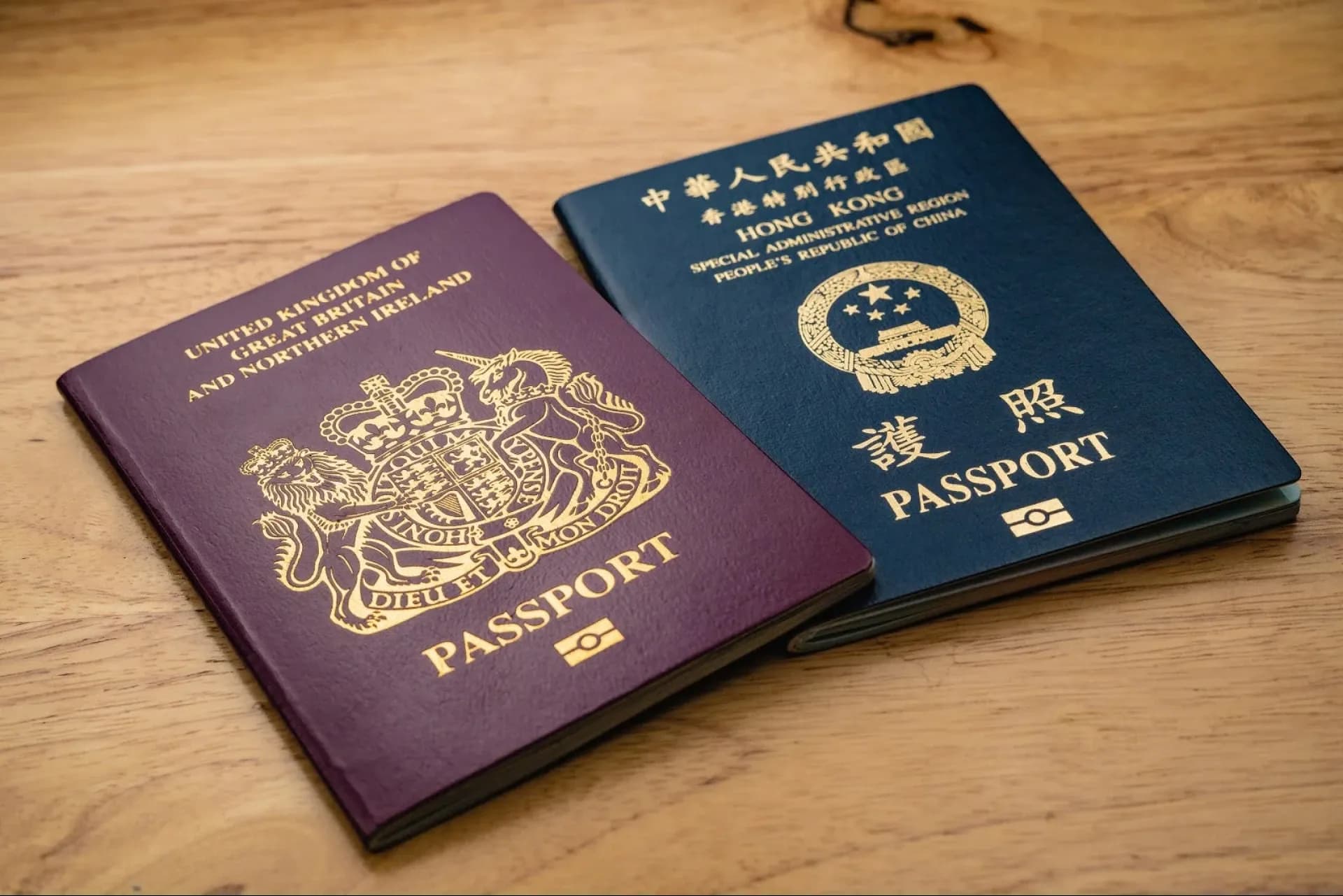
When applying for or renewing a British National (Overseas) Passport (BNO), the quality and accuracy of your photo are crucial for passing the verification process. Many applicants overlook the importance of meeting the BNO photo requirements and assume that a standard passport photo will suffice. However, failing to comply with the specifications could result in delays or additional document submissions. That’s why understanding the exact requirements, size, and specifications of a BNO photo is essential.
BNO Photo Requirements
- Background Colour: The photo must be taken against a plain white or light grey background with no patterns or objects.
- Lighting and Facial Expression: Lighting should be even and consistent, avoiding shadows or red-eye. Your facial expression should be neutral—no smiling or frowning.
- Hair and Accessories: Hair should not cover the eyes or face. Head coverings are generally not allowed unless required for religious or medical reasons.
- Glasses: If wearing glasses, ensure there is no glare on the lenses, and your eyes remain fully visible.
BNO Photo Size
- Printed Photo: Must be 35mm (width) x 45mm (height). The distance from the chin to the top of the head should be between 29mm and 34mm, with some space left above the head.
- Digital Photo: The image should be at least 600 pixels (width) x 750 pixels (height), with a file size between 50KB and 10MB, saved in JPG format.
Can You Take a BNO Photo Yourself?
While the UK government does accept self-taken digital photos, it is highly recommended to visit a professional photography studio to ensure compliance with all standards. This increases the chances of approval and avoids unnecessary resubmissions. However, if you prefer to take the photo yourself, follow the steps below.
Steps to Take Your Own BNO Photo
- Prepare the Background: Use a plain white sheet or a dedicated passport photo backdrop to ensure there are no patterns.
- Adjust Lighting: Ensure bright and even lighting to prevent shadows on your face or background.
- Position Yourself: Stand about 0.5 meters from the background, with the camera positioned 1.5 meters away from you.
- Check Your Expression: Keep a neutral facial expression—do not smile or frown.
- Crop the Photo: Adjust the photo to the required dimensions and save it in JPG format before uploading.
- Submit for Review: If the system rates your photo as “Fair” or “Good”, it meets the basic requirements. Otherwise, adjustments may be needed.
By following these guidelines, you can simplify the application process and avoid delays. While taking a photo at home is convenient, visiting a professional studio ensures the highest accuracy and quality. If you encounter any difficulties, refer to the official government website or seek assistance from a professional service provider.
Preserve Your Precious Memories with Capture’s Photo Album Digitisation Service
Do you have a box full of old photographs, worried that they may fade or get damaged over time? Now, you can preserve these treasured memories by digitising them with Capture.HK’s professional photo album digitisation service. Our service allows you to convert your old photos into high-quality digital files, ensuring they are safely stored and easily shareable.
At Capture.HK, we use high-resolution scanning technology to restore your photos with sharp details and vibrant colours, maintaining their original quality. We also offer various file formats, making it easy for you to access and share them across different devices. Most importantly, we handle your photos with utmost care, ensuring they are safely processed and preserved.
The Frame Digital Photo Frame
Want to relive your digital memories every day? Capture’s The Frame digital photo frame is the perfect solution! Designed to showcase your most cherished moments, The Frame allows you to display a lifetime of memories in one elegant frame.
With its sleek design and high-resolution display, The Frame offers an effortless way to organise and enjoy your favourite photos. Simply digitise your photo collection, upload them to The Frame, and enjoy your memories anytime, anywhere.
Whether placed in the living room, bedroom, or office, The Frame adds a touch of warmth and personality to your space. More than just a decorative item, it’s a meaningful gift that brings your treasured moments to life.
Get The Frame today and enjoy your memories every day!
Purchase Now
References:
- [BNO Photo] A Complete Guide to BNO Photo Requirements and Specifications! – photobi
- UK Passport Photo | BNO Photo Specifications – Owl Photo Studio
- BNO Renewal Photo Requirements: Background Colour, Size, and Wearing Glasses? – Utravel
- [BNO Passport] Latest Travel Restrictions, Application/Renewal Eligibility, Photo Requirements, Signature Requirements, and Required Documents – Skyscanner
- Photo Specifications for Hong Kong Special Administrative Region Travel Documents – Hong Kong Immigration Department