CD vs DVD: Key Differences in Capacity, Compatibility and Lifespan
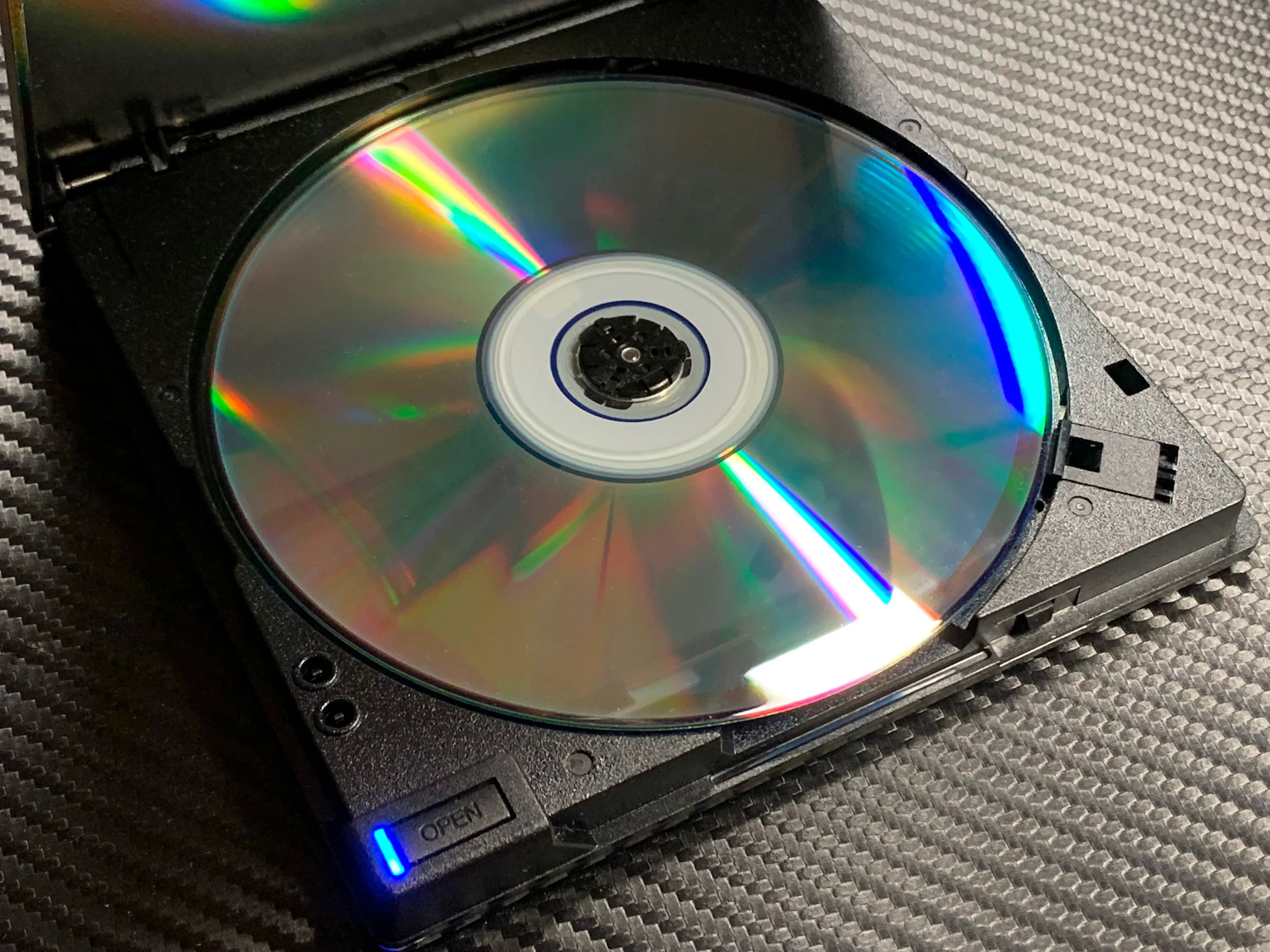
Pick up two silver discs from the back of a drawer and they look identical: same 12 cm size, same hole in the middle, same rainbow shimmer. Yet one might hold a single album and the other a full-length film, and an old CD player will refuse the second one completely. If you are sorting through discs of music, wedding videos, photo backups or old software, it helps to know what separates a CD from a DVD, and what that means for the files on them.
The quick comparison
Capacity: a CD holds about 700 MB. A single-layer DVD holds 4.7 GB, roughly seven times more; a dual-layer DVD holds 8.5 GB.
Typical use: CDs for music, small photo backups and software; DVDs for films, home video and larger backups.
Laser: CD drives use an infrared laser (780 nm); DVD drives use a red laser (650 nm).
Compatibility: DVD players and drives read CDs; CD-only players cannot read DVDs.
Speed: a DVD drive at "1×" reads data about nine times faster than a CD drive at "1×".
Where they came from
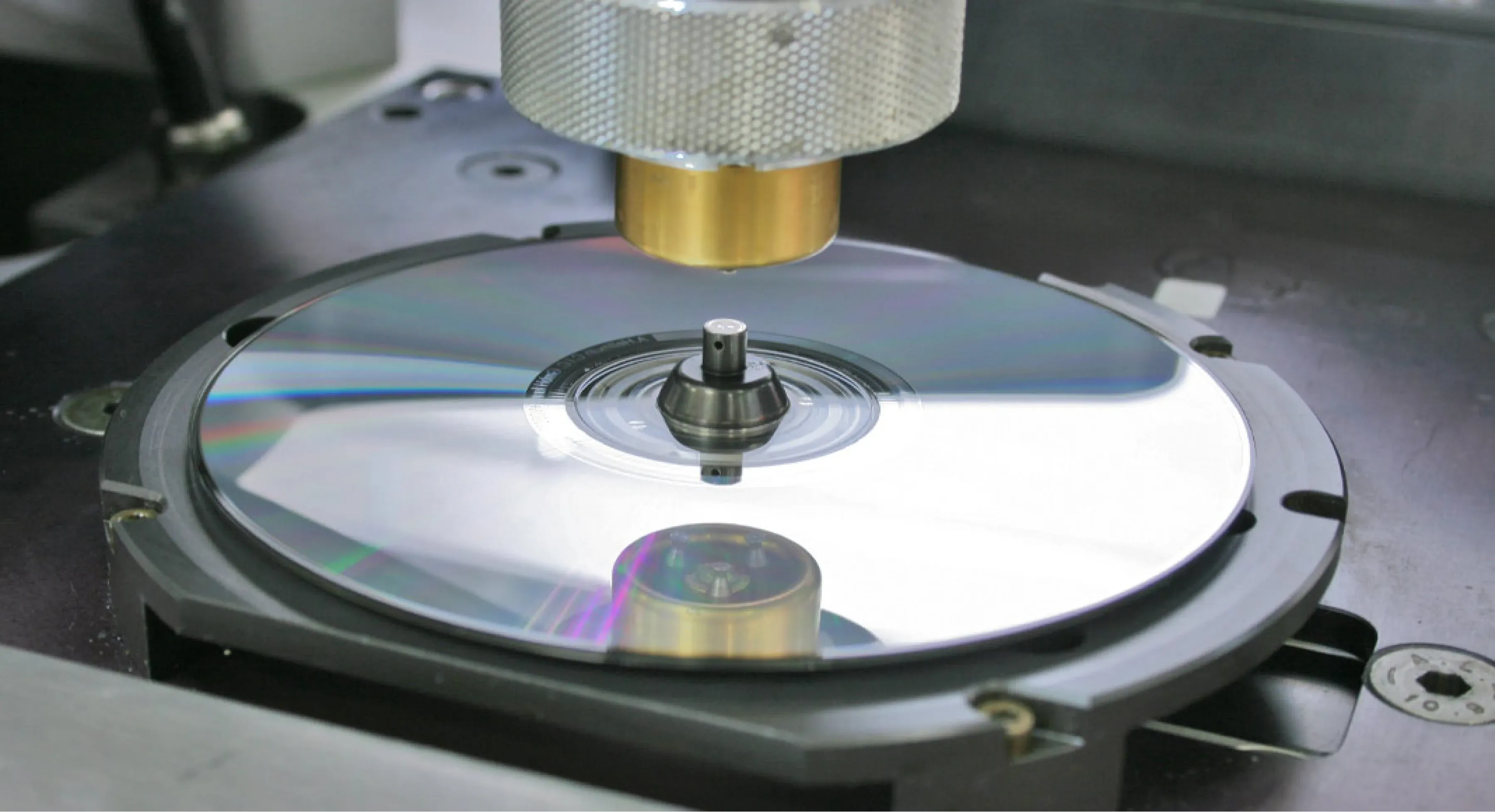
The compact disc was developed jointly by Philips and Sony and reached shops in 1982, first as a music format. A standard audio CD plays for up to 74 minutes, later stretched to 80. The same disc soon carried computer data as CD-ROM, and by the 1990s recordable CD-R and rewritable CD-RW discs let anyone burn their own.
In Asia, and Hong Kong especially, the CD also gave rise to the Video CD (VCD). A VCD squeezed a film onto one or two CDs at roughly VHS quality, and in the 1990s it was hugely popular here for films, karaoke and even wedding videos.
The DVD arrived in 1996 after electronics makers agreed on a single standard instead of fighting a format war. "DVD" is usually expanded as Digital Versatile Disc (originally Digital Video Disc). It offered sharper video than VCD or VHS, menus, subtitles in several languages and multiple audio tracks. Recordable versions followed in two rival families, DVD-R/DVD-RW and DVD+R/DVD+RW; most drives today handle both.
Why a DVD holds so much more
Both discs store data as microscopic pits arranged along one long spiral track, read by a laser. The DVD packs those pits much more tightly:
The spiral on a DVD is spaced at 0.74 micrometres, against 1.6 on a CD.
The pits themselves are smaller, which a shorter-wavelength laser can resolve.
A DVD can have two data layers on one side, and some discs are double-sided, which is how the largest DVDs reach about 17 GB.
DVD also uses more efficient error correction, so less space is spent on overhead.
Blu-ray took the same idea further with a 405 nm blue-violet laser and 25 GB per layer.
Speed and what it meant

A 1× CD drive reads about 150 kilobytes per second, the rate needed to play audio in real time. A 1× DVD drive reads about 1.38 megabytes per second, enough for full-length standard-definition video. Drives sold later ran at many multiples of these base speeds, but the gap explains why games, software and video moved to DVD in the early 2000s.
Compatibility: what plays where
DVD players play audio CDs, and most also play VCDs and data discs with photos or MP3s.
CD players and older car stereos play only CDs.
Region codes apply to commercial DVD films. Hong Kong is in Region 3, while discs bought in the US are Region 1 and in Europe Region 2. A player may refuse a film from another region. Home-made DVDs are usually region-free.
PAL and NTSC also matter for video DVDs. Hong Kong used PAL, so a DVD made here may not play on an older NTSC-only player overseas, and the other way round.
Computers: many new laptops have no disc drive at all. A USB external DVD writer reads both formats.
How long do discs last?
It depends mostly on how the disc was made. Pressed discs, such as shop-bought music CDs and film DVDs, have their data moulded into the plastic and tend to last a long time if kept well. Recordable discs (CD-R, DVD-R and their rewritable cousins) store data in an organic dye layer that is far more fragile. Heat, sunlight and moisture break the dye down, and cheap discs can become unreadable within years.
Hong Kong conditions are hard on discs. High humidity can cause the edges to corrode and the reflective layer to cloud, while a disc left on a sunny windowsill or in a hot car fades quickly. Signs of trouble include:
Pinholes of light when you hold the disc up to a lamp
Cloudy or bronze-coloured patches
Peeling label or lifting at the edge
A drive that spins, stalls or reads only some files
To slow the damage, keep discs upright in their cases, away from sunlight, in a dry cabinet or a box with silica gel, and handle them by the edges.
CD or DVD: which matters for you today?
Few people burn new discs now; USB drives and cloud storage are cheaper per gigabyte and far more convenient. The real question is what to do with the discs you already have:
Commercial music and films are usually easy to replace, and some have collector value.
Home-burned discs holding photos, wedding videos, VCDs from family events or school records are often the only copy. These are the ones to copy off while the dye is still readable.
Common questions
How can I tell if a disc is a CD or a DVD?
Check the printed logo around the centre hole first. If there is none, put it in a computer drive and check the capacity: about 700 MB means a CD, 4.7 GB or more means a DVD.
Can a DVD hold music?
Yes, as data files such as MP3, or on a DVD-Video disc. But a standard CD player will not play it.
Is it worth burning a new backup to DVD?
Not as your only copy. Keep two copies on different media, for example a USB drive at home and a cloud copy.
Rescue the files on your discs
Capture HK recovers photos, videos and documents from CD-ROMs, DVDs and memory cards and delivers them on USB or to Google Photos, so they no longer depend on an ageing disc or drive. Find out more on our digital media page.
Loading...