How to Organise Photos and 30+ Ways to Categorise Thousands of Pictures

Photos contain all sorts of memories of loved ones, weddings, births, graduations, and more. Unfortunately, whether they are digital photos or prints, it can be difficult to enjoy those memories if they are disorganised. This is especially true when you have thousands of pictures in your photo collection that you have to go through.
Conversely, photo organising makes it easier to cherish, share, and declutter your photo library. Capture’s archival and photo-scanning experts help people organise their memories every day. We’ve decided to put together all the most important information about organising family photos because we want you to be able to love and preserve your priceless memories forever.
Keep reading to learn how to organise digital photos, photo books, and photo boxes as well as 30 great ways to categorise them for easier photo management.
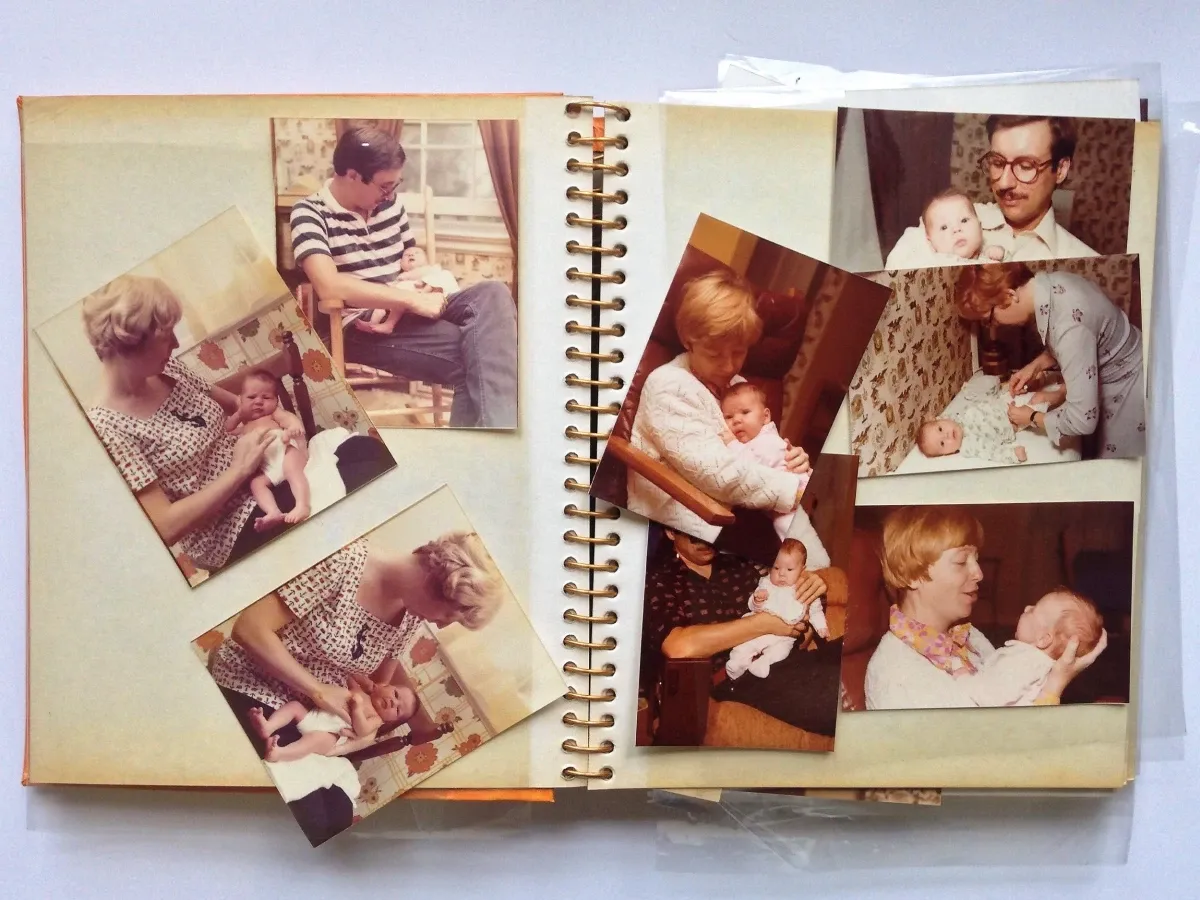
How to Organise Photo
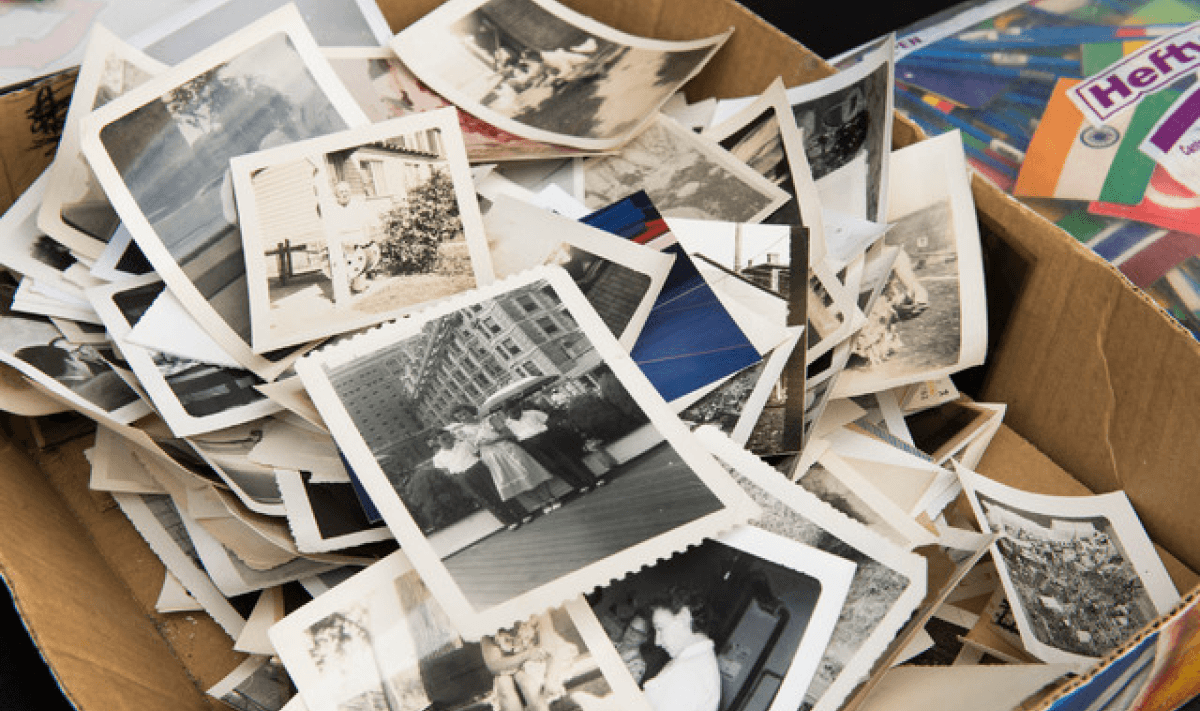
Organising photos can be difficult for a few different reasons. First, you may have different digital file types as well as different sizes, formats, and ages of photo prints. To keep digital images and physical photos organised, you will likely have to organise them separately, even if you use the same categorisation technique.
Finally, organising photos is time-consuming (but it can also be fun because you get to look at all your family members, experiences, and memories!) Here are some steps you can take to make the whole process a little easier.
Follow Best Photo Practices
If you are dealing with physical photos, make sure that you follow the best- photo-safe practices like using acid-free storage, wearing cotton gloves, and avoiding excessive heat or moisture. With digital photos, you want to save often and back up data when possible to ensure your memories are never lost.
Furthermore, if you only have physical copies of your photos, we strongly recommend that you digitise them as soon as possible. While photo prints are vulnerable to water damage, fading, fire, theft, and more, digital copies can preserve those memories forever.
Gather Photos in One Place
By consolidating all your photos in one place before starting, you will make the rest of the organisation process much easier. You may have scattered photo albums, storage boxes, collages, prints, scrapbooks, and more.
In addition, if you are organising digital photos, you may have them on multiple platforms like Google Photos, Dropbox, iCloud, Amazon Photos, or other cloud storage. You may also have digital images on old iPhones, memory cards, external hard drives, Android photo apps, computers, and more.
Get Rid of Duplicates and Unwanted Photos
The second step is to declutter your photo collection by getting rid of unwanted photos and duplicates. If you don’t want to throw duplicates away, send them to family members or use them for artwork, gifts, or other creative ideas.
Develop a File or Photo Book Naming Convention
For consistency throughout your entire photo collection, it’s a good idea to decide on how you will name photo albums, individual photo prints, and digital image files. This may depend on the categorization option you decide on, so make sure you check the 30 ideas we listed below.
Use Folders and Subfolders
When organising digital photos, using folders and subfolders will ensure that they are as organised concisely and findable as possible. For example, you will have a folder named by year, family member, or event. Then, you can use subfolders to find photos based on other criteria. The same can be done with photo albums with sections or chapters.
Use Metadata and Tags
By using metadata tagging, you can make it much easier to find specific photos, categories, years, loved ones, and much more. It adds another searchable organisation element to your digital photo collection. You can use software options like Lightroom to make this process faster and easier.
Regularly Review and Maintain Your Photo Collection
By regularly reviewing and maintaining your photo collection by adding to it, improving folder structure, managing storage space, and decluttering, you prevent having to reorganise photos all at once again in the future. Plus, it keeps your organisation clean and easy to browse, enjoy, share, and love.
30 Ideas for Organising and Categorising Photos
Now that you know how to go about organising photos on a computer or with printed photos, it’s time to look at all the ways you can organise photo storage including chronologically, geographically, by file name, face, object, rating, or any other number of options to manage your pics.
1. Chronologically
Chronologically is one of the best ways to organise your photographs because you can keep photo albums or folders sorted by years with chapters or subfolders for different months, days, or events. This makes it easy to find photos of specific people or situations at any stage of life.
2. Geographically
Another common way to sort photos, especially digital photos, is geographically. This allows you to keep photos based on certain vacations, homes, and events together. It also naturally coincides with some chronological or by-face categorization types.
3. Alphabetically
There are a few ways to organise your old photos alphabetically including by person, description, location, events, or more. While this can be an easy and quick way to sort your photo collection, it may not be as easy to find certain experiences as other organising options.
4. By Theme
By theme is a modern way to organise photos that are commonly used on social media and photo apps. Some potential theme options include birthdays, anniversaries, weddings, Christmas or other holidays, pets, family vacations, and more. This can also be a good subfolder category to go along with “By face.” “By resolution,” or other types.
5. By Occasion
Similar to organising by theme, you can sort by occasion. This typically means that the largest folders are a little more focused because instead of organising by “holidays” you would organise by “Halloween 2020.”
6. By Colour
Depending on your reason for organising your photo collection, you may want to organise by colour. This may seem strange if you are categorising family memories, but it can be a great way to get photos together for an art project, scrapbook, decoration, gift, or collage.
7. By Camera
For photographers, whether professional or hobbyist, organising photos by camera is a fun option. It can help you see the capabilities of each camera while also giving an organisation layout of your preferences and choices at different events, time periods, and places.
8. By File Name
Organising by the name of the file is a way to find specific pictures regardless of categories. This can be an easier way to make sure all your photos are easily searchable within the same platform like Google Photos or printed photo storage.
9. By Metadata
If your main goal is to make digital photos easy to search for using a search engine feature, then organising by metadata is crucial. However, you can add this to the other categorical techniques as well to make them searchable while also being easy to find chronologically, by occasion, or by family members.
10. By Album
When you upload physical photos to digital storage or an external drive, you can keep the same organisation. That means you can keep the same photo albums together that you may be used to browsing through, but they’ll be digitised and preserved for future generations.
11. By Face
You can also organise photos by family members or faces. Some photo editing tools, and cloud storage options will do this automatically by following online tutorials. While you may have to clean up some mistakes, it’s a great way to sort images of the people you love. However, when there are multiple people in a single picture, you will still have to decide on organisational options.
12. By Object
You can even organise by objects that are found in the images. For example, all the photos that contain a certain home or homes, in general, could be kept together. This is useful for those who want to use photos for social media posts, blogs, and other purposes, but can also be a fun way to see all the objects that make their way into family photos.
13. By Rating
Want to see all your favourite photos? Sort them by rating and you can do so easily or give them your own rating to sort them by your most cherished down to the ones you want to keep, but don’t care to look at often. Apple Photos makes sharing by rating super easy, but you can also use other photo apps if you aren’t an iPhone user.
14. By Size
For physical photos, you can sort by size. This can help you save room, find picture frames that fit your favourites, and allow you to fit more into photo albums. For digital photos, you can sort by file size, which may not be as useful but can help you find the ones that save the most room on your cloud storage or external hard drive or image sizes that work for different uses like a profile pic or social media upload.
15. By Resolution
If you want to find the best pictures to share with others, the ones that have high resolution and crisp colours, then you can organise them by resolution. This is also useful if you want to increase the size of large photo prints.

16. By Orientation
If you want to find a good photo for your phone background, a picture frame, or other specific uses, then it can be helpful to sort photos by orientation. That means that all landscape pics will be together and all portrait photos will be together.
17. By Format
Sorting by file format or format type is another way to separate your digitised photos, smartphone camera roll, document scans, shared images, free photos, screenshots, and other types of digital images you have in your collection.
18. By Camera Setting
You can also organise by photo setting to separate black & white, sepia-toned, filtered, zoomed, motion, and other camera setting types from the rest of the images. You can then organise them in any other way.
19. By Lens
If you love trying out different lenses on your camera or want to see if it makes much of a difference, then photo organising by lens might make sense. This is also good for photography projects and I like to use it to decide which lens to use for certain lighting, situations, and photo types.
20. By Exposure
Another less common method for organising digital photos as well as physical copies is by exposure. This is more typical for photography enthusiasts and professional photographers, but Adobe Lightroom offers add-ons that can make it easy.
21. By ISO
This is similar to exposure, but just for digital photographers. ISO controls the camera exposure, which means the purpose is similar to sorting by exposure. You can find the type of ISO settings you like best by sorting this way as well.
22. By Shutter Speed
Since shutter speed settings can change the complete vibe of a photograph by portraying crips images or portraying movement, this is a great technique for organising photos if you are planning on using them for an art project, looking for specific types of shots, or just for fun.
23. By Aperture
Some people like sorting by aperture because it can make the photo editing process easier, especially when it comes to dust spots, light reflections, and other imperfections that you want to remove. Plus, like sorting by lens or exposure, it can help you find the photos, and settings, for the best quality photography.
24. By Editing Software
Try organising photos by editing software to determine which editor or photo app you like best. In addition, this can help you find unedited photos to compare to the edited versions for sharing, enjoying, or re-editing.
25. By File Type
Some social media apps or programs don’t let you upload all file types, so sorting this way can narrow down the ones you can use. There are tutorials online to help you do this automatically using Google Photos or Apple Photos.
26. By Backup
If you have your photos all consolidated in one place but still backed up on other platforms, then you can sort them this way to find out exactly where they came from. Therefore, you will be able to easily find where all your photos came from before organising them.
27. By Device
Want photos that you took from your smartphone camera or screenshots from a laptop? Organising photos by device can help you find them easily. If you remember a specific photo from a certain device but don’t know how to find it by date or file name, then this can be a great way to locate it again.
28. Randomly
Sure, most people want to organise their photos so that it’s easy to find certain people, events, times, or experiences. However, if you sort them randomly, you can use them for a slideshow or see a wide variety of photos that you may have completely forgotten about.
29. By Ownership
If you share cloud storage or accounts with others, then you can sort them by ownership to find all your personal photos or someone else’s. In addition, this will allow you to find photos that were shared with you.
30. By Sentiment
A photo of your grandparent who passed away is likely more sentimental than the picture of yesterday’s lunch. By organising photos by sentiment or nostalgia, you can easily browse through your most meaningful memories while leaving the less important photos out. This is also a great way to find photos to share at weddings, funerals, anniversaries, and family gatherings.
Choosing the Best Organisation Method for You
The best organisation for your needs depends on a few factors including what type of things are found in your photos, your organisation needs, how many photos you have, and how you like to search through photos.
Photo Content
If you have tons of photos of nature, then you probably don’t want to organise them by faces. On the other hand, if you constantly take photos of your family experiences, then you may not want to sort by colour. Use this to narrow down the options to the ones that make the most sense for the content you have.
Photo Organising Goals
Some people organise photos for personal use while others want to share, create art, put them into a scrapbook, use them for picture frames, or all sorts of other purposes. Think of what your needs and goals are to decide which organisational method will help you achieve them.
Search Preferences
Everybody has different ways of looking through photos, so make sure you consider how your personality works. If you naturally think chronologically, then that may be a good option. However, remember that you can use multiple organisation methods together. For example, you can sort chronologically and then have subfolders based on a family member, event, or file type. The more methods you use, the more specific it will get.
Saving your Photos and Album by Using Google Photos
Organising photos will make it much easier for you to find the memories you adore. It will also make it easy to share them, use them for photo albums or scrapbooks, and ensure they are never lost. If you have thousands of physical photo prints, then it’s important to preserve them as high-quality digital images to ensure future generations can cherish them as much as you do.
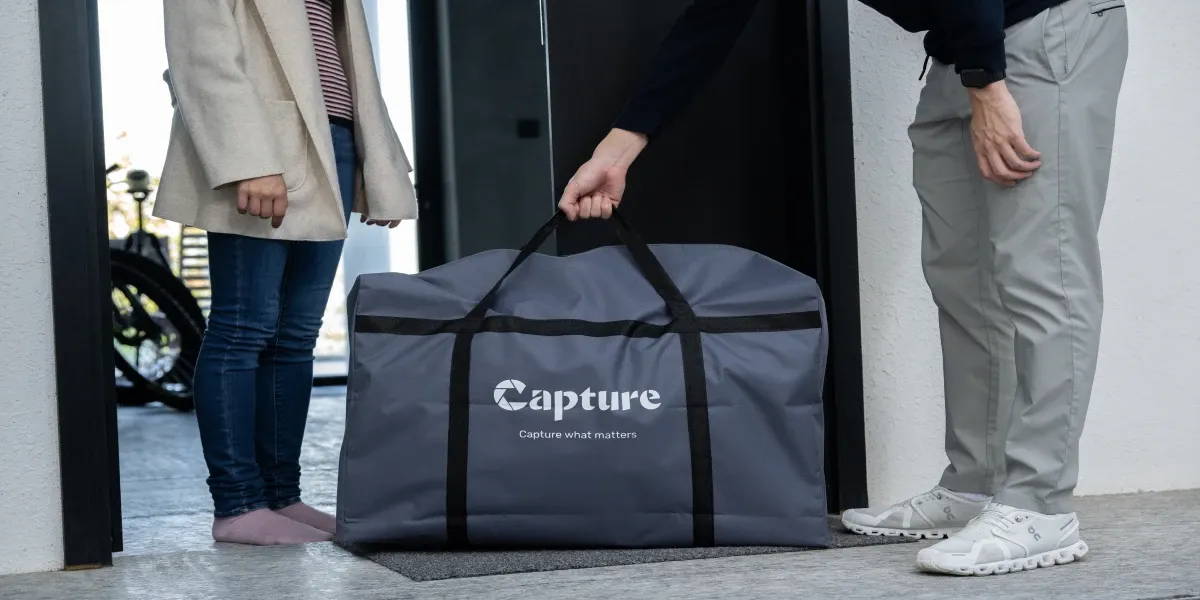
Capture can digitise your photos and photo albums and simultaneously organise them with cloud storage. We can also upload on Google Photos or USB copy for you to organise and share with your family. Click here to learn more about our photo-scanning process!
Loading...