Photo Printer Recommendations 2026: How to choose between an Instax Printer and a Polaroid Printer?
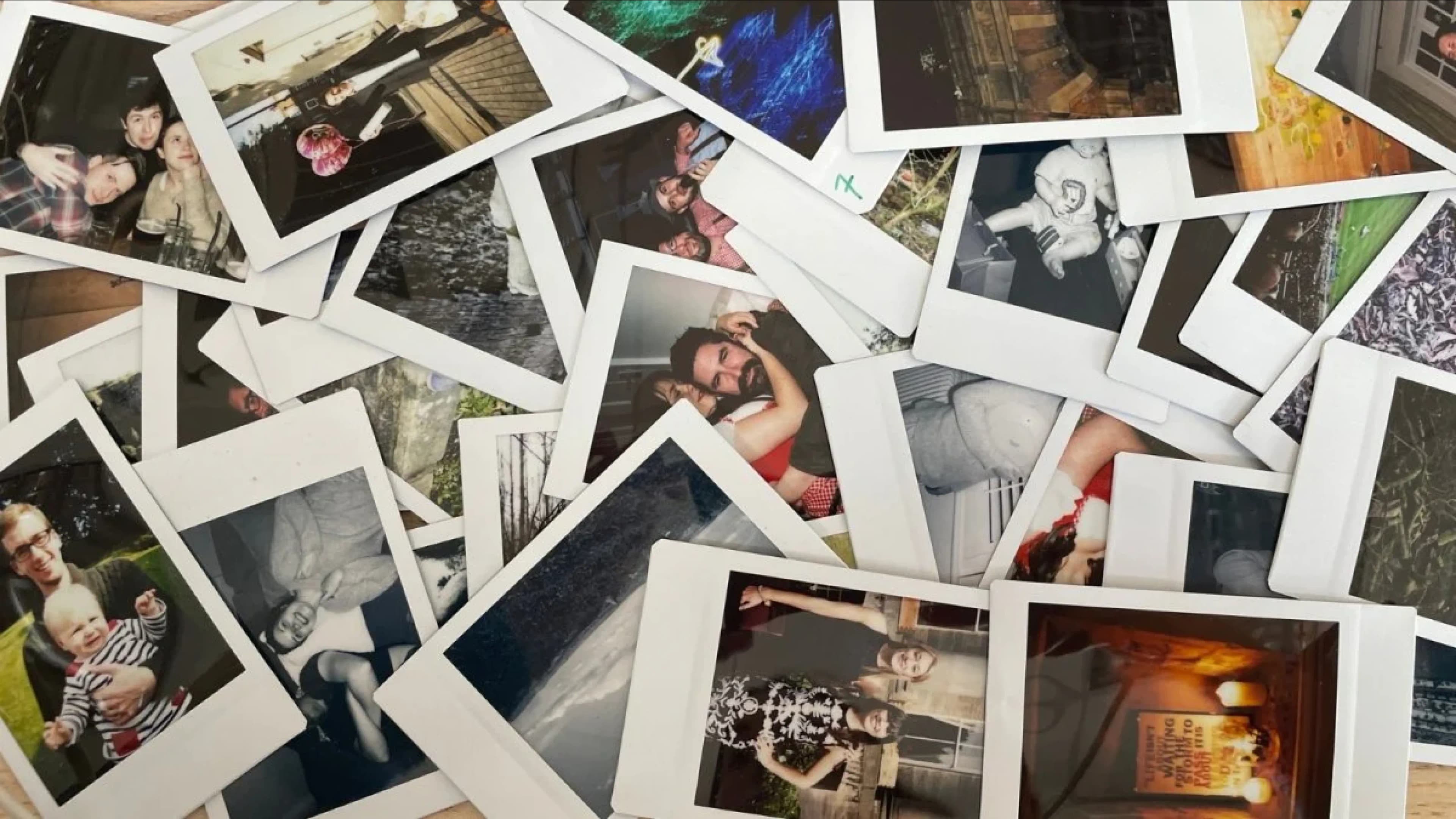
Instax Printer and Polaroid Printer are both unique photo printers. Capture.HK will now introduce the top 5 photo printer recommendations, comparing their features and pros and cons to assist you in selecting the most suitable photo printer.
What is an Instax Printer?
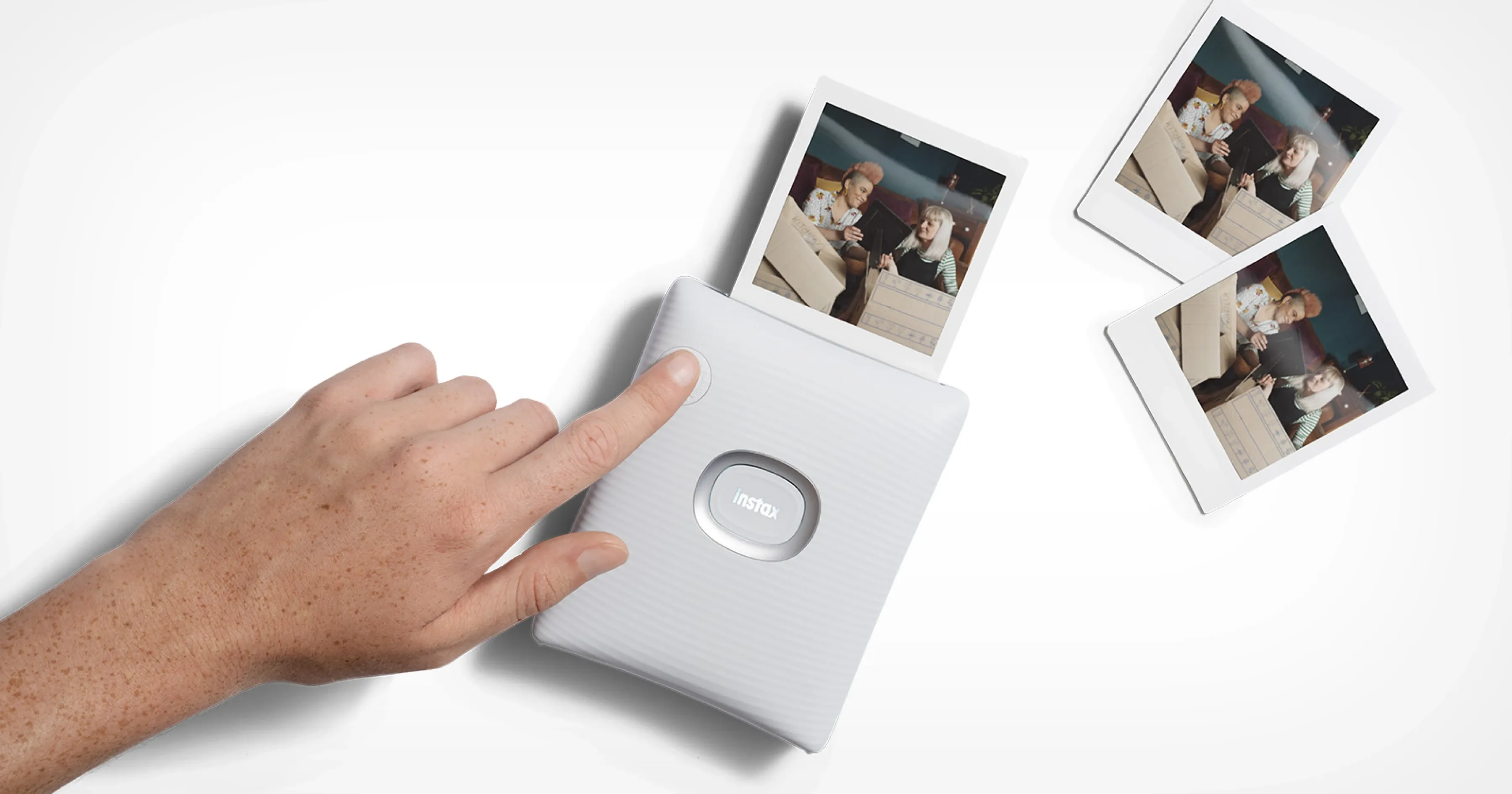
An Instax Printer is a device that allows you to convert photos or videos from your smartphone into instant print photos. By connecting to a dedicated app on your phone, you can not only print photos but also enjoy various fun features. For example, the instaxAiR feature enables users to draw in the air and print the drawing, while the compatibility test feature measures the compatibility level between friends or partners. The collage print feature allows you to combine multiple photos into one. Instax Printers are known for their fast printing speed and high colour reproduction, making them increasingly popular in recent years.
Top 5 Instax Printers / Polaroid Printers Recommendations
1. Instax Mini Link 2
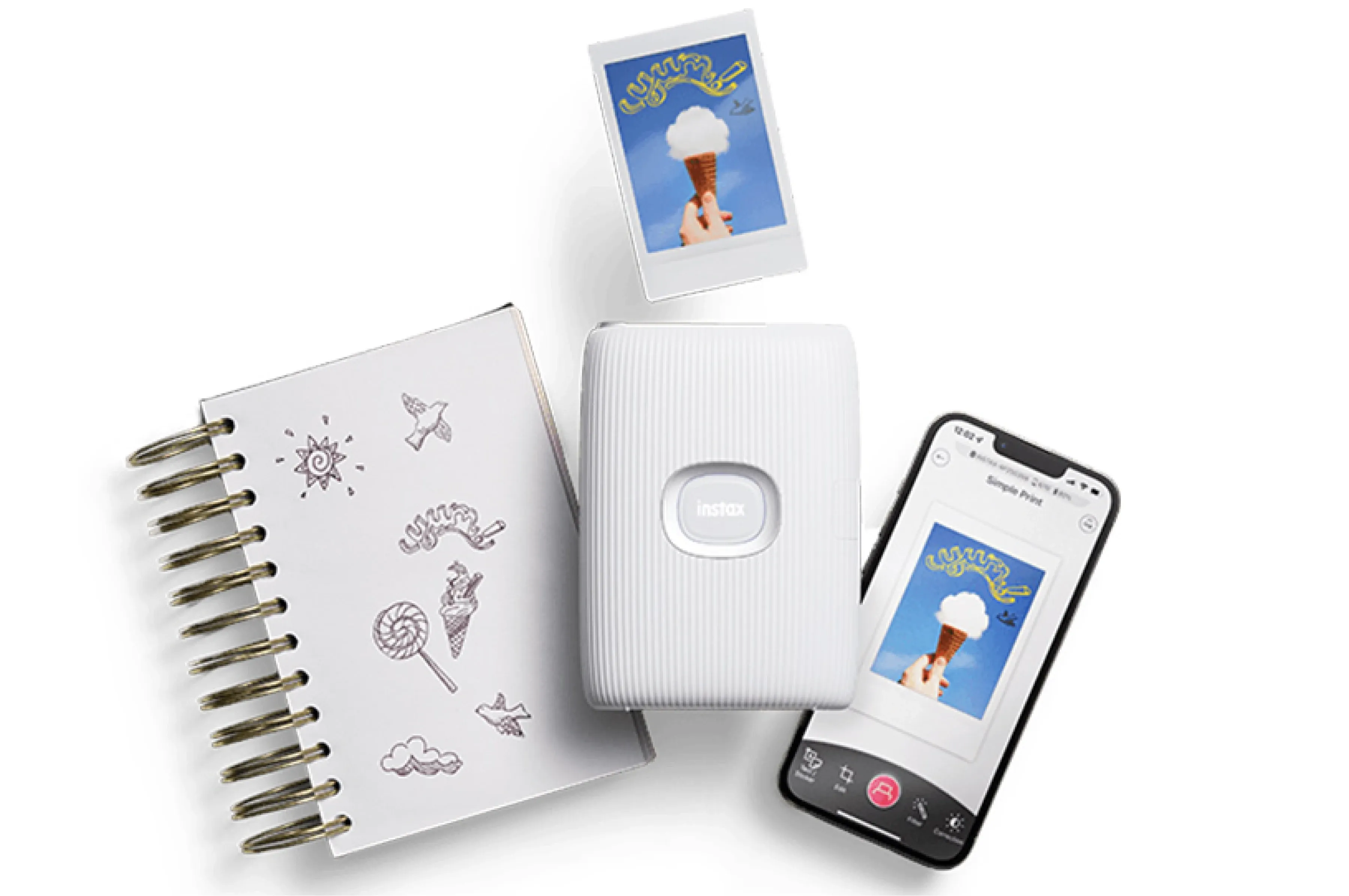
The Instax Mini Link 2 is a smartphone printer that quickly prints smartphone photos as mini prints. It interacts with the smartphone through wireless connectivity and the mini Link app, allowing you to print photos from your phone's gallery and social media. Users can draw AR effects on the photos using their phone or printer, take photos or zoom with printer gestures, apply various frames, stickers, and filters to enhance the photos, or create photo collages. The Instax Mini Link 2 has a fast printing speed of 15 seconds per print and offers high image quality with options for natural or vivid colour modes.
| Pros: |
|
| Cons: |
|
2. Instax Square Link
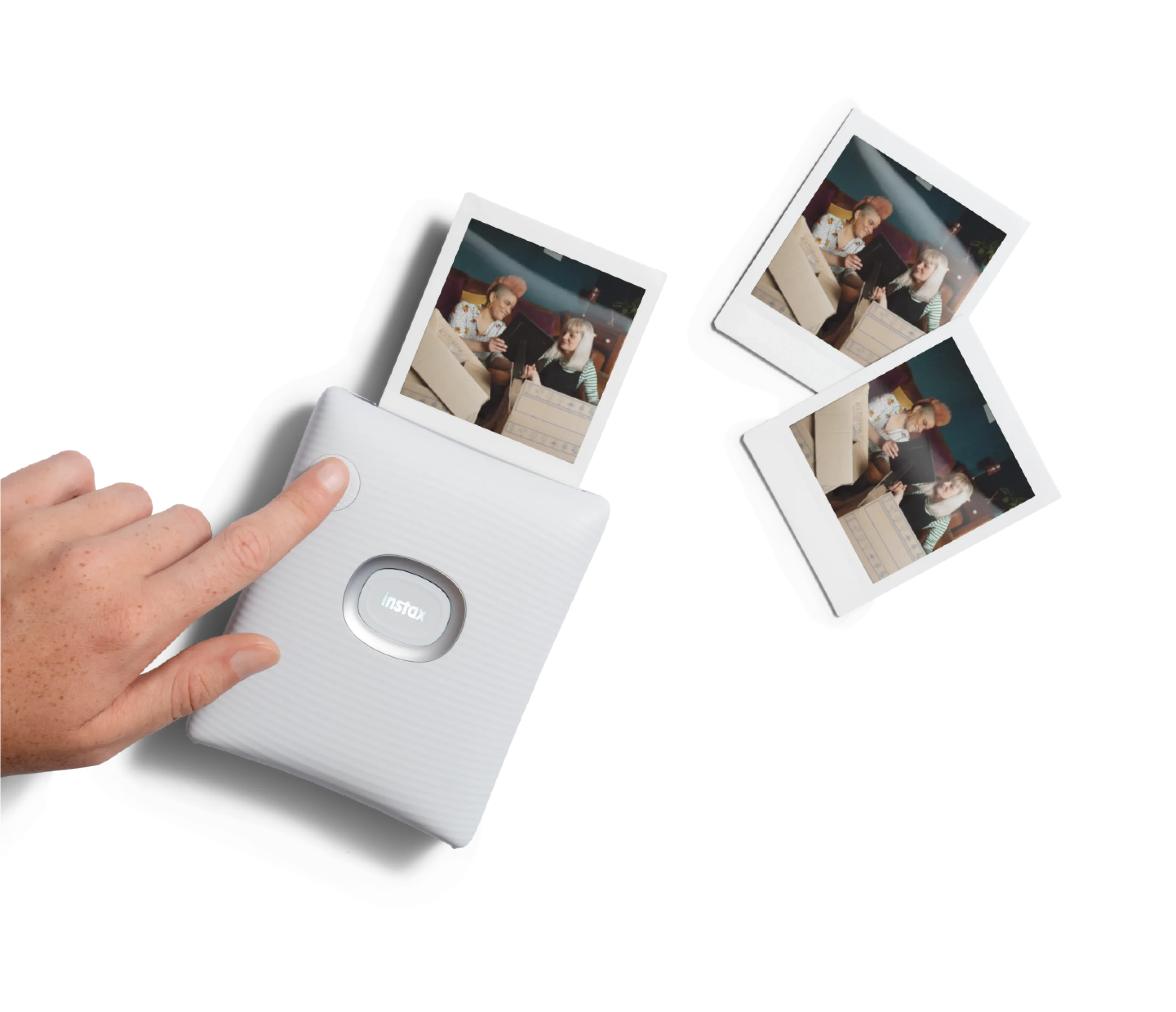
The Instax Square Link is a medium-sized instant photo printer that allows you to print smartphone photos in Instax square film format. It connects to your phone via Bluetooth and uses a dedicated application for photo editing and cropping. It also supports various fun features such as video printing, party printing, and surprise mode.
| Pros: |
|
| Cons: |
|
3. Kodak Step Instant Printer
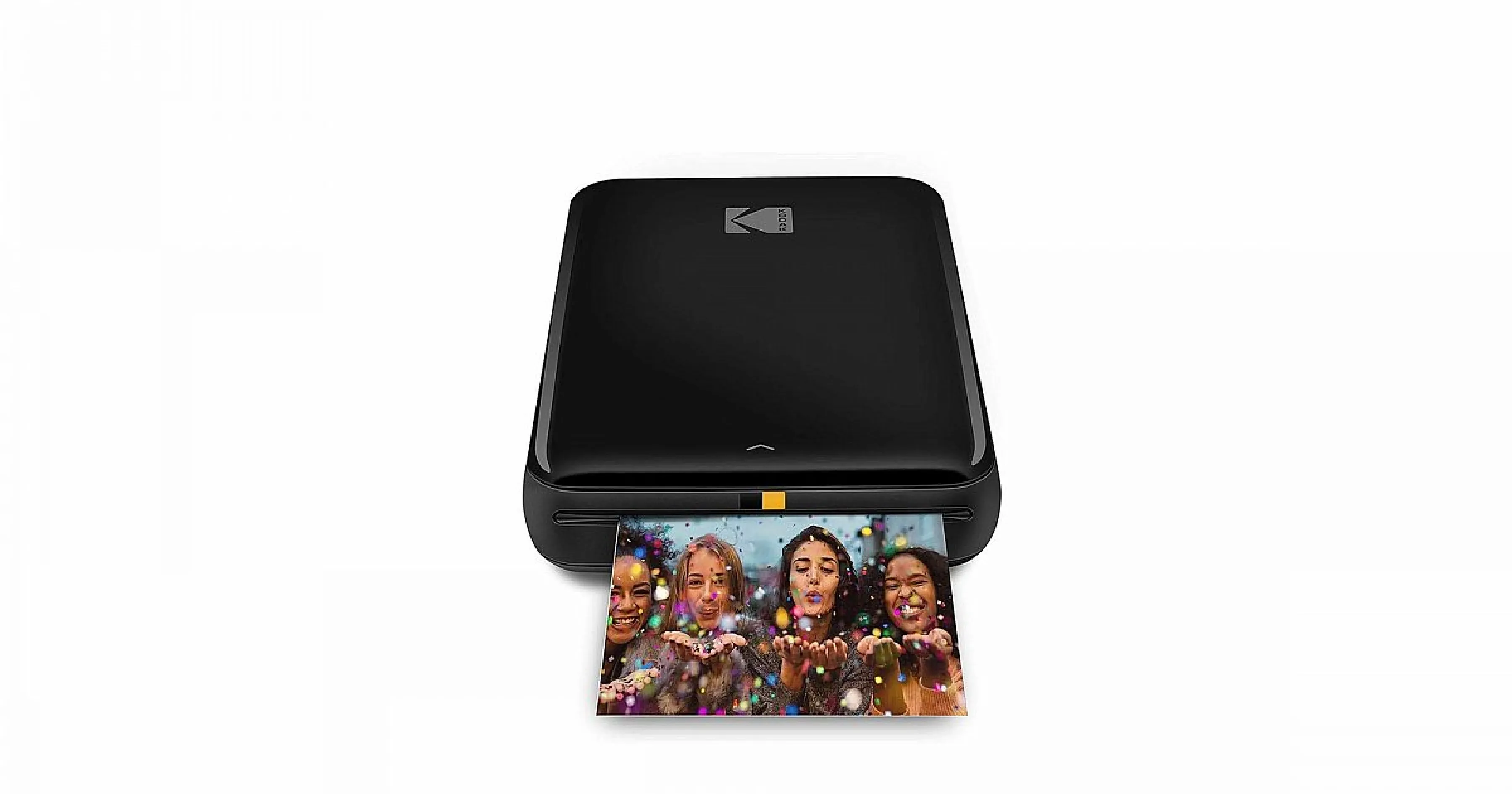
The Kodak Step Instant Printer is a portable wireless photo printer that can connect to electronic devices via Bluetooth or NFC and print photos using Zink zero-ink technology. Users can edit and customise photos through the free KODAK application and print them within 60 seconds. This printer is available in various colours and comes with a built-in rechargeable lithium-ion battery that can print 25 photos on a full charge.
| Pros: |
|
| Cons: |
|
4. Polaroid Mint
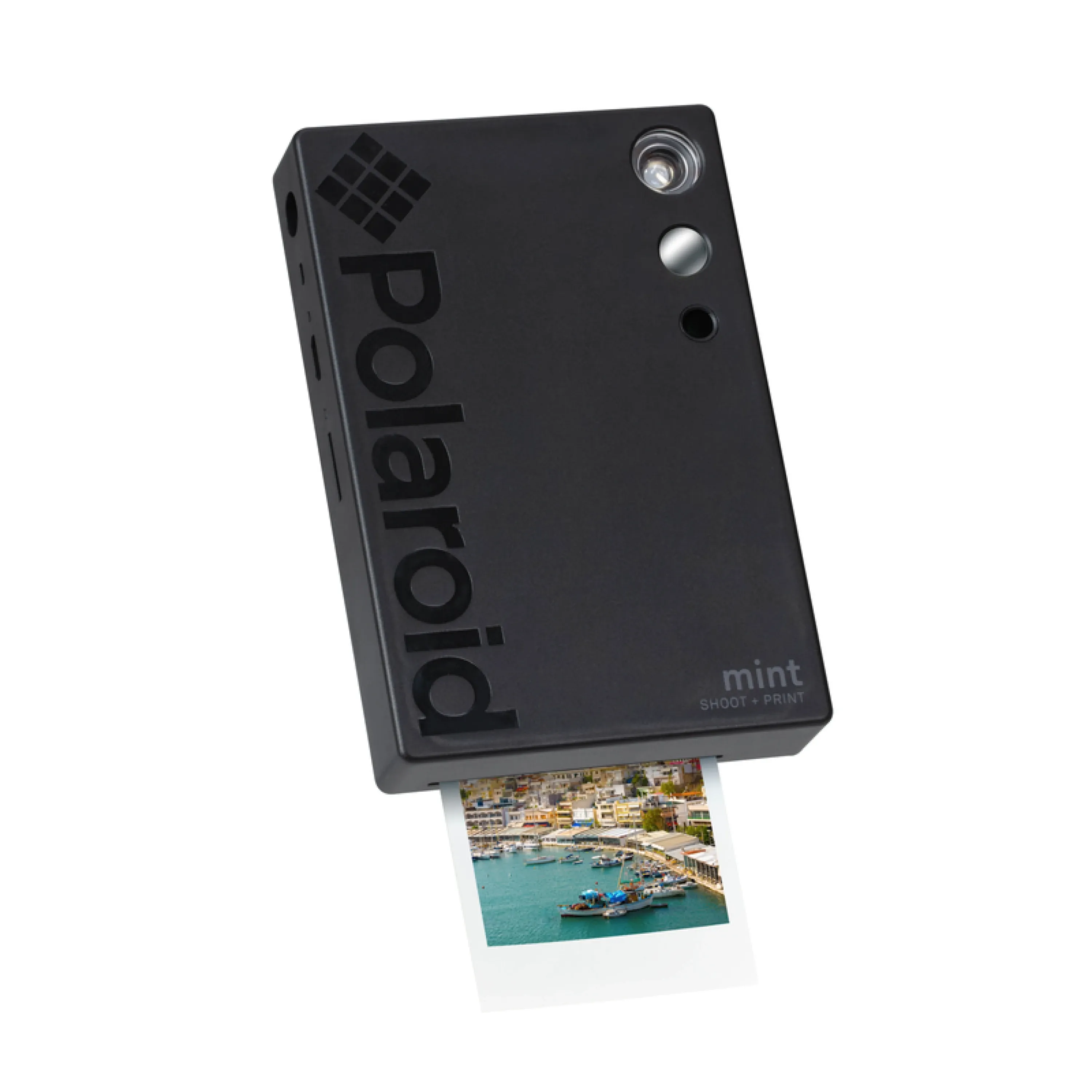
The Polaroid Mint is an innovative digital camera that allows you to instantly print photos. It features a high-resolution lens, built-in flash and selfie mirror, and a rechargeable battery. Users can use the Polaroid Mint App to edit and customise photos, add filters, stickers, and text, making it suitable for travel, parties, and everyday shooting.
| Pros: |
|
| Cons: |
|
5. Polaroid Hi-Print
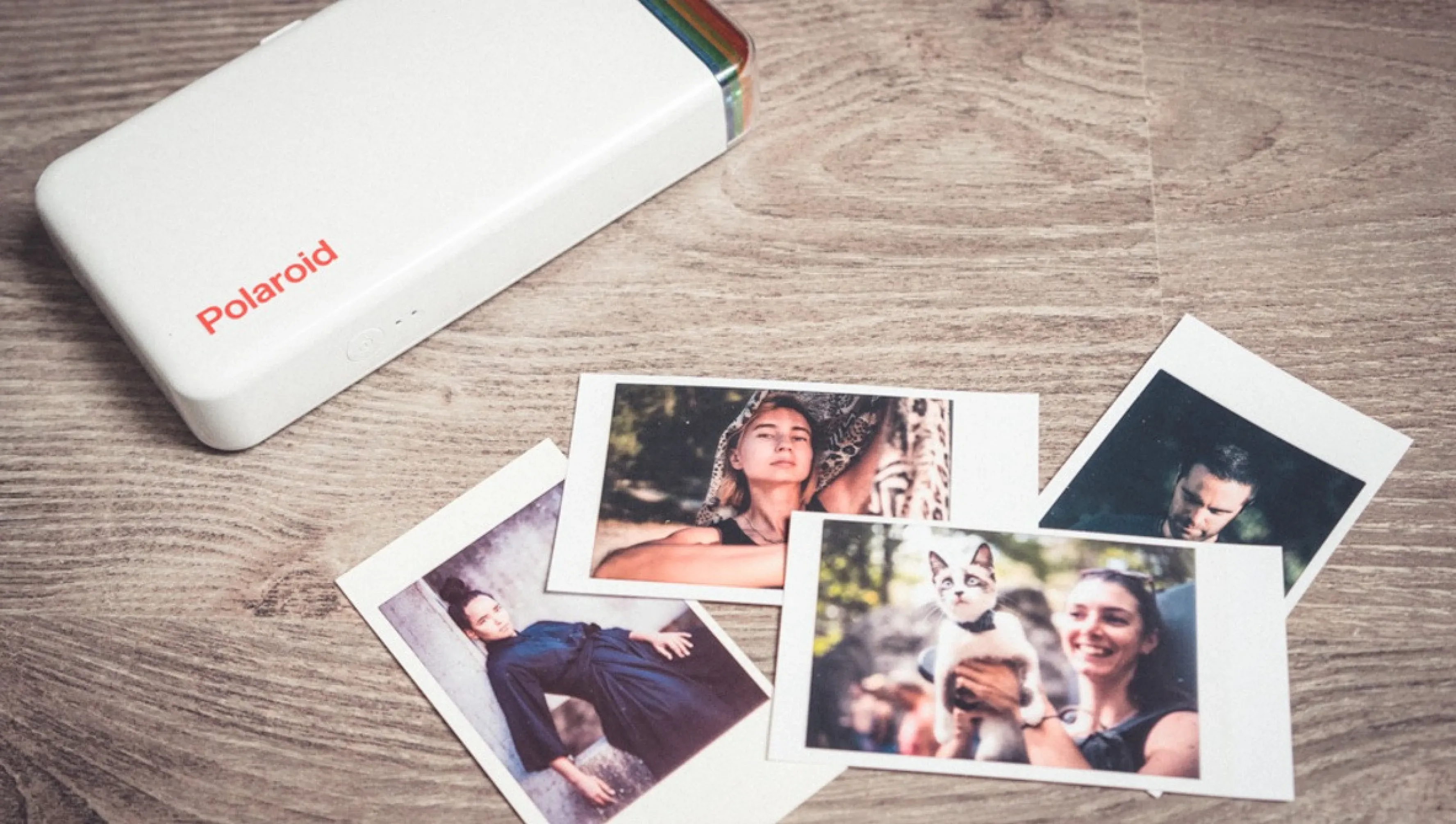
The Polaroid Hi-Print is a simple and practical photo printer that is relatively affordable. Although it has a slightly slower printing speed, its printing technology provides excellent print quality. The application is also very user-friendly and can sync with any image folder on your phone, as well as images from WhatsApp, Instagram, Facebook, Twitter, and more.
| Pros: |
|
| Cons: |
|
What is the difference between Polaroid Printer and Instax Printer?
Polaroid Printer is a device that allows you to print digital photos as physical prints. There are two types: Polaroid Lab, which converts photos from your phone into Polaroid square format film, and Polaroid Hi-Print, which prints photos on adhesive-backed paper.
| Instax Printer | Polaroid Printer | |
| Features |
|
|
| Photo Size | 86 mm X 54 mm | 54 mm x 86 mm |
| Print Photo Size | 62 mm X 46 mm | 79 mm x 79 mm |
| Photo Quality |
| High-quality and vibrant |
| Examples | Fujifilm Fujifilm Instax Mini Link Smartphone Printer | Polaroid Originals Hi-Print Pocket Photo Printer |
How to Choose a Photo Printer?
There are many types of photo printers available in the market. How do you choose the one that's right for you? Here are a few key points to consider:
Selecting the Right Model
Different photo printers use different printing technologies, such as inkjet, dye-sublimation, thermal, etc. Each technology has its own advantages and disadvantages, including print quality, consumable costs, durability, etc. You can choose based on your specific needs and budget.
Connectivity Options
Photo printers can be connected to devices like digital cameras or smartphones through different connectivity options, such as USB, Bluetooth, Wi-Fi, etc. Some printers can even directly read memory cards or USB drives. Consider the commonly used connectivity options and devices to make your choice.
Paper Requirements
Photo printers usually require special photo paper to produce high-quality prints. Different photo papers have varying sizes, finishes, thicknesses, etc., which can affect the printing results and costs. Therefore, choose the appropriate photo paper based on your desired photo style and purpose.
Features (Printing Speed, Print Capacity)
The features of a photo printer directly impact the user experience. For example, printing speed determines how long it takes to print a single photo, while print capacity determines how many photos can be printed at once. These features affect convenience and efficiency. Consider your usage frequency and requirements when making a choice.
Additional Features
Some photo printers offer additional features, such as adding dates, text, borders, etc., to the photos or adjusting parameters like brightness, contrast, colour, etc. These features enhance the aesthetics and personalisation of the printed photos. If you desire more creativity and flexibility, consider printers with these additional features.
Digitise your Instax or Polaroid Photos!

Capture.HK provides high-quality photograph digitisation services that can scan and convert old photos/albums of any size into digital format. The digitised photos are securely and automatically uploaded to Google Photos or USB, with glare removal and colour correction. Customise folder titles and dates for easy organisation of your digital photos and share your memories with family and friends.
Beyond Instant Prints, Easily Preserve Other Media Permanently!
Capture.HK's digital media digitisation service is not limited to instant prints. Our specialised digitisation technology can efficiently digitiset various types of old media, such as videotapes and DVD discs, into digital format at their original resolutions. The digitised photos and videos will be stored in Google Photos, allowing you to categorise, manage, and preserve them for easy access and viewing!
👉 Learn more about our analogue media digitisation service.
Loading...