[iPhone Photo Album Organisation] 8 Practical Tips to Easily Sort Your Precious Photos (With App Recommendations)
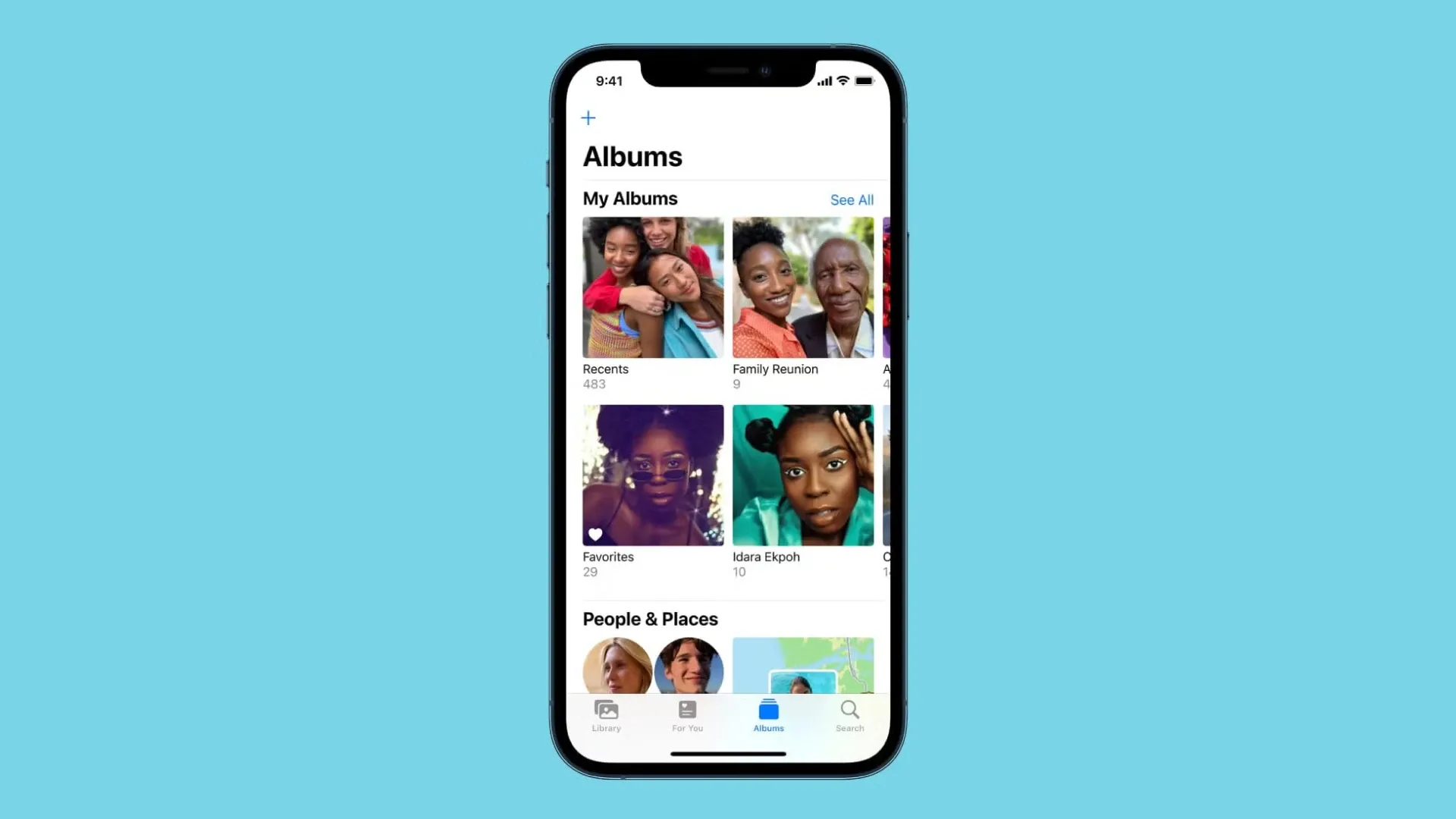
Capture has compiled the essential techniques for organising your iPhone photo albums—helping you categorise, quickly search, and clean up photos to boost efficiency and keep your device tidy. Paired with hand-picked apps, managing your cherished memories is now effortless and effective.
Why You Need to Organise Your Photos
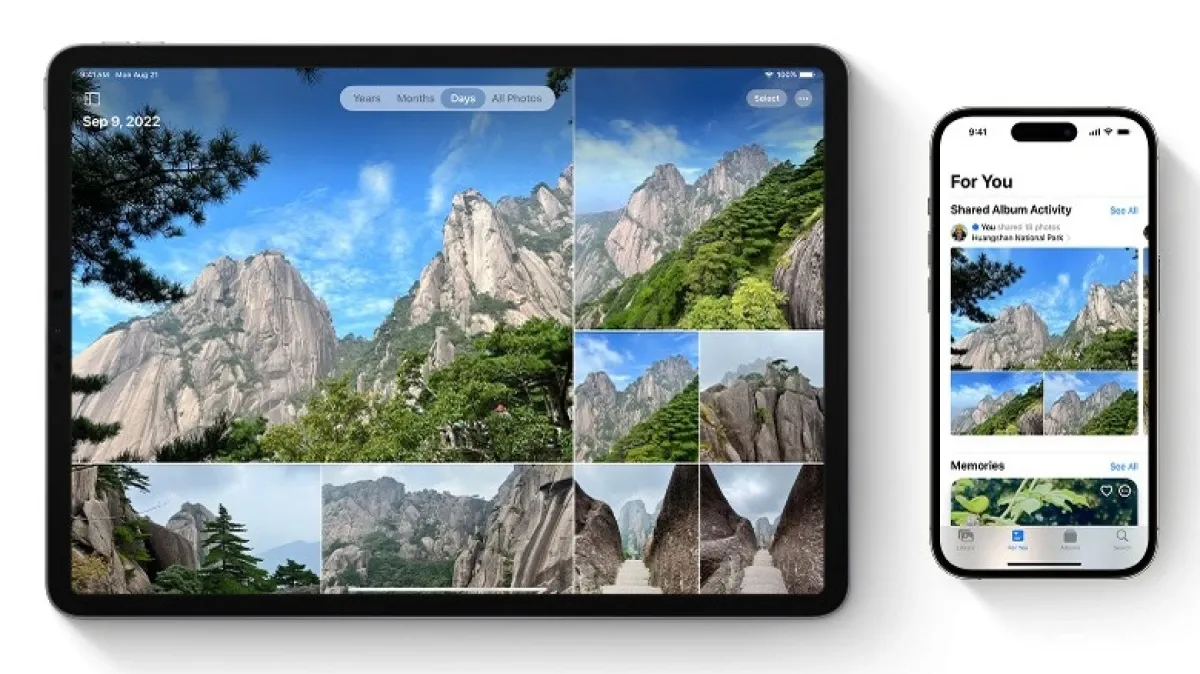
As the number of photos on your phone skyrockets, neglecting regular cleanup leads to a mountain of images, making searches difficult and storage scarce. Organising lets you locate important memories in seconds, saves you from endless scrolling, simplifies sharing and backups, and keeps your device running smoothly—so your favorite moments are always within reach.
1. Create New Albums to Categorise Photos
The built-in Albums feature lets you make custom albums by theme (Travel, Food, Family, etc.). Group related shots for faster retrieval and a tidier interface. Just tap the “+” in the top-left of the Albums screen, choose “New Album,” name it, and start adding photos.
2. Make the Most of the Search Function to Quickly Find Photos
The Photos app’s powerful search uses face recognition, location, and object detection. Tap “Search” and enter a person’s name, place, or even an object keyword to filter images instantly—no more endless swiping.
3. Add Captions and Keywords to Your Photos
Tag photos with text descriptions or keywords for precise retrieval. Swipe up on any photo, tap the “i” icon, and enter a caption. Now, a quick keyword search will pull up that image immediately.
4. One-Tap Bulk Delete of Unwanted Photos
When clearing out photos, use “Select” then long-press at the top-left to auto-select all visible images and delete them in one go. Perfect for purging large batches of outdated or low-quality shots.
5. Use Album Sorting to Arrange Photos
Within any album, sort photos by date (newest to oldest or vice versa), or enter edit mode to drag and drop images into a custom order. Ideal for reviewing memories along a timeline or in event sequence.
6. Delete Unneeded Albums for a Cleaner Interface
Remove work-related, filter-generated, or app-created albums once you’re done with them. Tap “Edit” on the Albums list, hit the red delete button, and streamline your view—your photos remain safely stored under “Recents.”
7. Free Up Space by Deleting Backed-Up Photos
After regularly backing up to iCloud or your computer, delete duplicate or large files from your device to reclaim storage and keep performance snappy. Third-party tools can also help you batch-organise and purge unwanted images.
8. Leverage Video Tutorials or Apps to Boost Your Workflow
Watch quick YouTube tutorials to master hidden Photos tricks, or download specialised album-management apps for finer categorisation and tagging—speeding up your process and improving accuracy.
iPhone Photo Album Organisation App Recommendations
- Google Photos: Cross-platform backup, automatic tagging, shared albums—perfect for multi-device users.
- Flic: Focuses on intelligent sorting and tagging for an enhanced organising experience.
- Slidebox: Browse quickly and swipe to delete photos, simplifying your management workflow.
- Gemini Photos: Expertly detects duplicates and blurry shots for one-tap cleanup and space recovery.
These apps complement your iPhone’s built-in tools, helping you organise tens of thousands of photos with ease—never lose a memory in the shuffle again.
Preserve Your Precious Memories with Capture’s Photo Album Digitisation Service
Do you have a box full of old photographs, worried that they may fade or get damaged over time? Now, you can preserve these treasured memories by digitising them with Capture.HK’s professional photo album digitisation service. Our service allows you to convert your old photos into high-quality digital files, ensuring they are safely stored and easily shareable.
At Capture.HK, we use high-resolution scanning technology to restore your photos with sharp details and vibrant colours, maintaining their original quality. We also offer various file formats, making it easy for you to access and share them across different devices. Most importantly, we handle your photos with utmost care, ensuring they are safely processed and preserved.
The Frame Digital Photo Frame
Want to relive your digital memories every day? Capture’s The Frame digital photo frame is the perfect solution! Designed to showcase your most cherished moments, The Frame allows you to display a lifetime of memories in one elegant frame.
With its sleek design and high-resolution display, The Frame offers an effortless way to organise and enjoy your favourite photos. Simply digitise your photo collection, upload them to The Frame, and enjoy your memories anytime, anywhere.
Whether placed in the living room, bedroom, or office, The Frame adds a touch of warmth and personality to your space. More than just a decorative item, it’s a meaningful gift that brings your treasured moments to life.
Get The Frame today and enjoy your memories every day!
References:
- No more needle-in-a-haystack searches! 5 “iPhone Album Hacks” for easy photo organising – 3c.ltn
- How to organise thousands of photos on your iPhone without creating duplicates – macgasm
- 6 top iPhone photo-sorting tips! Effortlessly manage photos and albums – fonepaw
- Fully master iPhone albums: all the secret tricks in one place! Easier photo reviews and complete organising methods explained – APPLEFANS 蘋果迷
- How to add, delete, and find photos in Albums on your iPhone – support.apple
- Swipe into happiness 💖 Must-learn iPhone Album organising moves! – ty3c
- Running out of space? Delete iPhone albums with one tap! [2025 Latest Tutorial] – tenorshare
- [Quick Tip] Too many chaotic photos on your iPhone? Use text annotations and keywords for easier searching and organising! – londonimg
Extended Readings:
Loading...