Which Output Should I Choose After Digitising My Memories?
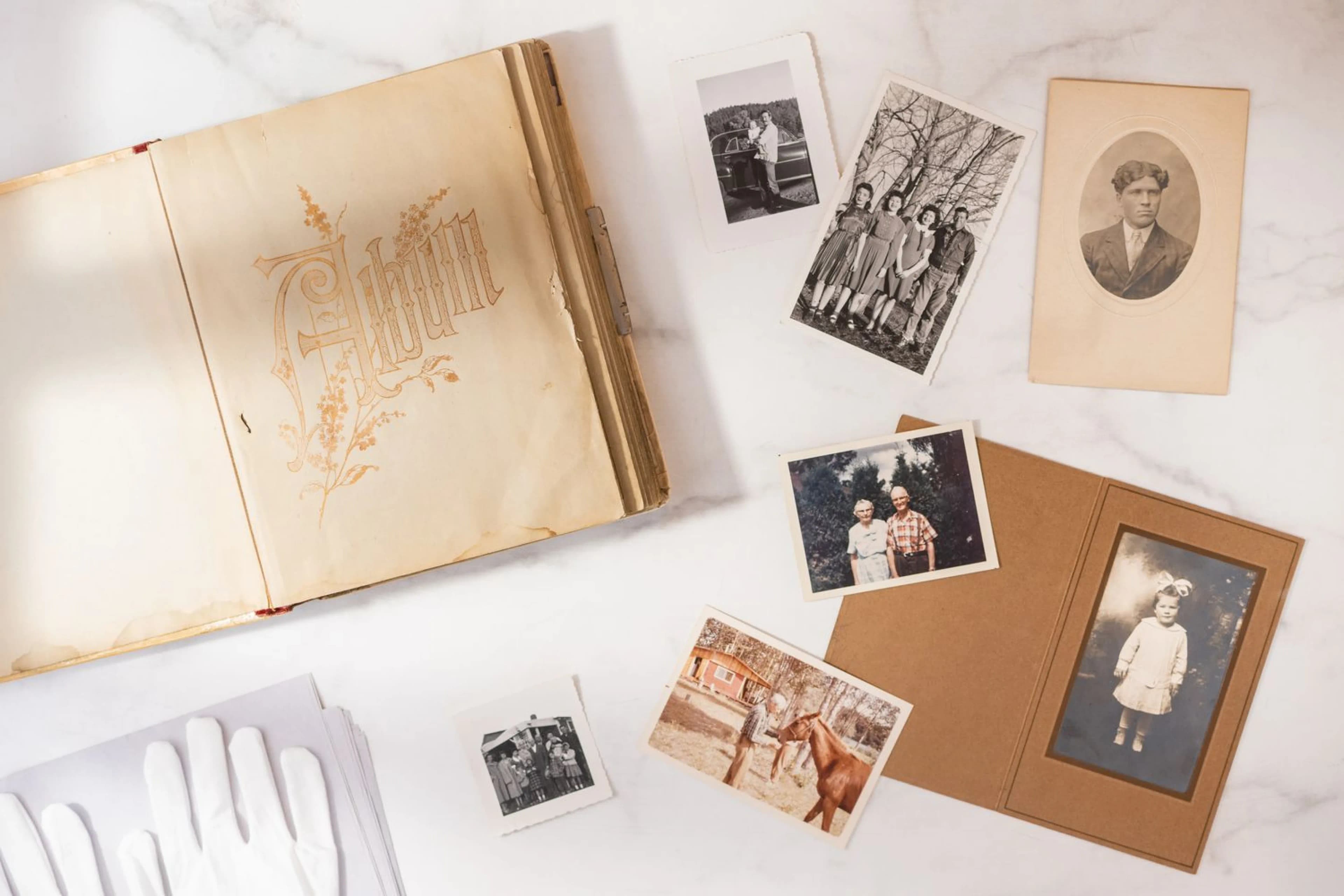
Once your photos, tapes or slides have been digitised, the files have to live somewhere. When you place an order with Capture HK, you choose how they come back to you: on a USB, in your Google Photos account, on a digital photo frame, or a mix of these. Each one suits a different kind of family, and the right choice depends on who will look at the memories, where they live and how much you trust yourself to keep backups. Here is a plain guide to each option and how to combine them.
First, what the files themselves are
Whichever output you choose, the files inside are the same standard formats:
Photos, slides and negatives: high-resolution JPG
Videotapes: MP4
Cassettes and other audio: MP3
These open on almost any phone, tablet, computer or smart TV without special software, so the question is really about delivery and backup, not compatibility.
Option 1: Memory Box USB (HK$99)
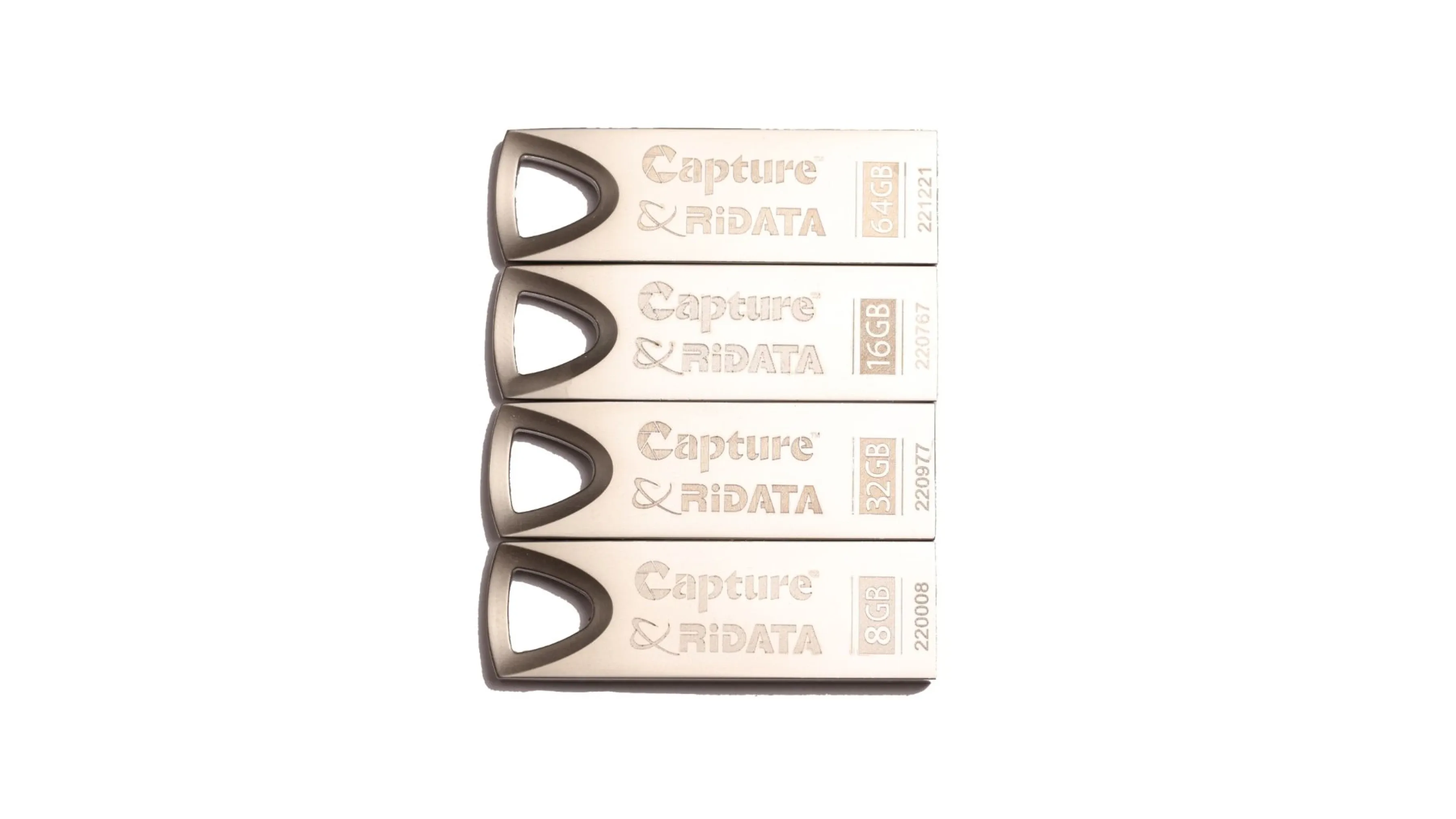
A USB drive gives you a physical copy you can hold, put in a drawer and hand to someone. It is the simplest choice for anyone who prefers not to deal with accounts and passwords.
Good for
Plugging into a smart TV to watch old home videos with the family
Copying everything onto your own computer or external hard drive
Taking selected photos to a printing shop or a convenience-store photo kiosk
Older relatives who just want "the tape, but on a stick"
Keep in mind
A USB is one object in one place. It can be lost, borrowed and never returned, or damaged. In a humid Hong Kong flat, store it somewhere dry, and treat it as one copy, not the only copy.
Option 2: Google Photos upload (HK$99)
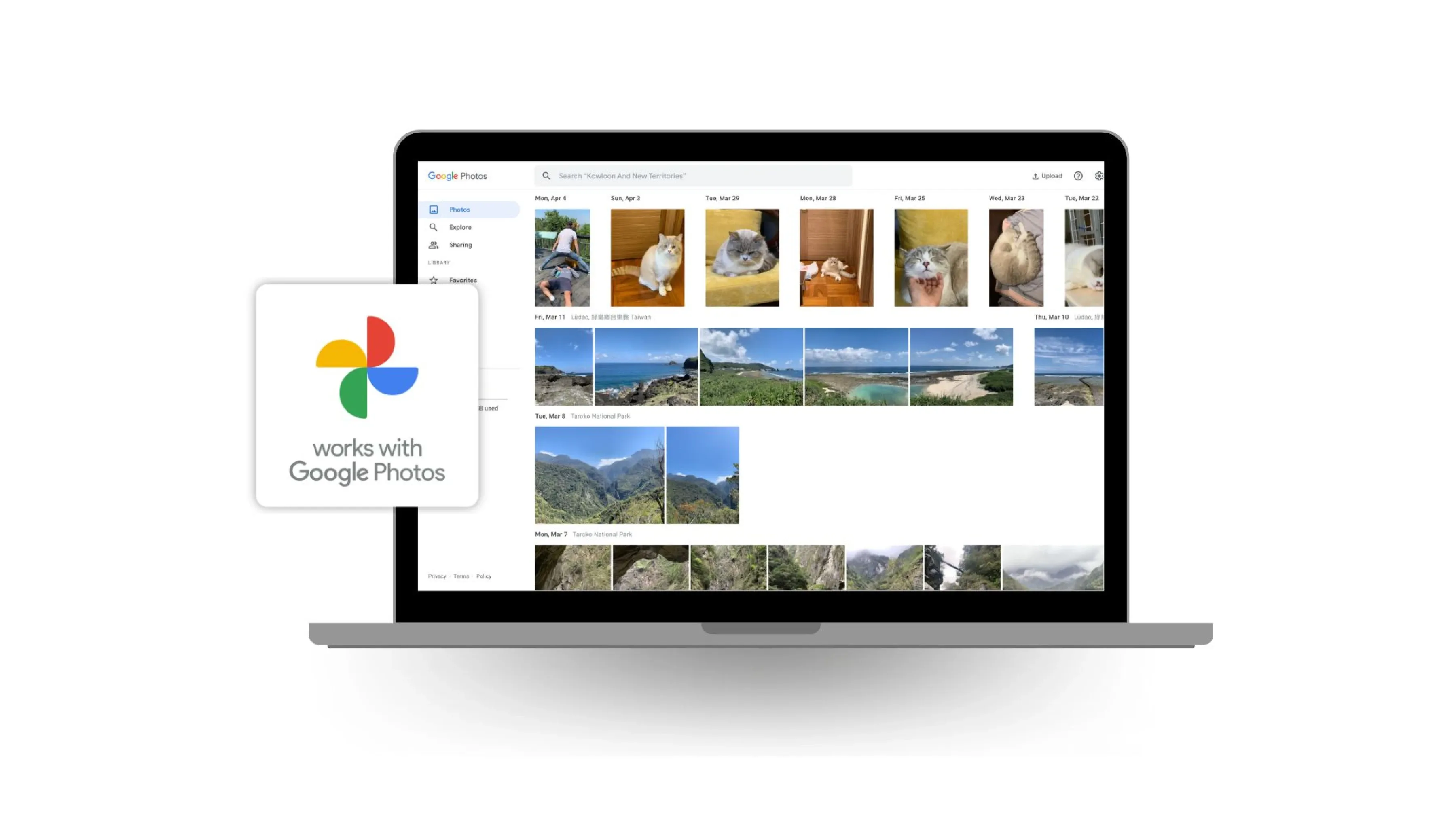
With this option we upload your digitised files directly into your own Google Photos library when the work is finished. You will need a Google account, and after ordering you go through a short Google Photos authorisation step that links your account to the order so the upload can happen automatically.
Good for
Families spread between Hong Kong and cities overseas, who can all view shared albums from their phones
Searching your archive, for example by face or place, using Google Photos' own tools
Keeping old scans alongside the photos you take today, in one timeline
A copy that survives a flood, a house move or a lost bag
Keep in mind
Large video collections take up storage space, and Google's free allowance is limited, so you may need a paid Google storage plan. Storage terms are set by Google and can change, so check your account before ordering. More on our Google Photos page.
Option 3: The Frame (HK$520)
The Frame is a digital photo frame that shows your scanned photos as a rolling slideshow. Instead of the memories sitting in a folder, they are on the sideboard or the bedside table, where people see them every day.
It works especially well as a gift: for a grandparent who doesn't use a smartphone much, for a milestone birthday, or for a family member living abroad who misses home. Learn more on The Frame page.
Add-on: The Vault
The Vault is an aluminium keepsake case, laser-engraved, that holds your USB. It doesn't change the files, but it turns a plain flash drive into something worth keeping on a shelf or passing down, and it makes a USB harder to lose in a drawer of cables. See The Vault for details.
Which combination should you choose?
"I want it simple": Memory Box USB, then copy it to your computer at home.
"Half the family lives overseas": Google Photos, so everyone can see the same albums.
"I want the safest setup": USB and Google Photos together, so you have a physical and an online copy from day one.
"It's a present": The Frame for photos, or a USB in The Vault for a mixed collection of photos and video.
Why two copies are better than one
Digitising protects your memories from mould, fading and worn-out tape, but digital files have their own risks: a drive that fails, a phone that is reset, an account someone forgets the password to. The habit that protects you is simple. Keep at least two copies in two different places, ideally one at home and one online. If one is lost, the other is still there.
It is also worth checking every few years that your files still open, and copying them to newer storage when an old drive or computer is retired.
Ready to start?
Capture HK digitises photos and albums, videotapes, slides and negatives, audio and digital media, and you pick your outputs when you order. Compare plans on our pricing page, or book a visit to one of our stores in Central or Lai Chi Kok to talk it through.