[Growth Video] Tutorial, Background Music Suggestions, and Free Tool Recommendations
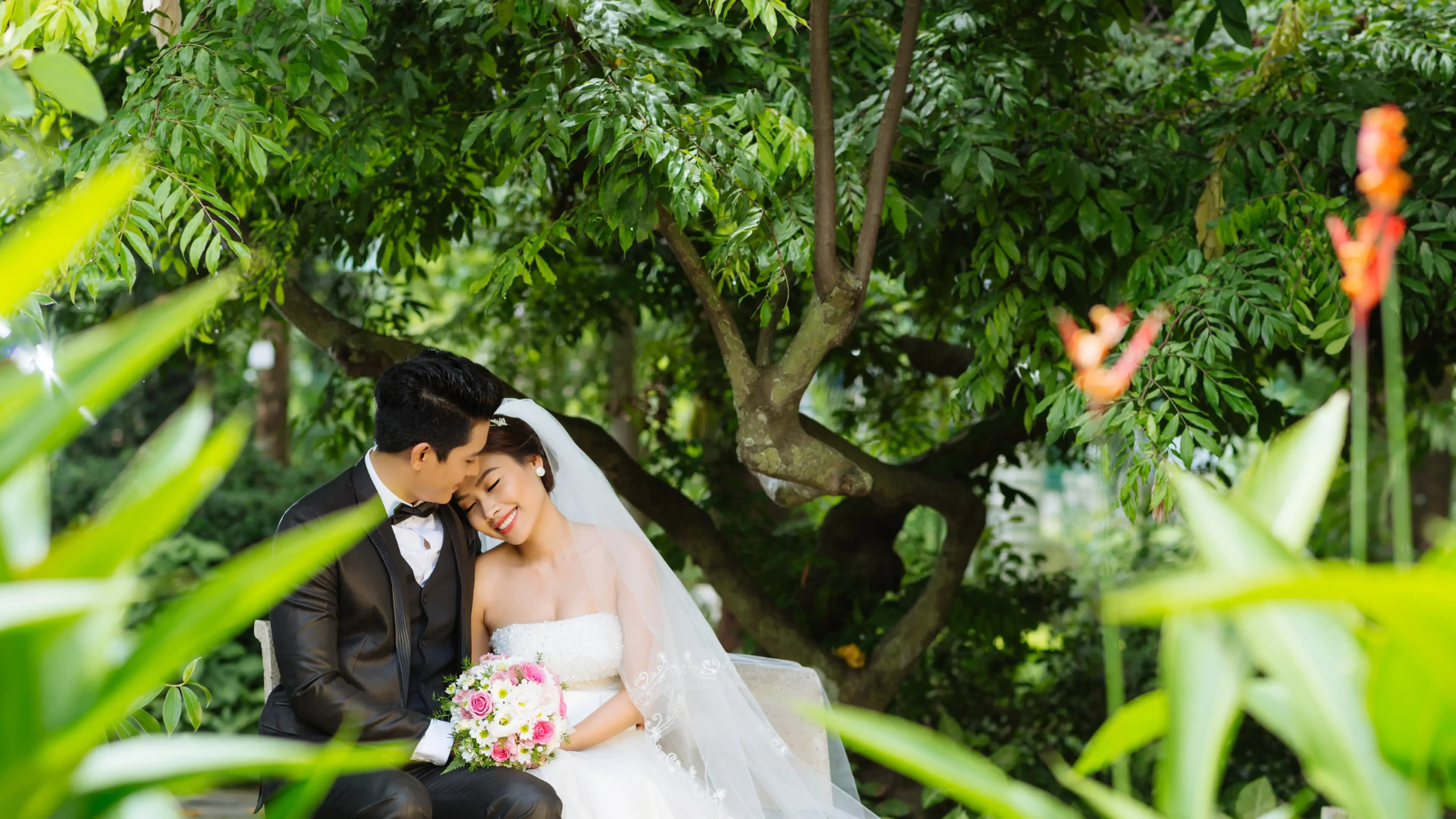
A wedding video is a seemingly small but crucial part of a wedding. It captures the couple's journey from childhood to adulthood, adding warmth and emotion to the wedding. However, hiring a designer for its production can be expensive. Fortunately, there are several free DIY tools available online that allow you to create your desired wedding video. This article will introduce 9 free DIY tools online and recommend background music, guiding you through the process of creating a wedding video from scratch!
What is a Wedding Video?
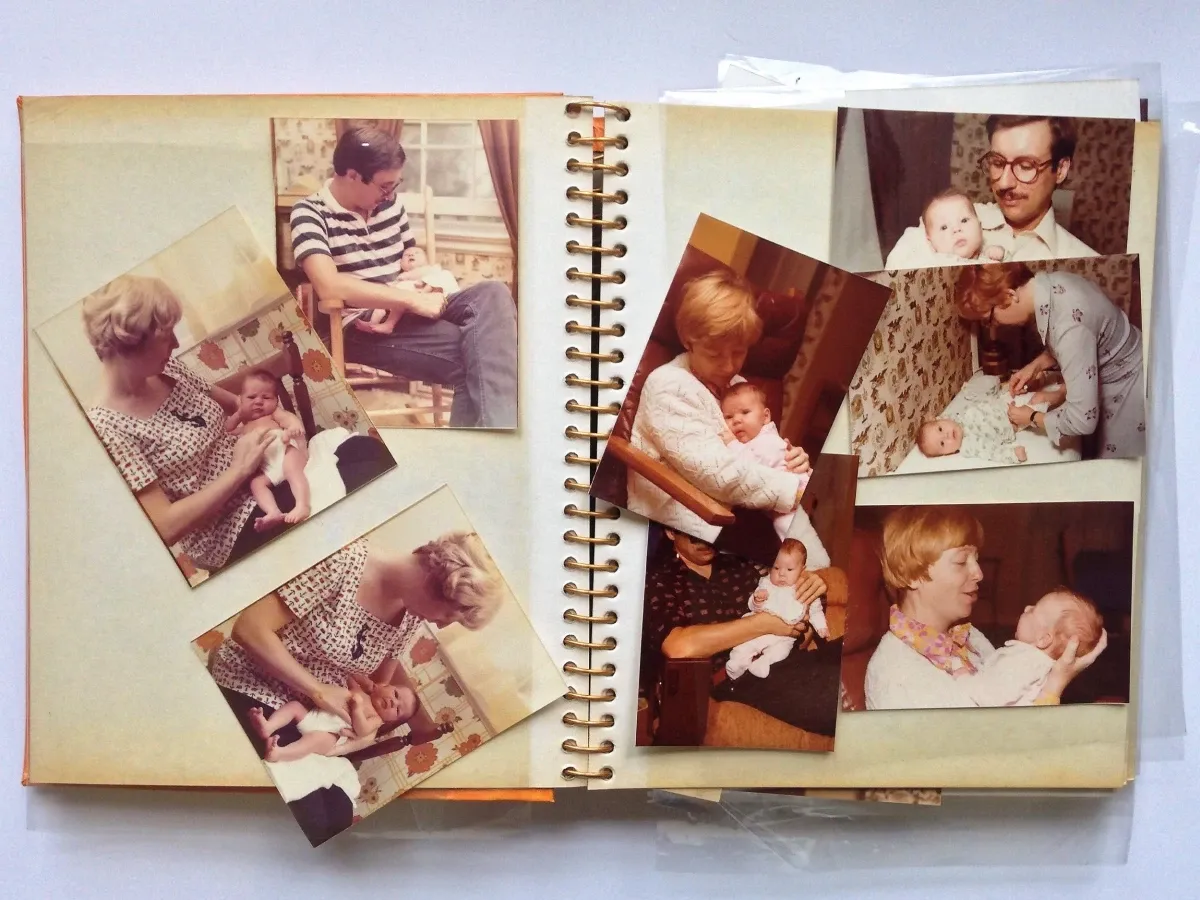
A wedding video is usually played during a wedding or reception. It showcases the couple's journey from infancy to adulthood, including moments of their acquaintance and courtship. Most wedding videos are created by stringing together photos and short video clips, typically the length of a song, to witness the couple's growth and union.
9 Free DIY Tools for Creating a Wedding Video
There are many online video editing platforms that make it easy for you to create your own wedding video. Here are a few highly recommended ones:
1. Animoto
Animoto is a website for creating short videos with a user-friendly interface. It offers a wide range of video templates, including themes for weddings, travel, and family, allowing you to choose your desired theme and customise it according to your needs. Additionally, Animoto has a vast music library that allows you to select the perfect music to accompany your video, enhancing its content. You can create videos directly on the website or download their mobile application to create and edit videos on your phone. This means you can create your own videos anytime, anywhere, without requiring extensive technical knowledge.
Website: https://animoto.com/
2. Masher
Masher is another video editing website that provides a variety of video templates. In addition to the pre-existing templates, you can also upload your own templates, offering a high level of customization. It features a user-defined template function that allows you to create unique video templates according to your preferences, resulting in personalised and distinctive videos. Furthermore, the website offers a vast collection of photos and video clips from international news groups, allowing you to incorporate these elements to add interesting elements to your wedding video.
Website: https://www.masher.com
3. Smilebox
Smilebox is a web page for creating electronic albums and short videos, featuring simple and user-friendly editing tools. You can easily drag and drop your photos and videos into the templates and edit them to create diverse media such as wedding video, electronic invitations, and wedding albums. You can also use the Smilebox app to edit, view, and share your videos directly on your mobile device, providing convenience.
Website: https://www.smilebox.com/
4. YouVivid
YouVivid is a Taiwanese website specialising in DIY wedding videos, primarily in Chinese. It offers a rich collection of wedding video templates, including wedding videos, love story-style music videos, wedding teaser-style music videos, and wedding day videos, featuring various styles ranging from fresh and natural to cartoonish and romantic. By simply replacing the text, photos, and music in the templates, you can create a unique and one-of-a-kind video.
Website: https://tw.youvivid.com/index.asp
5. WeVideo
WeVideo is a video editing website that provides professional video editing tools, suitable for advanced video creators. The website offers multiple editing modes, including fast mode, advanced mode, and professional mode, allowing you to choose the mode that best suits your needs and technical skills. It also provides a rich library of video assets, including music, animations, and special effects, and supports collaborative editing among multiple users. Additionally, WeVideo offers various tutorial resources and support to help you quickly get started and create high-quality video productions.
Website: https://tw.youvivid.com/index.asp
6. VYOND
Want to create a unique wedding video beyond just photos? Why not try an animated story! VYOND is an animation production website that allows you to easily and quickly create high-quality animated short films. You can choose characters, scenes, and props to create various visuals. Moreover, you can create your own characters, add dialogue and music, and produce a personalised animated version of your wedding videos. The operation is simple, and even without animation production experience, you can quickly get started!
Website: https://www.vyond.com/
7. LightMV
LightMV is a web page for creating short videos that provides a variety of templates and editing tools, including themes for weddings, love stories, family albums, and travel memories. It features romantic and minimalist styles as well as Western wedding styles. By selecting your preferred template and uploading your own videos and photos, you can proceed with editing and production. LightMV supports various output formats, including MP4, AVI, MOV, GIF, and you can also choose different resolutions, making it very convenient!
Website: https://lightmv.com/tw/
8. Pixwed
Pixwed specialises in creating wedding-themed short videos, offering many creative and professional templates for wedding videos. There are different styles available, such as MVs with media coverage themes, IG MVs, Golden Horse Award MVs, and illustrated MVs, satisfying your various imaginations. In addition, the editing tools on the website are simple and easy to use, allowing you to effortlessly create high-quality wedding videos to capture the beautiful moments in your life.
Website: https://pixwed.com/
9. FlexClip
FlexClip is an online video editing website that focuses on foreign wedding video styles. It provides a variety of editing tools, such as cropping, splitting, merging, adjusting volume, and more, allowing you to easily edit and adjust your videos. The website does not require registration, so you can try making your own short films. Additionally, the media library offers a large collection of high-definition images, videos, and music, enriching the content of your wedding videos!
Wesbite: https://www.flexclip.com/tw/
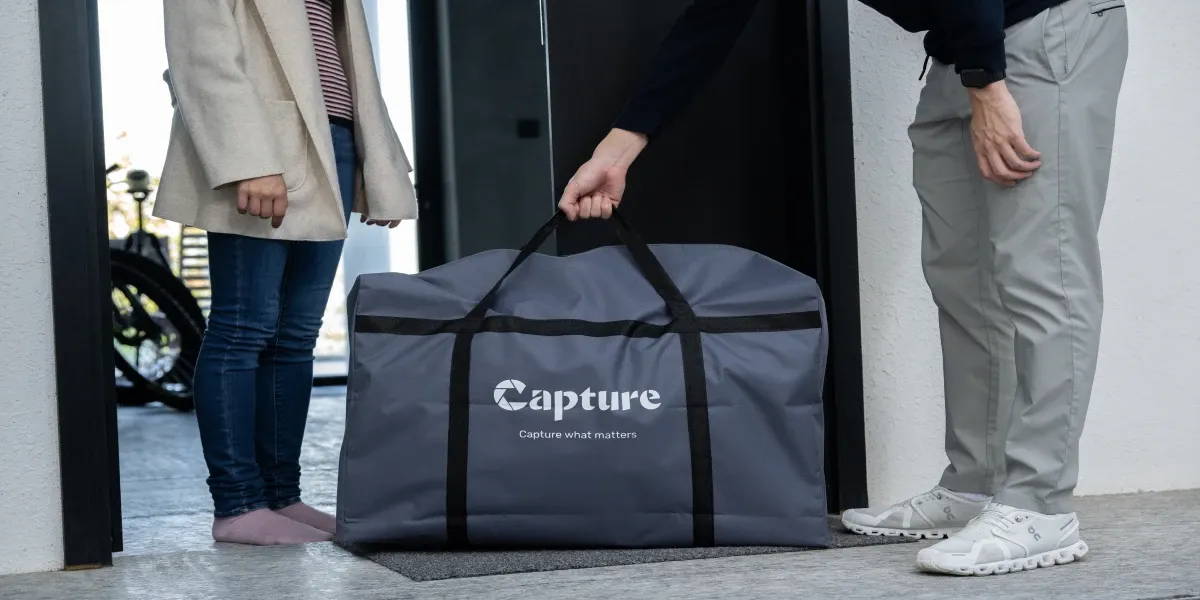
Digitise your precious old photos for easier wedding video creation!
So how can you incorporate those old-fashioned developed photos into your wedding videos? By digitising them and using digital albums for storage and categorisation, it becomes much more convenient, and you can easily revisit them in the future!
With Capture HK's photograph digitisation service, each photo and video tape can be digitised efficiently using exclusive digitisation technology. The digitisation process for photo albums is non-contact, ensuring that photos are never removed from or touched within your album. Digitised photos are stored using Google Photos, making it convenient for you to categorise and process them, allowing you to effortlessly create your wedding videos!
👉 Learn more about Capture's photograph digitisation service
How to Create a Wedding Video?
Step 1: Determine the Theme
The theme can be related to your growth, such as "Our Happy Memories," "Joyful Days," or "Gratitude to Everyone." It can also be related to your personalities and preferences, such as "Our Adventurous Life" or "Our Music Journey." Choosing a theme will make the entire montage more cohesive and including elements of storytelling will make it more enjoyable and relatable for your guests.
Step 2: Choose the Music
The music sets the rhythm for the entire video, so you can select a song that everyone enjoys. It is recommended to choose upbeat, bright, and melodious songs that can resonate with your guests. The length of the song should ideally be kept between 3 to 5 minutes. Too short of a song may not allow you to showcase all the photos, while too long of a song might make your guests feel bored. Be mindful of not choosing music with excessively long intros, as it might give a sense of delay in getting to the main theme.
Step 3: Categorise the Photos
Before arranging the photos, categorise them. You can classify them by time, people, scenes, or other criteria, making use of album management tools on your computer or smartphone. Categorising the photos will help you have a better understanding of what photos you have on hand and facilitate the subsequent selection and arrangement process.
Step 4: Select and Arrange the Photos
Based on the theme and music, choose the most meaningful and representative photos, avoiding too many repetitive ones. You can also select photos from different angles and scenes to make the montage more interesting and diverse.
When arranging the photos, you can align them with the rhythm and melody of the song to give the montage a sense of rhythm and flow. Additionally, pay attention to the consistency in the size and colour of the photos, making the montage more visually appealing and harmonious.
Step 5: Add Text
Adding text captions can make the montage more lively and interesting. For example, include dates, locations, people's names, cartoon illustrations, etc., to provide background and stories behind the photos. The text can be simple titles, brief descriptions, or even dialogues or quotes that accompany the photos, describing your love story, sharing anecdotes behind the photos, or expressing words of gratitude. Adding text will make the montage more enriching and emotional.
Background Music for Wedding Videos
Background music is an important element in a wedding video as it creates a romantic atmosphere and evokes emotions, adding depth to the short film. It is recommended to choose gentle, warm, and touching songs, preferably ones that are familiar to everyone, as they are more likely to resonate with the audience.
Examples of popular background music for wedding videos:
- "Perfect" by Ed Sheeran
- "Beautiful In White" by Westlife
- "A Thousand Years" by Christina Perri
- "Get Started" by Lan Chan, Ian@Mirror
- "You and Me" by Leo Ku Kui-kei
- "2084" by Dear Jane
The above popular songs can serve as references. Choose a song that holds special meaning for you, as it will better showcase your personalities and memories!
Loading...